Revolution Slider Shortcode not editable anymore in Section

Hello,
I put a Shortcode from Revolution Slider in a Section and I can see it in the backend.
But when I try to change this Shortcode I cannot find it anymore in Cornerstone.
I think this happened with the last update. In the backend the Slider is working.

As the site is still in work it is not available for the public.
Could I send you login credentials to take a look?

Thanks for Help!
Bernd
Hi Bernd,

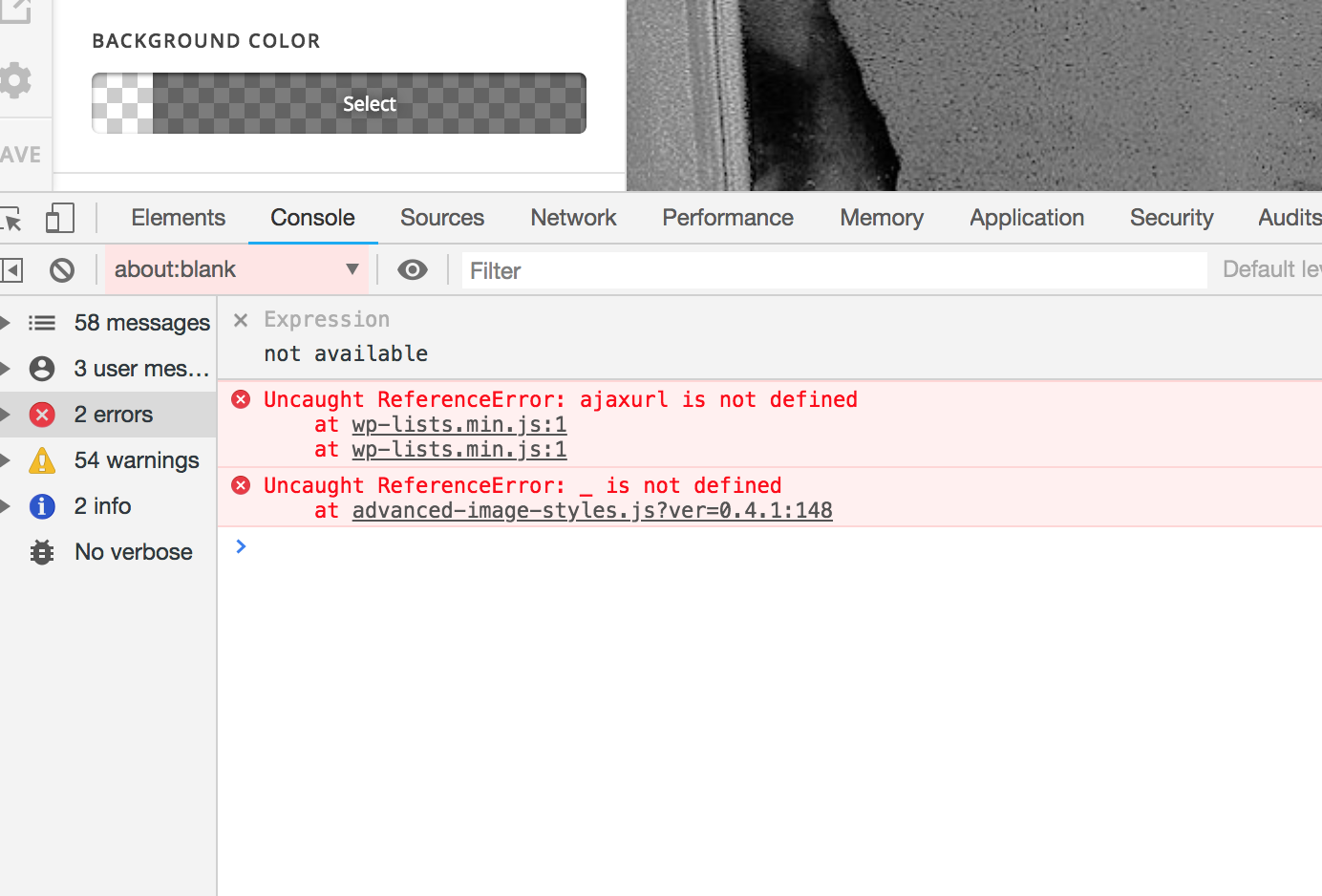
I just checked your site and there are Javascript errors that could be causing the issue.

Please try testing for a plugin conflict. You can do this by deactivating all third party plugins, and seeing if the problem remains. If it’s fixed, you’ll know a plugin caused the problem, and you can narrow down which one by reactivating them one at a time.

Let us know how it goes!

Hello Jade,
thanks for feedback!

I switched off some plugins and I think there is no JS problem.
To investigate the problem I generated a new page “Blank” where I made three sections.
In Section 1 and 2 I put Text-Elements with the Revolution Shortcode of the same slider.
In Section 3 I put a Classic Code Snippet with the same Revolution Shortcode again.
There appears the message that this slider is not found. (It is the same as in the 2 sections above)

In the backend I see the sliders from Section 1 and 2 working.
When I delete Section 3 the page is blank and no sliders are shown.

I am really worried. Alternatively: what would be the best way to have more than 2 Revolution Sliders on one page?

Thanks for Help
Bernd

Hi Bernd,

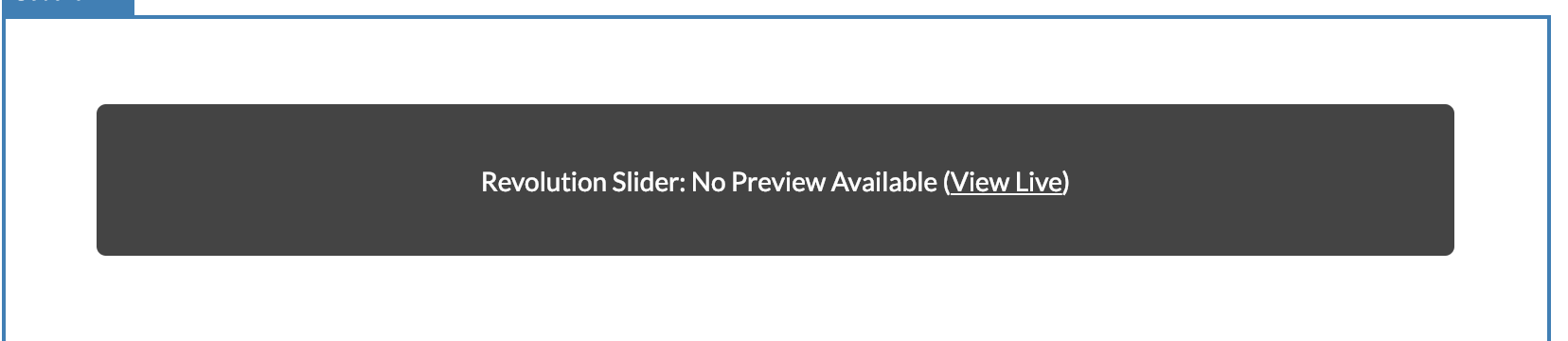
The slider preview are no longer generated in the builder as it cause more issues.

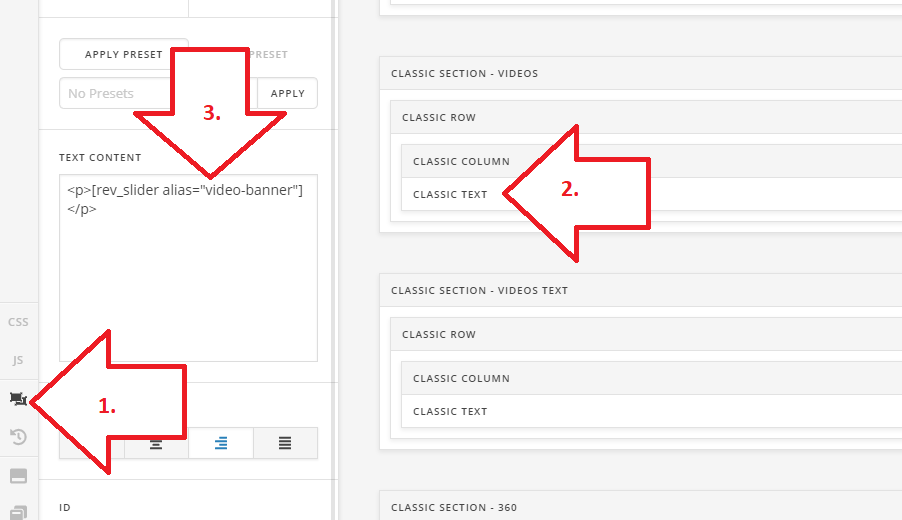
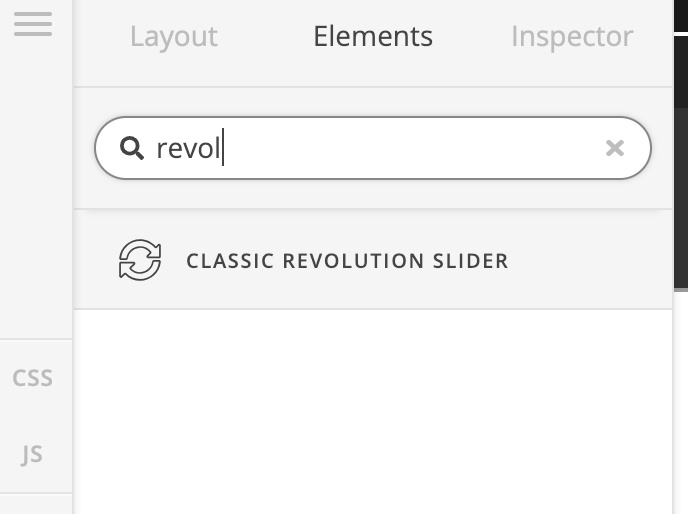
Please try adding the slider element instead of the shortcode. So even if the preview is not displayed, there is still a placeholder that you can select for inspecting the slider element.

For the meantime, please switch to Skeleton mode of the builder, then inspect the text element where you added the shortcode, then edit it.

And I think having multiple sliders is okay, but as long as they are different (but of course, the preview in the builder are no longer available). Or, please provide a video recording of this issue in case I’m looking at it differently.

Thanks!

Hello Rad,

thanks for feedback.

I put 2 sections in page “Blank”. In each of them a put a “Classic Text” Element with different Revolution Slider shortcode as suggested. It does not work.

I dont have the exact Elements you use in the screenshot: Classic Section, Classic Row, Classic Column.

What do you mean with adding slider element instead? Classic Slider? Classic Revolution Slider?

Confused
Bernd

Hi There,

Rad meant the Classic Revolution Slider element.

I’ve deleted the text element and added the classic slider revolution element it’s working fine now.

Please check again.

Cheers!

Hi Thai,

thank you very much. Indeed, it works!
There must have been something wrong in one of the Revolution Sliders, excuse me.

Great Help. Thank you very much
Bernd

You’re welcome, Bernd. Glad we’re able to help.

This topic was automatically closed 10 days after the last reply. New replies are no longer allowed.