Retina display shows smaller image

I downloaded the following image - and Pixelmator shows that it’s 2732x1051 pixels
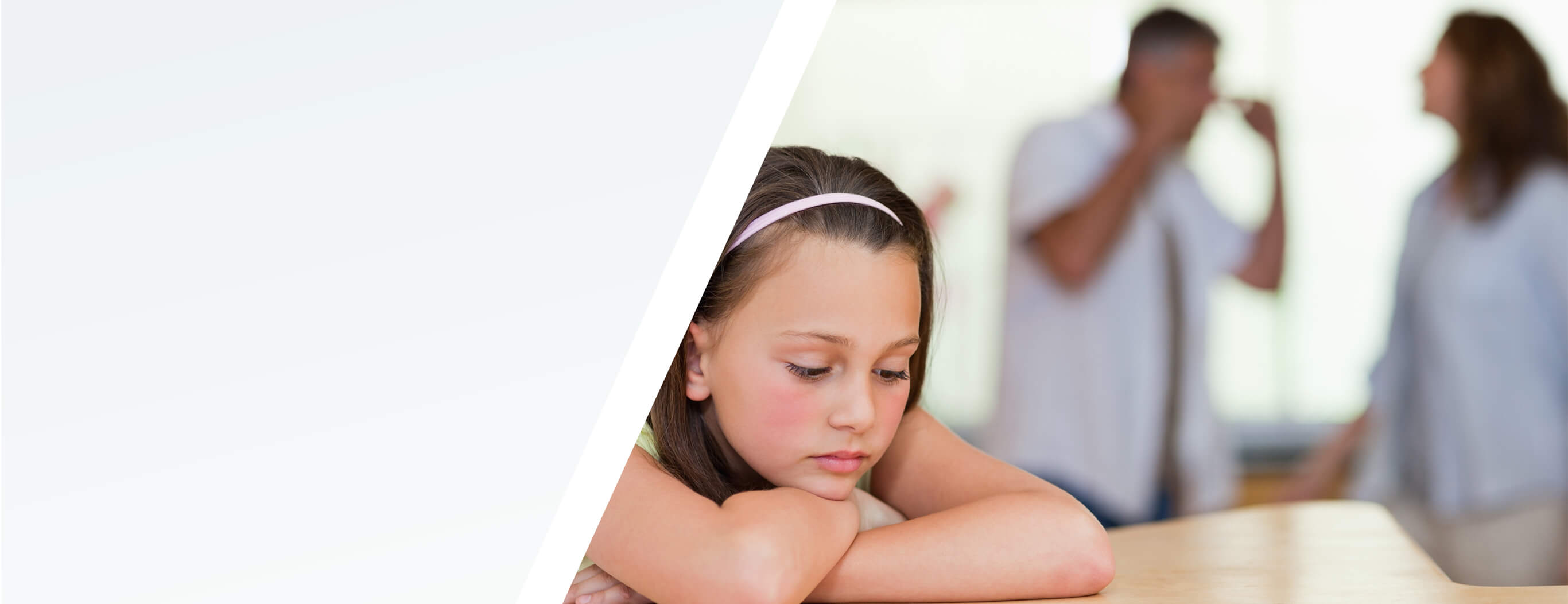
I created mine - 2732x1014 pixels
http://tabano.kevinmatan.com/wp-content/uploads/2019/10/Kid-in-park-banner.jpg

Yet on my page - It barely covers the screen

Will share my URL in a note

Can you identify what I’m missing?

Hi @kmatan,

Thank you for writing in, Retina display makes the image dimension half of its original dimension, I’m not sure though why on your site it resizes to only 1200px which is less than half of the original size. Two ways to resolve this issue first is to turn off the Retina option of the Image element so it will have its original size.


Second is you can keep the retina display option and add this to the Image Element CSS area.

$el.x-image,
$el.x-image img {
  width:100%;
}

Hope it helps,
Cheers!

This topic was automatically closed 10 days after the last reply. New replies are no longer allowed.