Hi there see: https://woionj.org/home/
I have some responsive text setup, its working fine, but the line-height on the mobile is huge…:
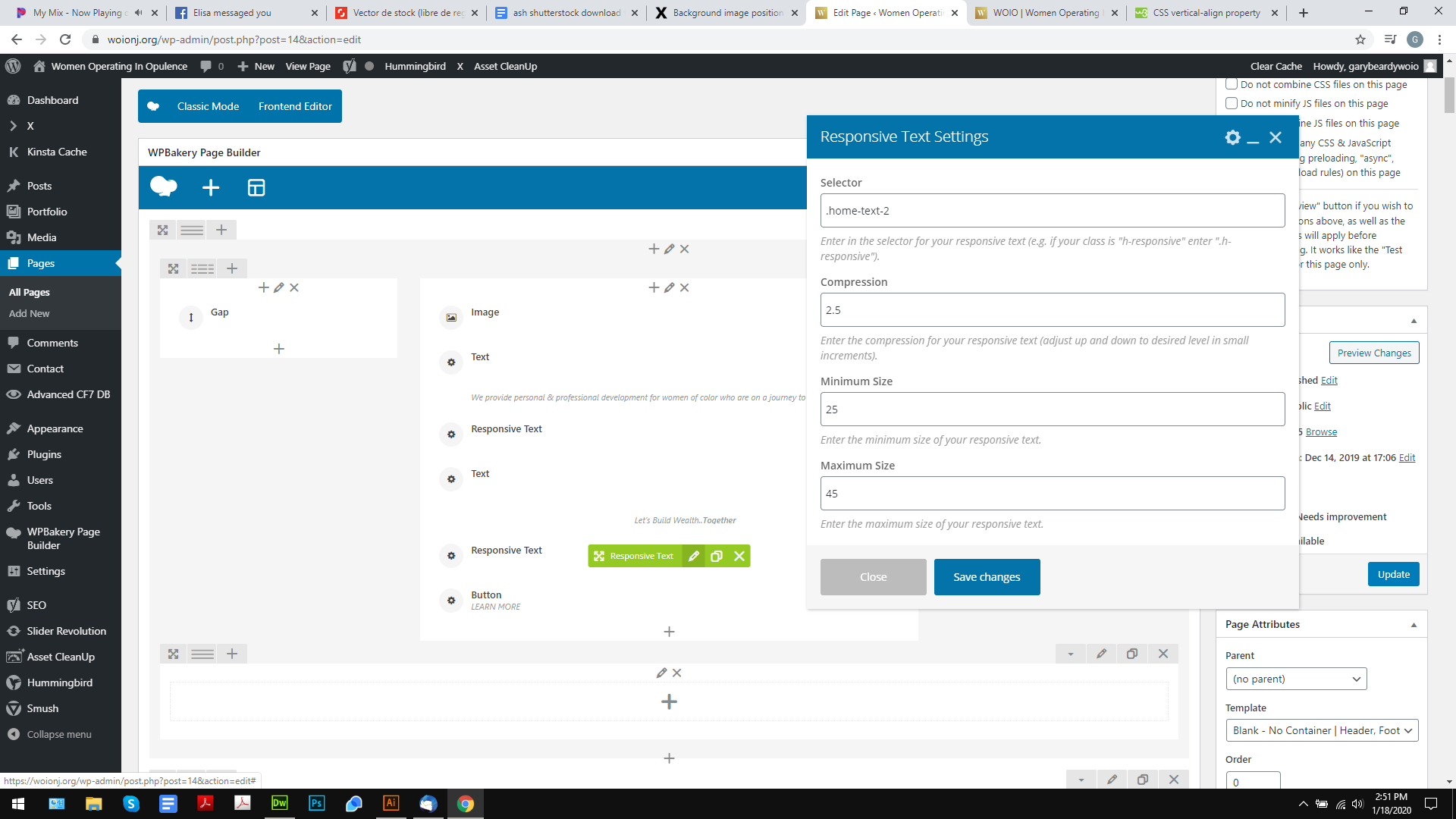


How can I fix this?
Hi there see: https://woionj.org/home/
I have some responsive text setup, its working fine, but the line-height on the mobile is huge…:
How can I fix this?
Hello @logoglo,
Thanks for writing in!
The line-height is set to 0 because you added this:
<p style="text-align: center; color: #fff; font-size: 45px; margin-top: 40px; line-height: 0;"><span class="home-text-2">Let’s Build Wealth..<strong>Together </strong></span></p>
Please update it and remove the line-height:
<p style="text-align: center; color: #fff; font-size: 45px; margin-top: 40px;"><span class="home-text-2">Let’s Build Wealth..<strong>Together </strong></span></p>
Hope this helps. Please let us know how it goes.
Thanks, I took it out, but the gap is still there 
Hello @logoglo,
The gap is coming from the default bottom margin. To totally eliminate it, you can update the content and use this:
<p style="text-align: center; color: #fff; font-size: 45px; margin-top: 40px; margin-bottom: 0;"><span class="home-text-2" style="font-size: 25px;">Let’s Build Wealth..<strong>Together </strong></span></p>
Kindly let us know how it goes.
Sorry, the gap is still there
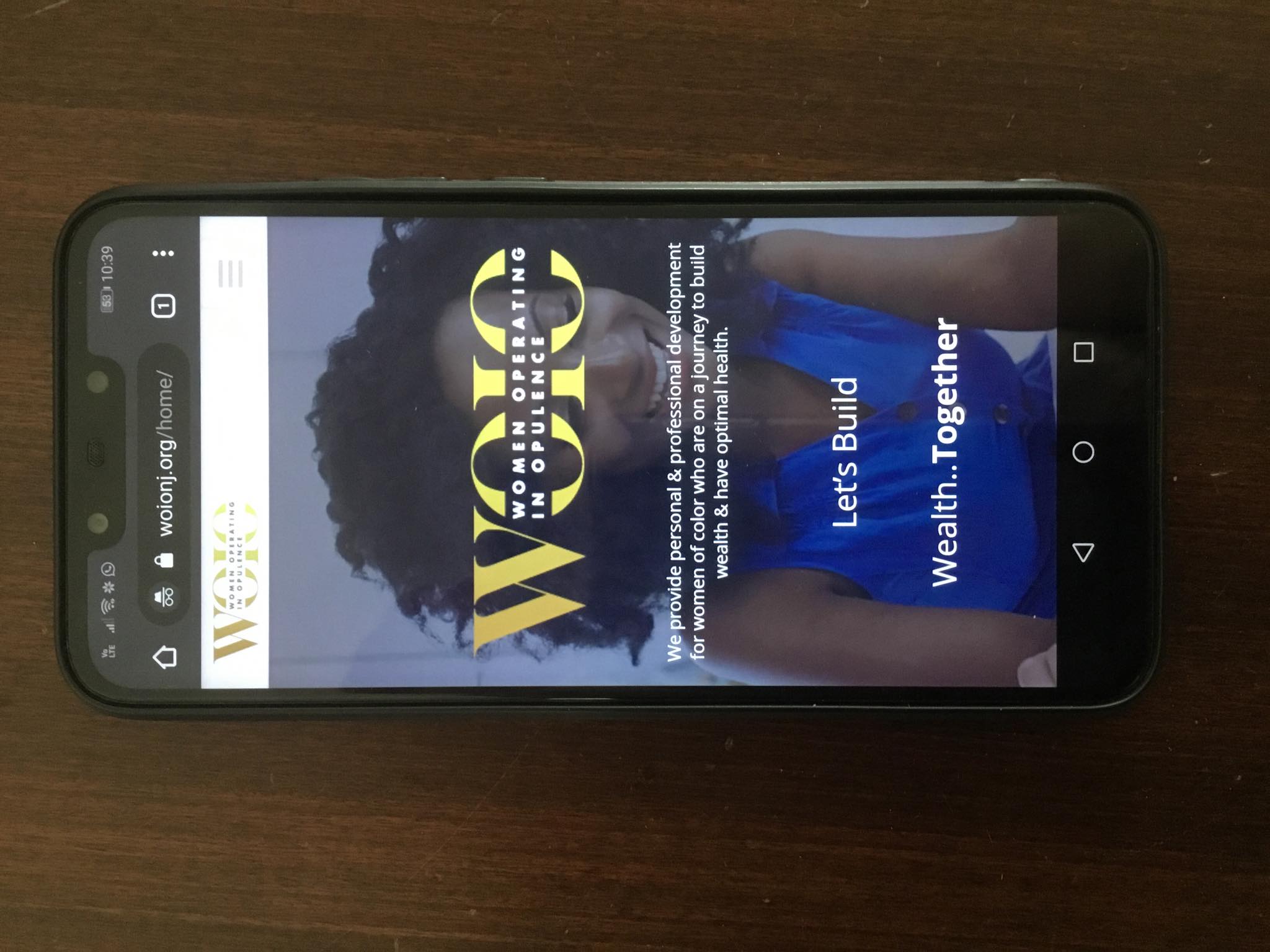
I have found in google console where to change it, but I have no idea how to in the actual site…
Its set to 1.7:
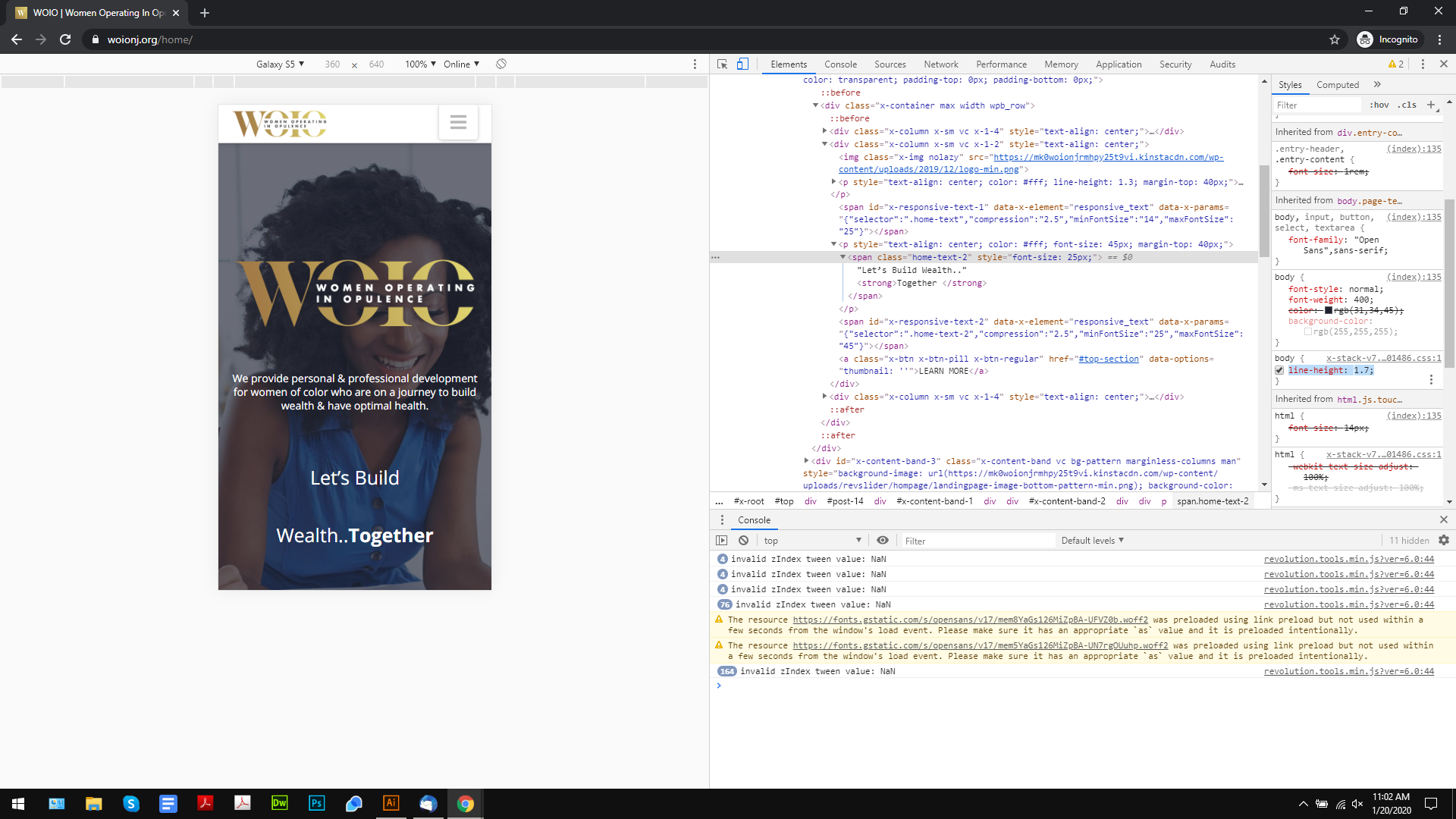
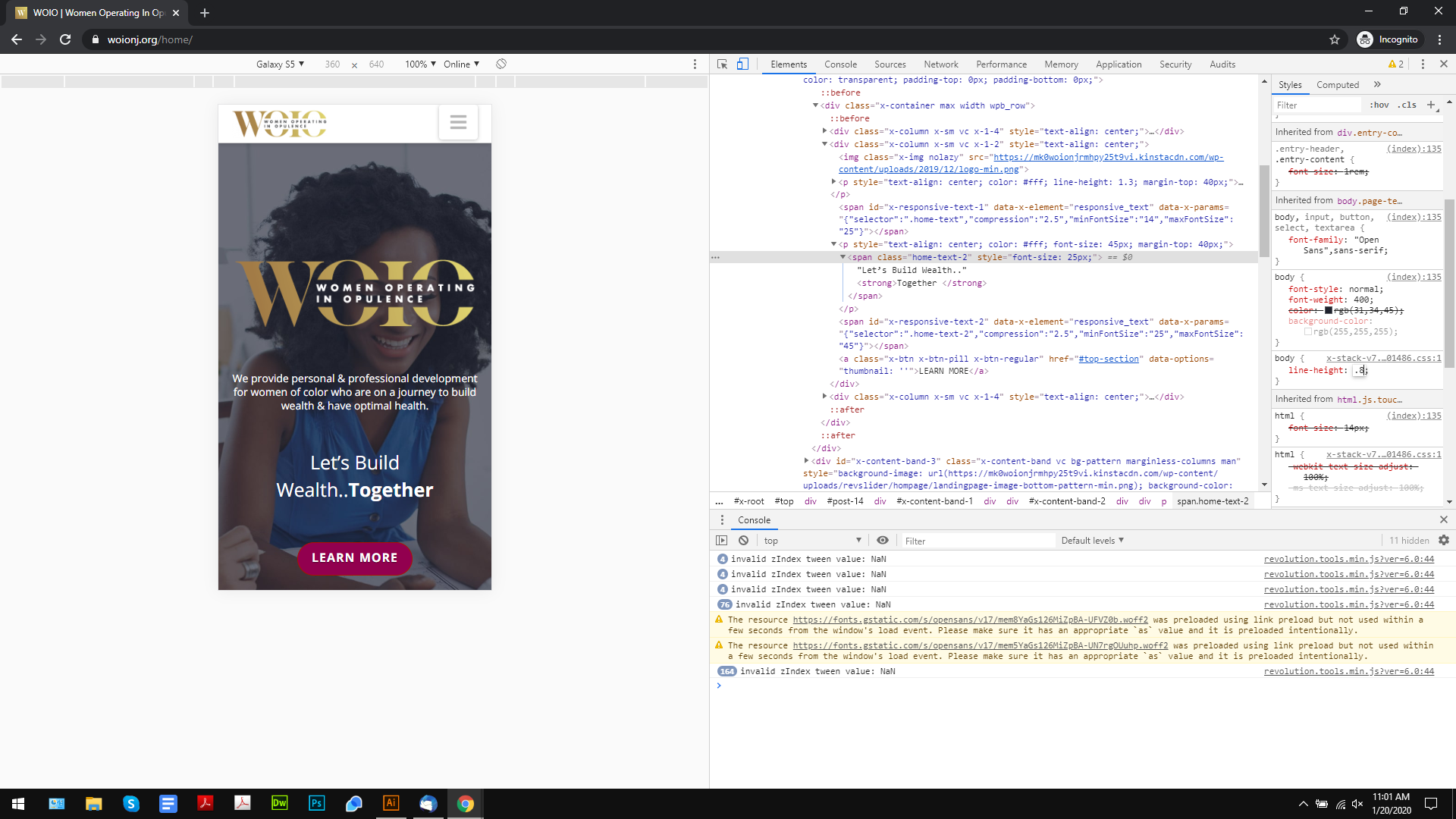
It fixed, when I change it…
Hey @logoglo,
The line-height: 1.7 is coming from our theme’s CSS. Since your text has a class, override the line height with your own. Add the following code in Theme Options > CSS as an example. Change the line height value as per your requirement.
.home-text-2 {
  line-height: 1.2;
}
Hope that helps.
Added, but the gap is still there
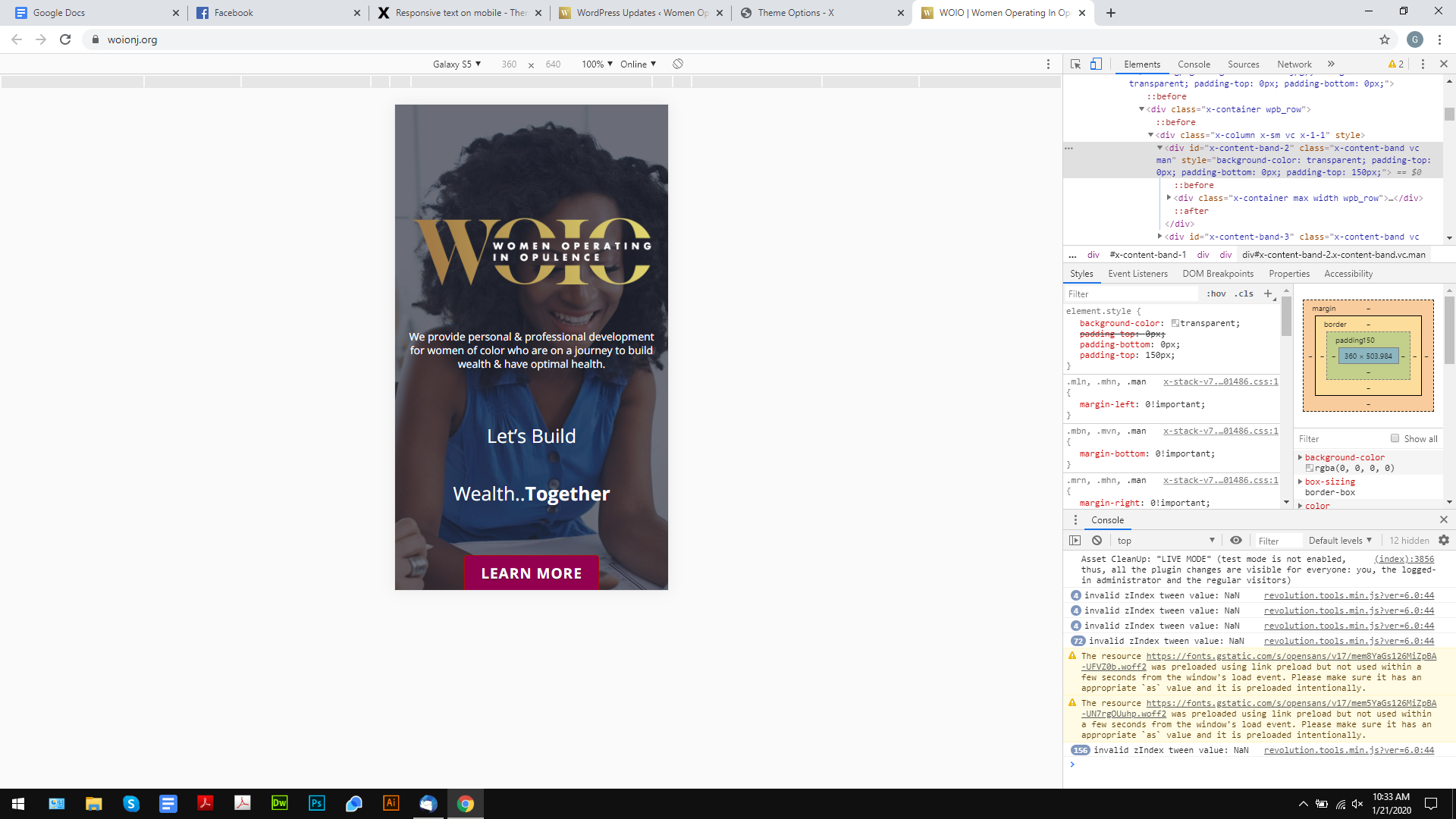
But then I took out the size I added inline, and it worked.
Thanks for your help.
This topic was automatically closed 10 days after the last reply. New replies are no longer allowed.
