Hey Jonathan,
We’ll just make a slight modification to the code provided earlier. Just remove the .x-site part of the code. So here’s the updated code:
.woocommerce span.onsale {
    background: url(https://csf.coastalmyst.com/wp-content/uploads/2016/11/sale-ribbon-thin.png) no-repeat;
    transform: none;
    top: 0;
    left: 0;
    height: 173px;
    font-size: 0;
}
That should work for both the Sale on the homepage and the individual product pages. Now, there will be an issue on the product page as a result of the “sale” tag. Here’s a screenshot to show you what I mean:
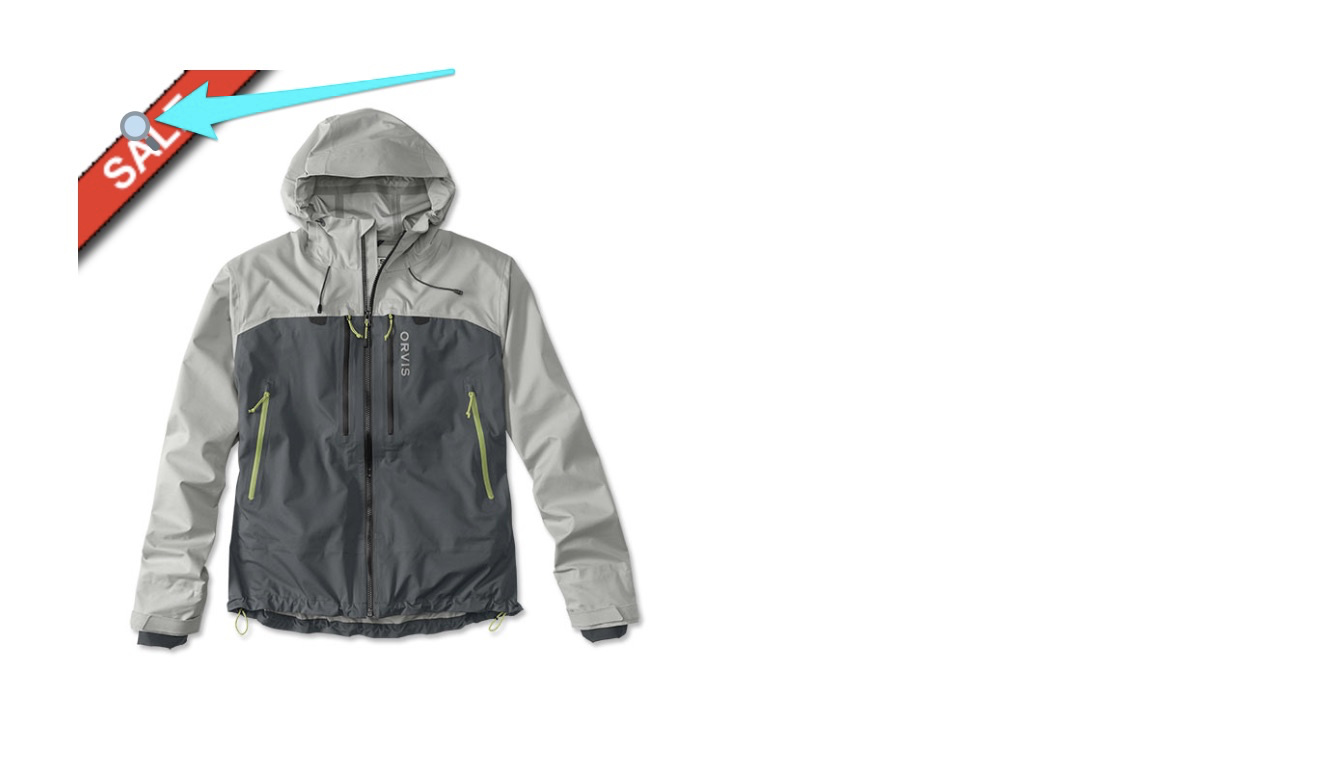
The magnifying glass icon will be covering the SALE tag. I’m sure you’ve already anticipated this but in case you’ll need help on the CSS for that, I’ll suggest two things to do to handle that.
- First, we can move the magnifying glass icon to the right
- Add a border to the image
Here’s how it would look:
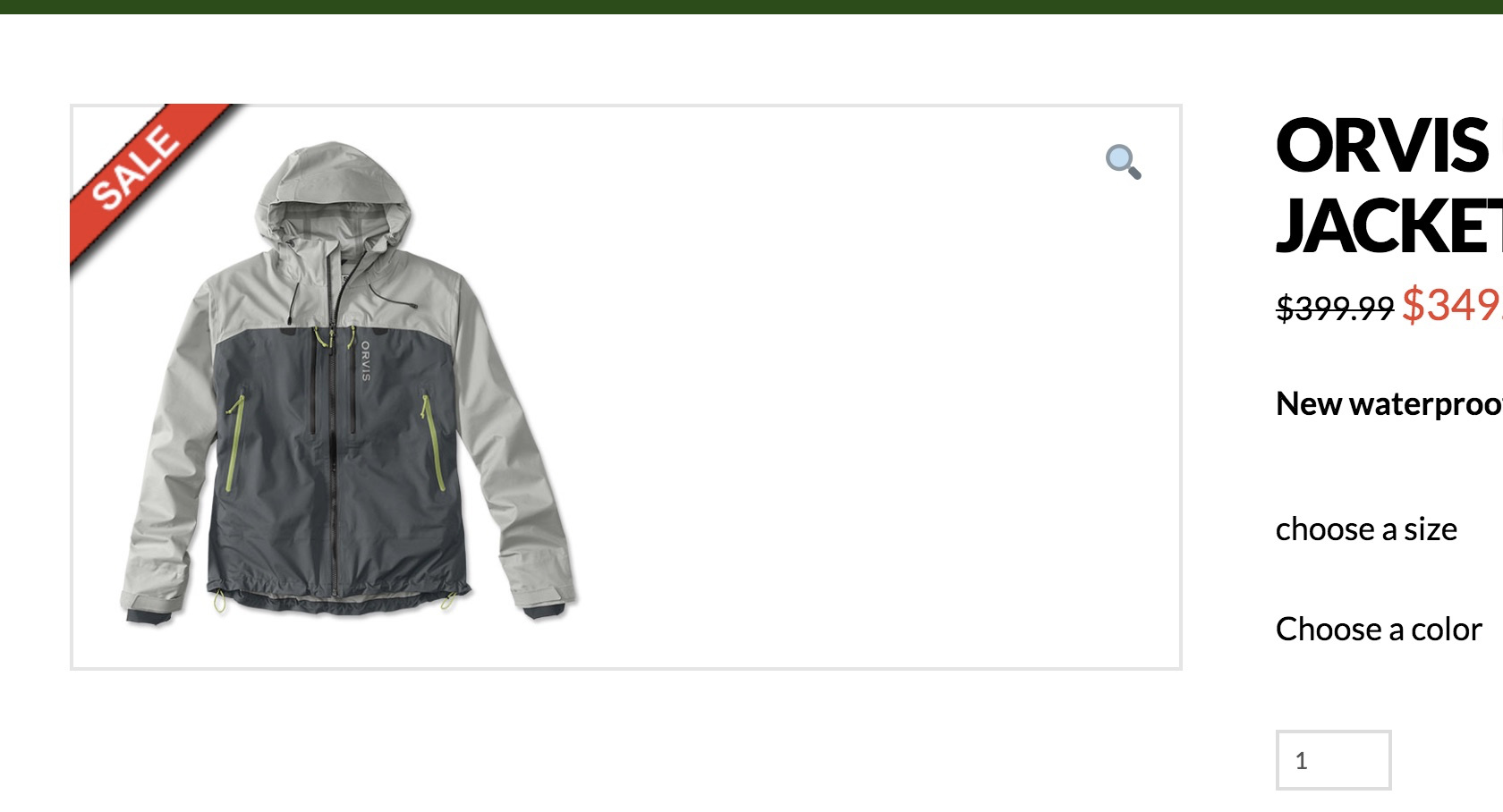
And here’s the code to do that:
a.woocommerce-product-gallery__trigger {
    right: 0;
    left: auto;
}

.woocommerce div.product .images {
    border: 2px solid #e5e5e5;
}
Do note that this code is optional should you want to make achieve that look. All the best.
