Hi,
I’ve just downloaded X theme today and start setting up a website.
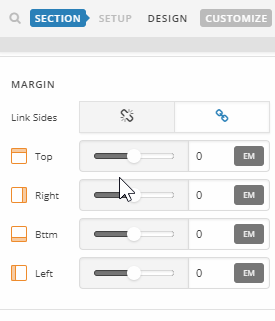
At the top of my home page I have an area of whitespace between the top menu/navbar and where my content starts (a full width slider image). It looks like this is where the page title normally displays. I have disabled the ‘page title’ setting under the ‘X settings’ for my home page, however the whitespace is still there. How do I get rid of this so my slider sits right up against the navbar?
Summary
aromawood.com.au
Thanks!