hello.
I am trying to remove the padding at the top of one of my pages. I tried using a previous code that you guys supplied me with and it didn’t work. here is the link to my previous post with the code i used before. If you look below there is a white gap above my
section and i am trying to get rid of that.
Thanks!
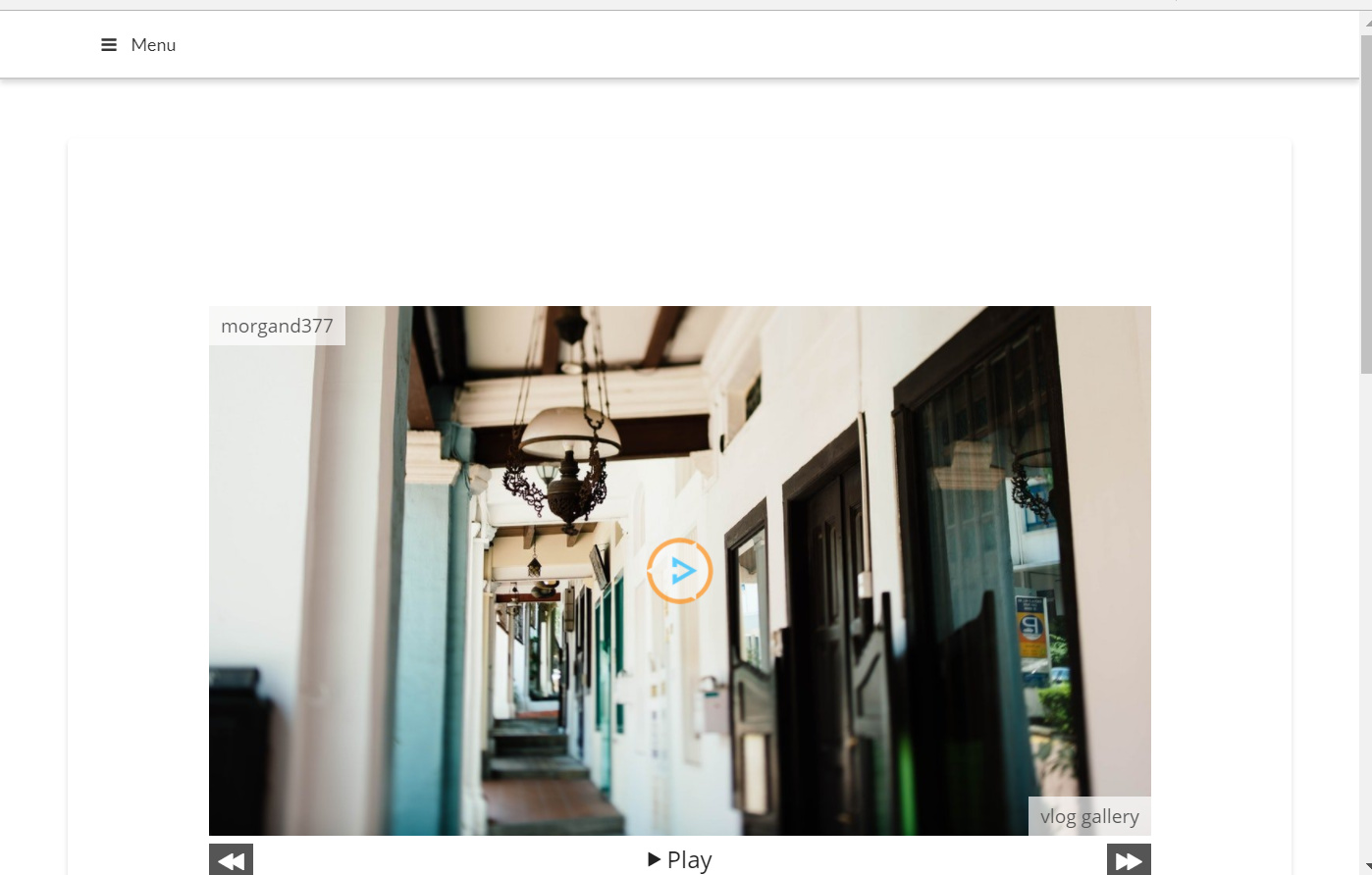
all of the website links are blocked and redirected to my “coming soon” page, so i left a secure note so you can login. thanks for your help!
I see, unfortunately because I am not an official support member of APEX, rather just an advocate. I do not have access to the secure notes. You would have to wait on an official support member to help or temporally open the website up so I can help.
It’s totally up to you, no pressure 
Hey,
the vlog page is redirecting to the youtube, so, I can`t check this gap.
hey John,
Thanks for your help. login using the details in my secure note and then browse to the pages “merch”, “my story”, and “social media” to check out the gap. if you are having trouble or need any more information let me know. thanks
Hi There,
Click Edit Page and turn off the page title, right now you have page title but it is white.
Also on Cornerstone > On your Custom headline, for example, Merch, add the class: man
man stands for margin all none and this will reduce the space above even more.
Hope it helps