Hi Guys,
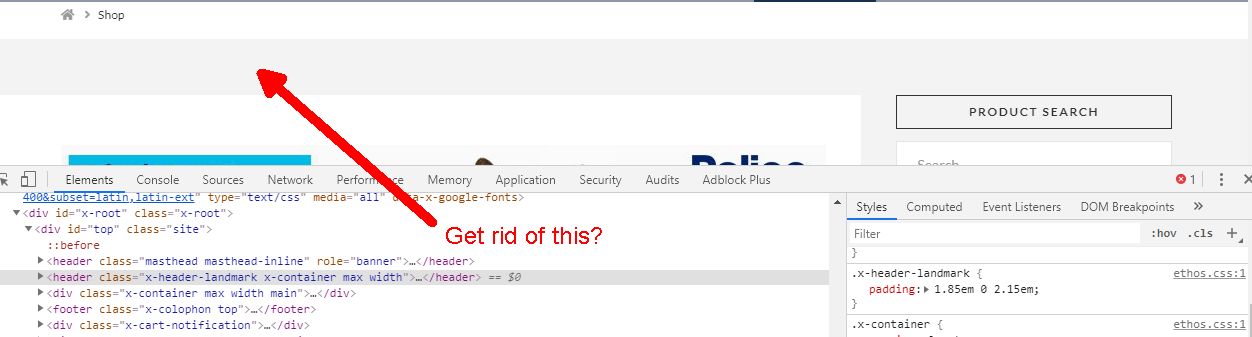
I followed another post on how to remove the shop title (didn’t know leaving it blank in settings would do anything). but I’m left with a grey bar (margin) where it previously was.
Any idea of the CSS I would need to kill the padding just for the shop pages?
I checked the php files when trying to hide the title, I think I could change the bit in /ethod/_landmark-header.php:
if ( x_is_shop() || x_is_product() ) :
to something like**:
if ( (x_is_shop() && x_get_option( 'x_ethos_shop_title' != "") || (x_is_product() && x_get_option( 'x_ethos_shop_title' != "") )
** please don’t use this in production, it’s in my head code not something that’s been tested.
Which should stop putting the header out, but I think I may be over complicating what could simply be hidden is CSS. but I can’t see how I can do it without affecting other pages.
Pics attached:
How it currently appears with no shop title:
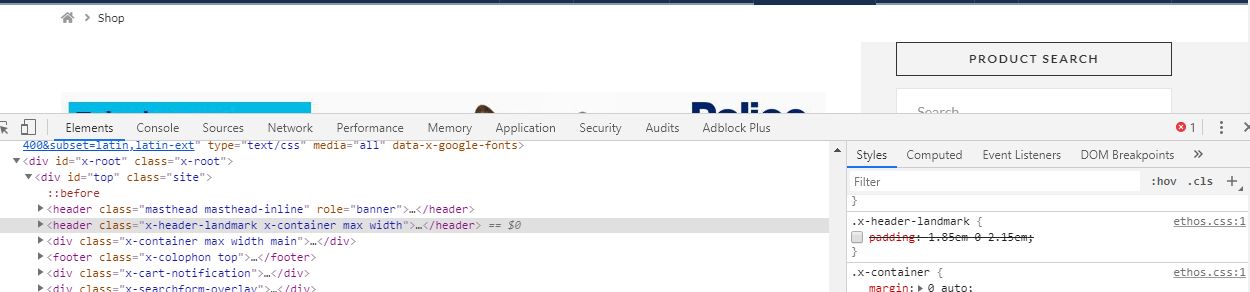
How I’d like it to look:
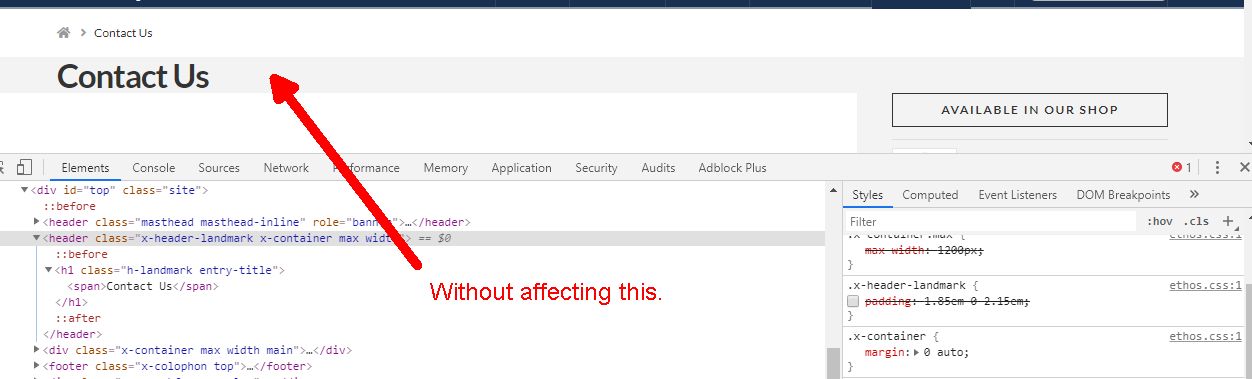
Without it doing this:
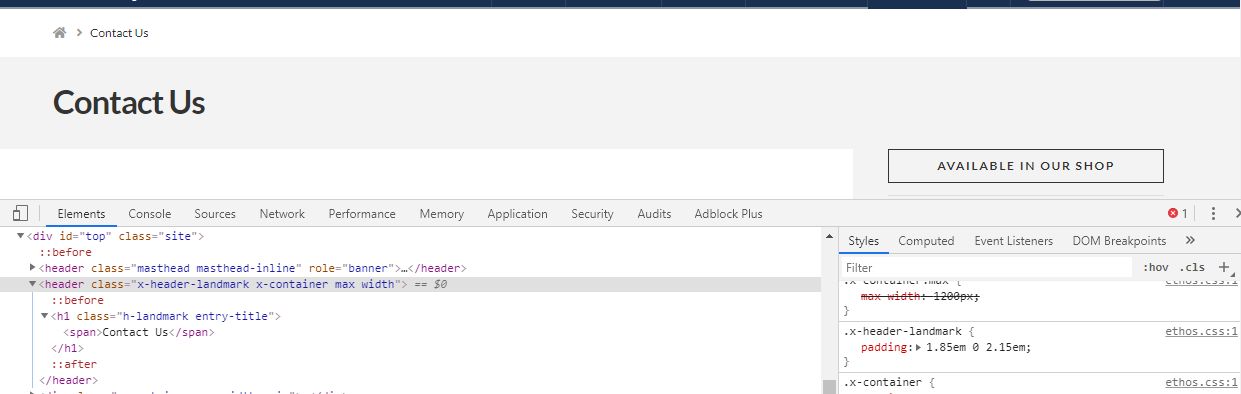
so other pages titles keep looking like this:
Thanks,