Remove QTY from the Cart Dropdown module

Hello,

I’m using the Cart Dropdown module in my header.

I’m trying to figure out how to remove the Quantity field from the module. Since I’m using Gravity forms for the product and quantity, I do not need WooCommerce to show the Quantity. I removed it from the cart, however I can’t seem to figure out how to remove it in Cart Dropdown module? Your expertise is needed - please help!
Hey @RocktheHouse1876,

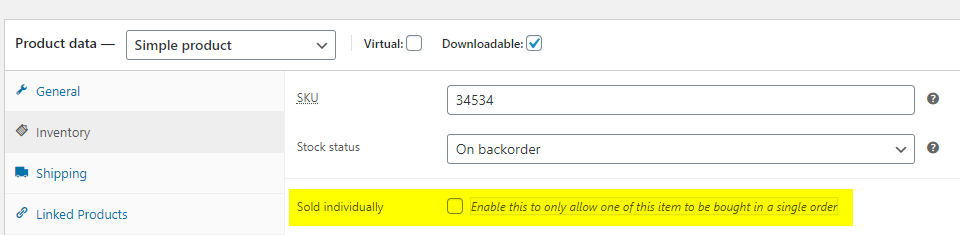
Regretfully, there’s no way to remove the quantity because the are enclosed in the same container as the price. If your goal is to prevent the addition or removal of items to and from the cart, you should make your item as Sold individually.

Thanks.

Unfortunately, the Sold individually option is not important in this matter. We are using gravity forms on the product pages (because of the extensive amount of variables per product) for users to add to cart. So, for example customer might add quantitiy of 4 for a product, which will show (though woocommerce will show x1 in the quantity) which is incorrect. If we’re able to make Woo-commerce quantity disappear, then the customer just sees the gravity form qty of 4, instead of both of them.

Would there be a way to target the css, and “display:none” for the quantity field? I was able to do this for the cart page, but I’m unable to figure out what the quanitity css would be in the X cart modal?

Hi @RocktheHouse1876,

In that case, if you just want to hide it via CSS , that is possible. Please just note that the side effect of any customization is outside the scope of our support. Please look at the following guide on how to get the correct selector name:

This is just a sample on how to inspect an element: https://screencast-o-matic.com/watch/cYnhjjwDiT

That’s IT!! Thank you @Lely for the detailed explanation!

You’re welcome.

This topic was automatically closed 10 days after the last reply. New replies are no longer allowed.