Remove Page Title & Spaces In Home

Hi,

I’m using Pro with the integrity stack. On the homepage I use page as home (Not blog) I removed the page title, but an empty section still appears in place of the page title. When I add elements, it would be inside the section. How do I remove it?

Hi There,

Thanks for writing in!

As your site is in under-construction mode, I cant check what could be the cause of issue. please Send us your login details in a secure note so that we can have a look.

Thanks

Hi,

I’ve provided a username and login… thanks.

Hey @nebworx,

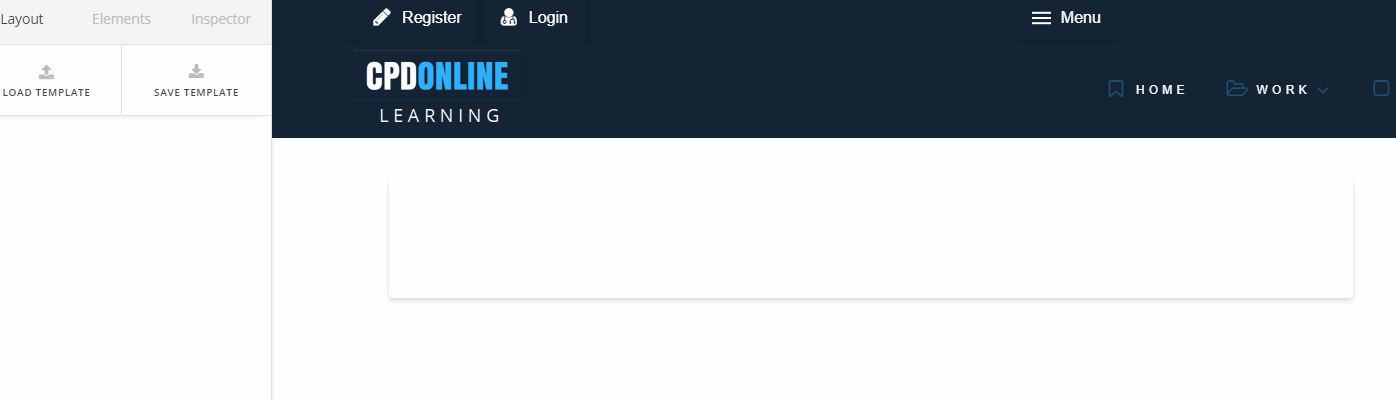
Here’s what I currently see.

Please point the exact area you want to remove. If you’re referring to the space, you won’t be able to add content if we’re going to hide the entire space.

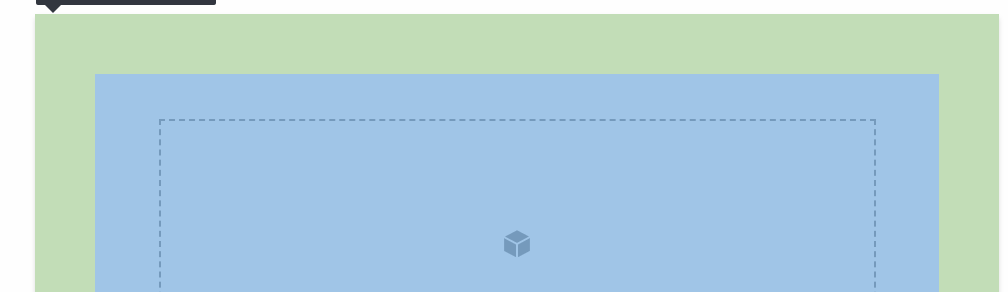
If you’ll add a section to that space, here’s what it looks like.

The green area is the page template’s content padding. Is that the area you want to eliminate? If so, please add this code in Theme Options > CSS.

.page .entry-wrap {
    padding: 0;
}

Thanks.

Thank you, this works!