Remove /home from URL

Hi,
On my website, when I hover over my logo on my top menu bar, it is showing the URL of the page it is on with /home appended.

For example, if I am on my about page, when I hover over the logo in the menu bar I see:

domainname/about/home

How do I change this so that it just shows just the homepage destination URL?

I tried changing the _brand.php file following the information in this thread - https://theme.co/apex/forums/topic/logo-link/

However that doesn’t seem to have solved it.

Cheers,
Col

Hi There,

Please change the link of the logo image to http://sandbox.pixelsink.com/pixelsink/

Hope it helps :slight_smile:

Hey Thai,
That link is to my test server where I built my site. It has now been migrated to my main domain (pixelsink.com). Surely it should be a link for my main domain in that box, which is what I already have?

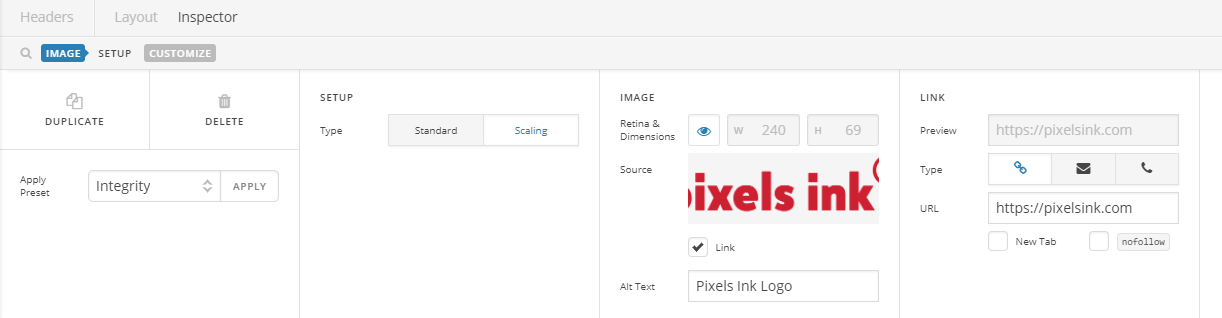
This is what I currently have set up for my logo.

Cheers,
Col

Okay, I appear to have sorted it. But I don’t know how :slight_smile:

Hi,

I checked your site and I can confirm that your logo has the correct link now.

It could have been cache issue and has resolved itself when cache was updated.

Thanks

This topic was automatically closed 10 days after the last reply. New replies are no longer allowed.