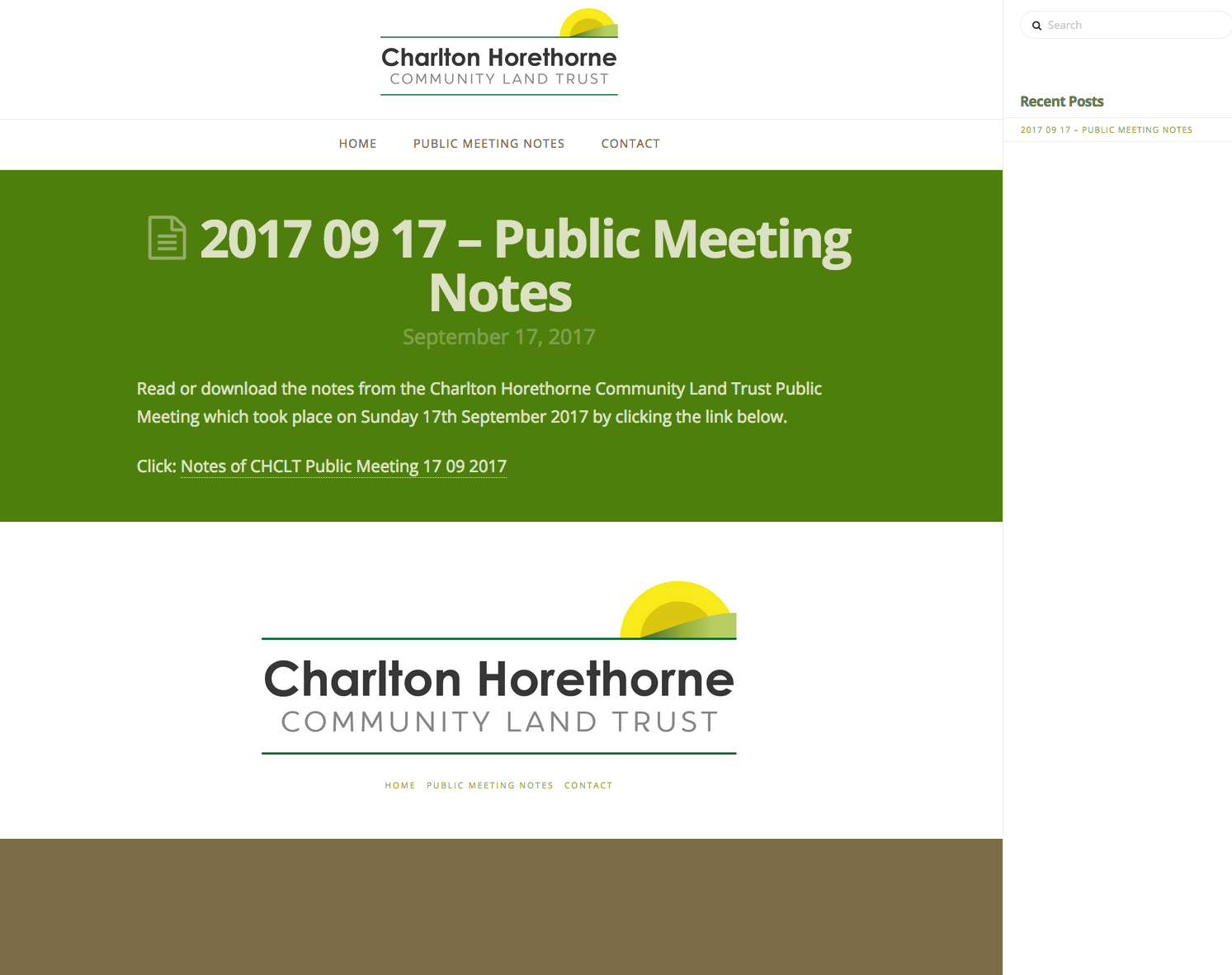
Remove Coloured Band at Bottom of Blog Post

Hi there,

I’ve got a coloured footer (the browny green band) at the bottom of the blog posts underneath the footer logo and menu, like this: http://charltonhorethorneclt.org/public-meeting-notes/

Can you please tell me how I can remove it on both the blog index and the single posts please?

Thank you for your help as ever.
Cheers!
Matthew
Hi Matthew,

Please try this code in the custom CSS:

.blog .x-colophon.bottom, .single-post .x-colophon.bottom {
    display: none;
}

Hope this helps.

Hi Jade,

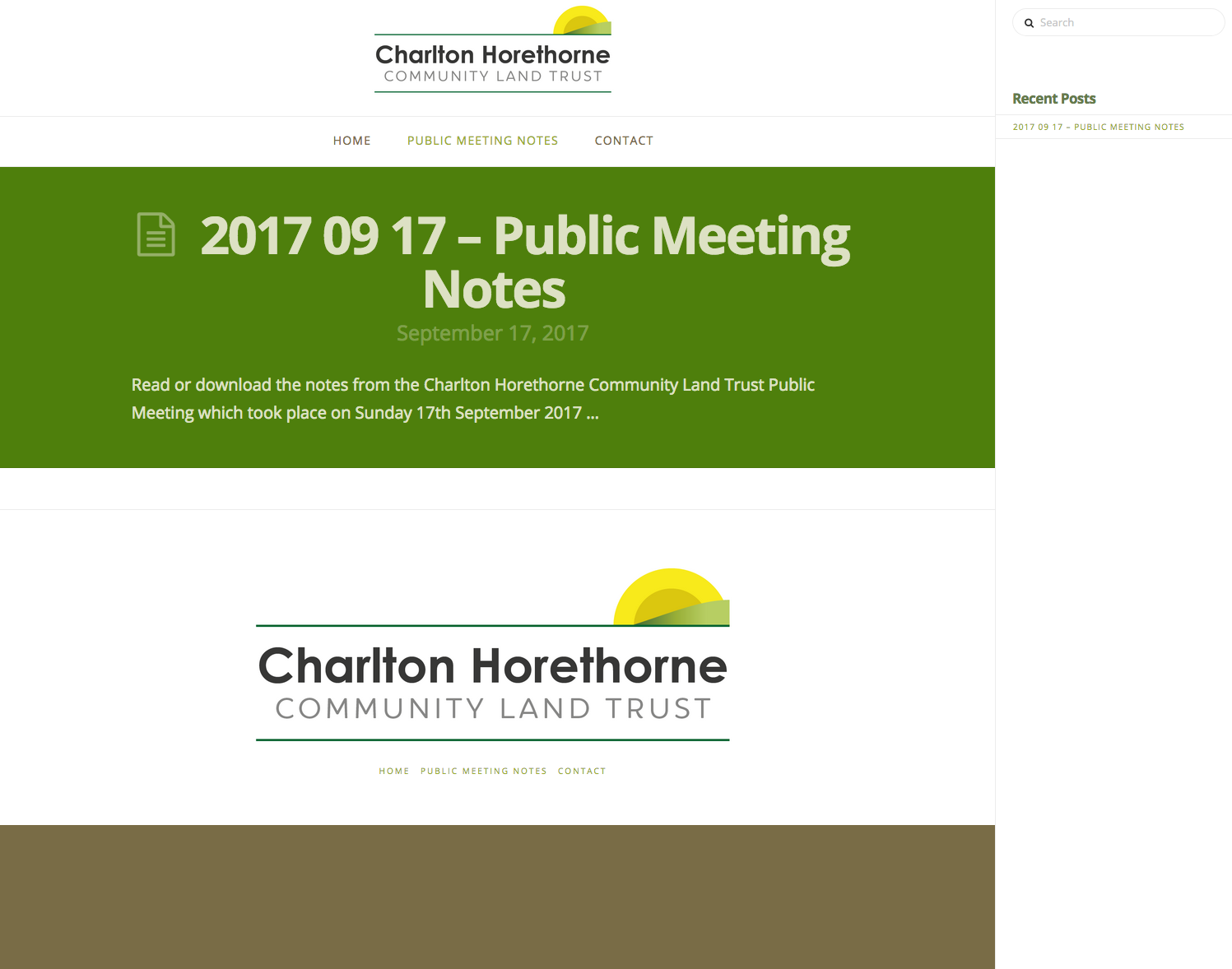
Thanks for that, but unfortunately it removes the logo and menu content, and makes the green/brown band larger — I only want to remove the coloured band, not the actual footer content if possible.

Thanks,
Matthew

Hi @TheoryUnit,

Upon checking your setup, I could not see the browny green band at the bottom. Please confirm that it is fix already.

If not please share us a screenshot showing where it is located.

thank you s o much.

Hi Nico,

Thanks for looking. I’ve attached the screenshots or you to see.
Thanks for your help.
Cheers!
Matt

Hi there,

It seems to be the background color set on the site. Please try this code:

.blog, .single-post {
    background-color: transparent !important;
}

You can find more info on how to check for CSS selectors here.
Then information about writing your custom CSS here.

Hope this helps.

Perfect! Thanks a lot Jade.
Cheers!
Matthew

You are most welcome. :slight_smile:

This topic was automatically closed 10 days after the last reply. New replies are no longer allowed.