Remove/Change border around posts?

How would I either change the color of the borders around posts on the blog listing page (might be recent posts) or simply remove the borders completely?

I’m using the ICON stack with a child theme. See the included photo for more information. From what I can tell this is my homepage (omarohara.com) which is set to be my blog page, which I’m guessing is essentially the recent posts page, but I really don’t know, because I don’t know where to find out this information.
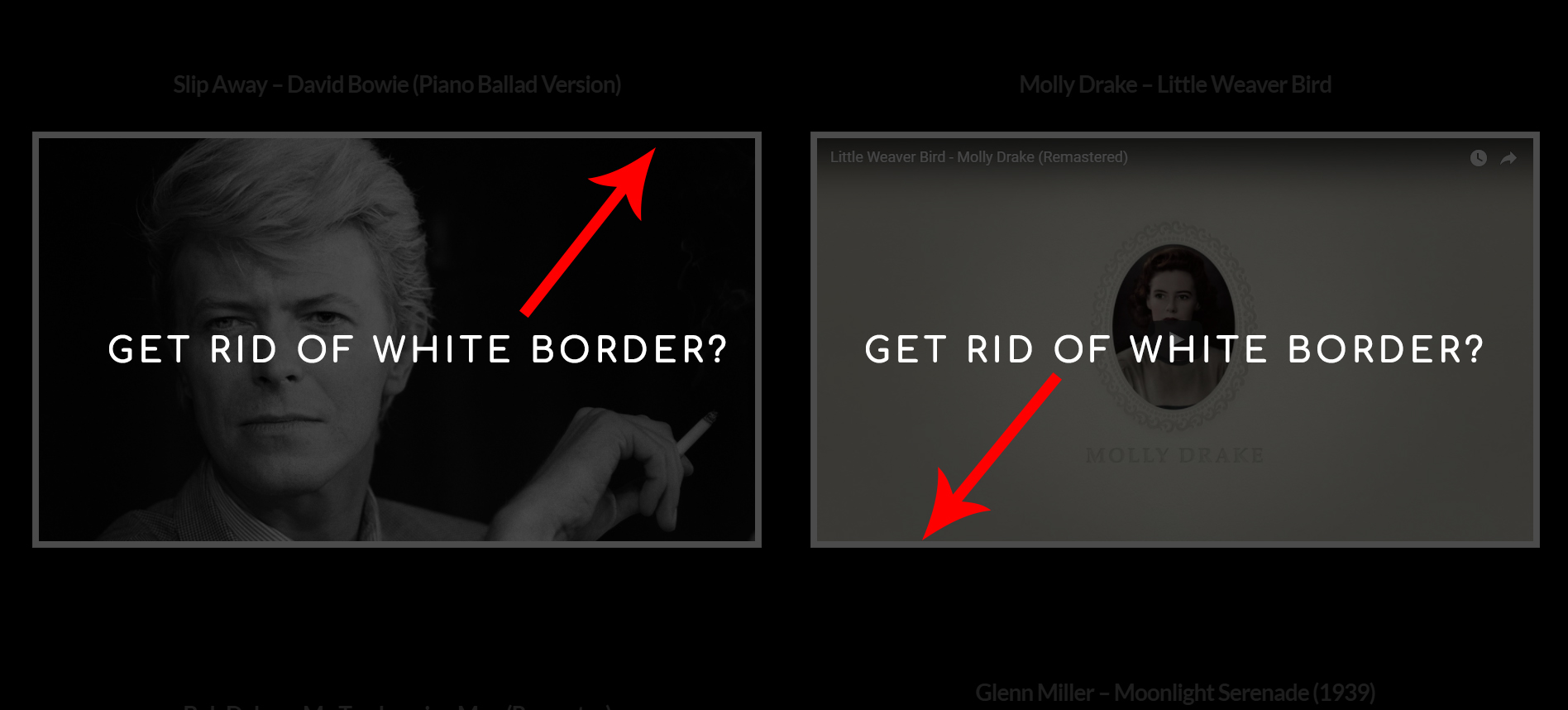
The more I look into this, The more I think this is a featured image issue. I could be wrong, but I believe that with Video posts, the video itself is used as the ‘featured image’ while standard posts will use the specified ‘featured image’ from the post or page edit options.

There is a pesky white border around everything that I want to get rid of.

Hi There,

Please add the following code to Theme Options CSS

.entry-featured {
  border: none;
  background: red;
}

Hope it helps!