I have this weird black triangle with a plus sign in it in the upper right hand corner of my homepage. No matter what I try I cannot remove it.
There was an old post from years ago which talked about this https://theme.co/archive/forums/topic/how-to-remove-plus-sign-on-top-right-corner/
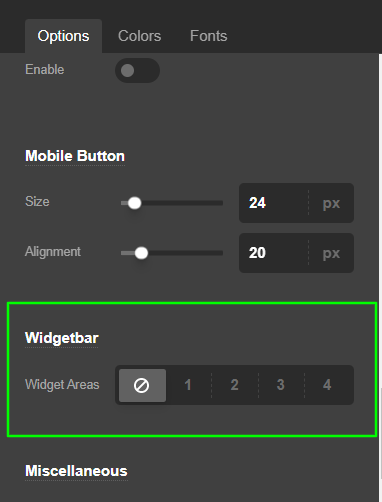
but when I go to the “customize” section there is no HEADER option.
Not sure what I am supposed to do to remove it. If I click the black triangle it brings down an empty white space.