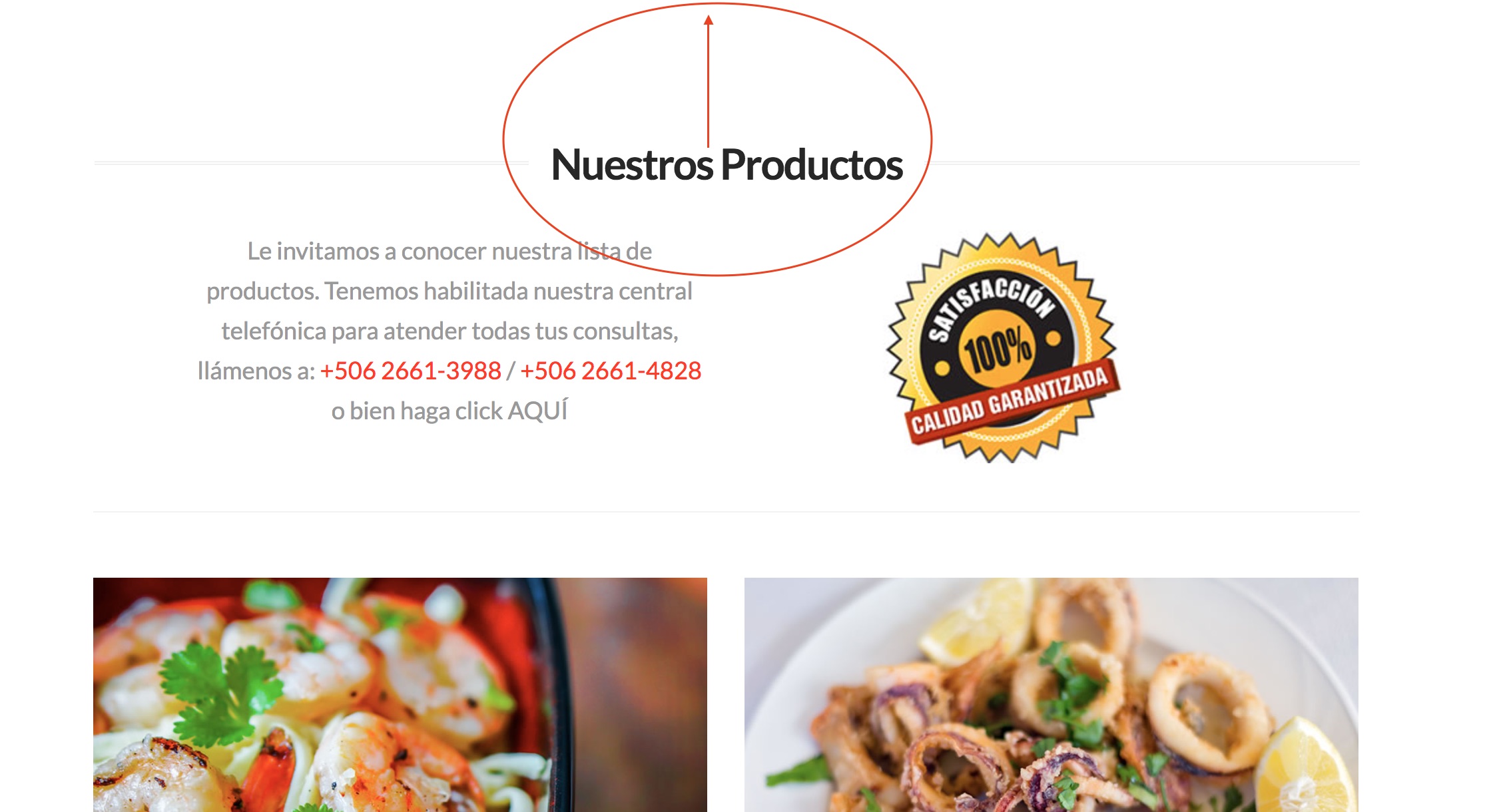
Hello.
I need help with a few things please:
- How can I reduce the space between the title and the top of the page? I’ve tried several things in CSS and I can’t find the right one. Please see attached screen shot. Here’s a link to that same page: https://misitionuevo.com/pekofish/productos/
- I’m using the WPML plugin… you’ll see the flag ICON at the top right hand corner here: https://misitionuevo.com/pekofish/ … How can I remove the icon (X) next to the flags?
- The “hamburger” menu… meant for mobile… is also showing up when viewed on desktop. How do I keep it from showing up on desktop?
Thanks for the help!