Hi there,
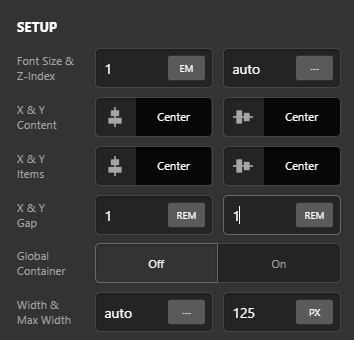
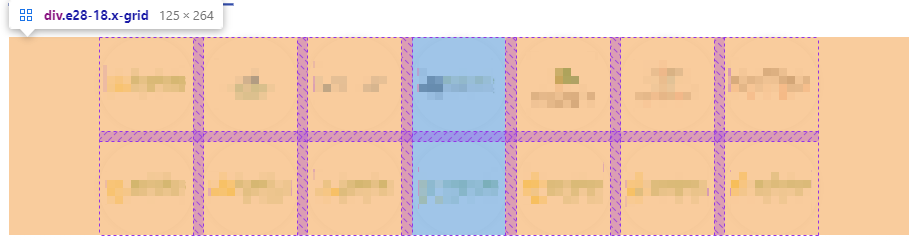
I have created a sort of client logo section on my home page using the Grid option. However, using this I am only able to reduce the Gap for X and Y on Grid options to be 0 and there is still a large gap between the cells.
I have checked in Chrome CSS Inspector and can see there are some cells that are larger than I would like, but I am unsure why these are the size they are.
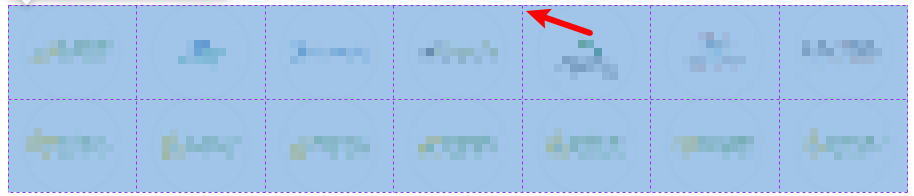
Would you be able to assist with this if possible please?
Thanks.