Recent Posts in Sidebar with Icon stack

I installed X, imported Icon-3 Demo content, but can’t for the life of me duplicate the recent posts with image


https://www.ebikesocial.com

I created a new sidebar and added taxonomies, nothing happened until I enabled “Blank Template Sidebar”

Still, I want to display posts like in the demo.

Hi there,

Please use the Recent Post shortcode in a Text Widget:

http://demo.theme.co/integrity-1/shortcodes/recent-posts/

Hope this helps.

Yay! Thank you!

Next thing, I can create custom sidebars using X, but I can’t select which sidebar that I want to use per page.

For example, I want a specific sidebar with “Recent Posts” on the homepage, but a different sidebar on the blog, and so on.
I couldn’t find anything in the page settings.

EDIT
Oh wait, I can select them in the Sidebar settings which page I want. Cool.

Suggestion, why not add a Select Sidebar dropdown under the Icon settings per page, instead of having to go to Appearence>Sidebars? This would help users discover this feature and keep from needing to go to another separate area ?
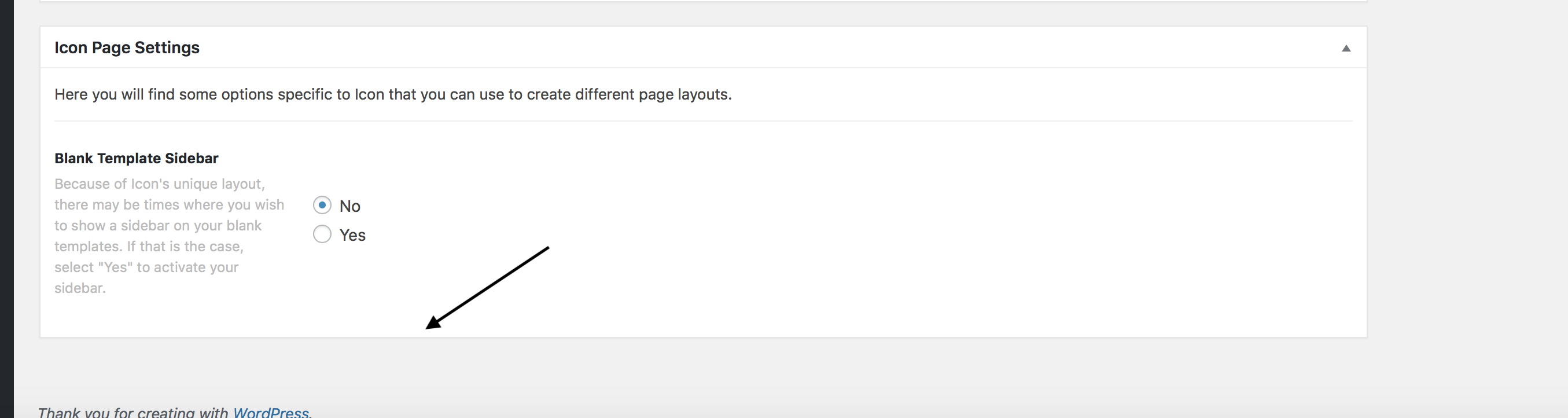
Hi There,

Thank you for your feedback. Currently we have set it in that way (Appearance -> Sidebars), so that users can control all the sidebars and options in one place.

We can add this as a feature request, if we get more requests from X theme users.

Thanks!

This topic was automatically closed 10 days after the last reply. New replies are no longer allowed.