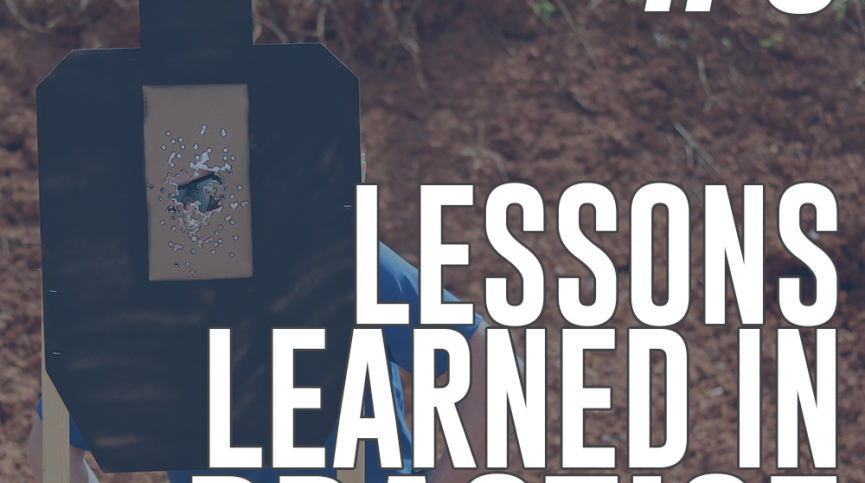
I can’t get the recent post images to resize. Right now, it’s cropping the image and cutting off words that are in the image. http://berryshooting.com/

I can’t get the recent post images to resize. Right now, it’s cropping the image and cutting off words that are in the image. http://berryshooting.com/
Hi there,
Thanks for writing in.
The image itself is already cropped http://berryshooting.com/wp-content/uploads/2018/02/005-Lessons-Learned-in-Practice-865x483.png. But please try this temporary workaround, please add this code to your global custom javascript.
jQuery ( function($) {

$('.x-recent-posts-img').each( function() {

$(this).css('background-image', 'url(' + $(this).css('background-image').replace('url(','').replace(')','').replace('-865x483', '') + ')' );

} );

} );
Then this CSS to your global custom CSS.
.x-recent-posts .x-recent-posts-img {
    padding-bottom: 100%;
}
Thanks!
This topic was automatically closed 10 days after the last reply. New replies are no longer allowed.