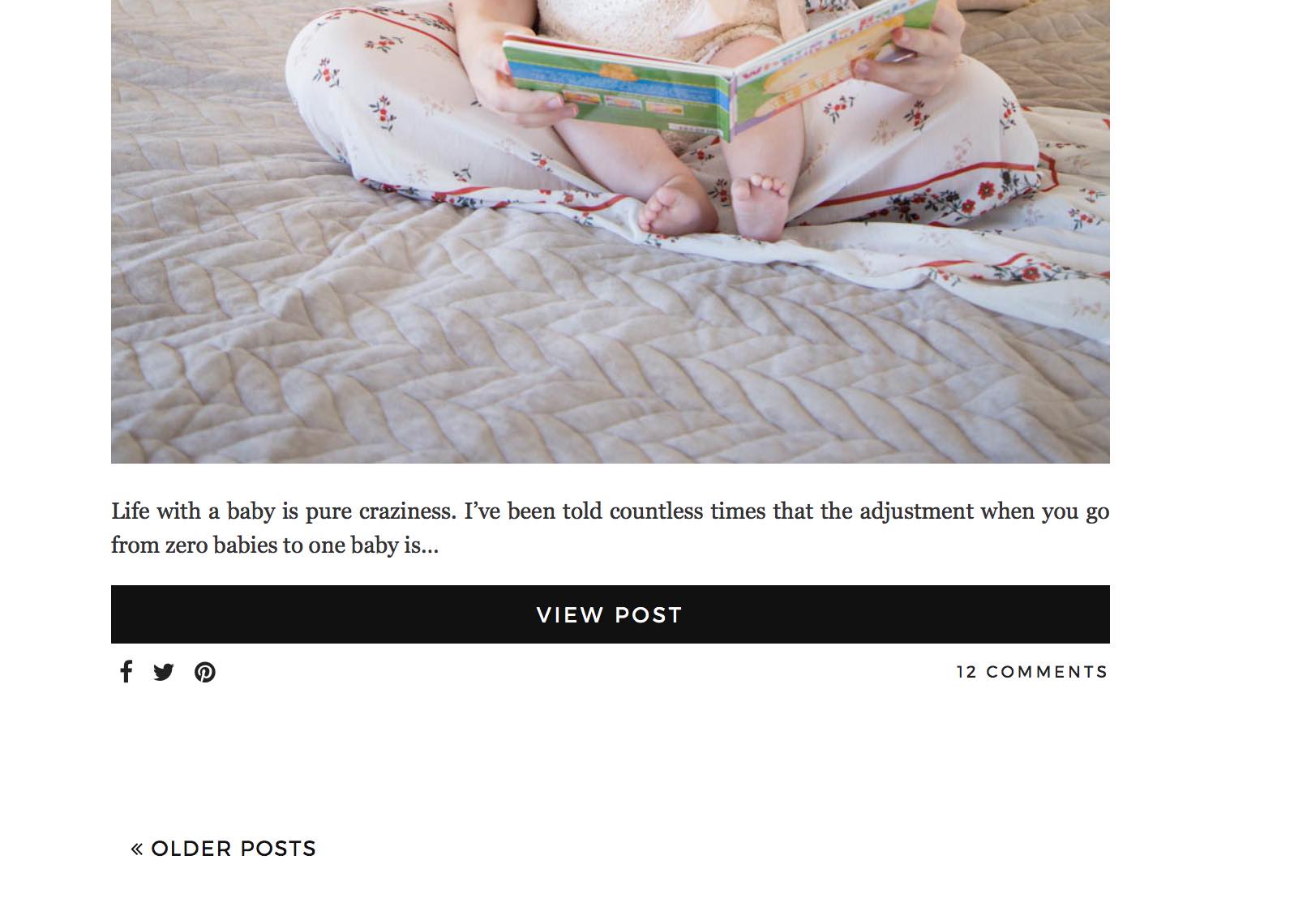
I would like to know if its possible to have the recent post feature image above the excerpt rather than beside it? I added an example photo.
Thank you!
I would like to know if its possible to have the recent post feature image above the excerpt rather than beside it? I added an example photo.
Thank you!
Hi There,
Would you mind giving us credentials using a secure note so we can check your setup? I am not sure if you’re referring to recent post element, by default on all stacks, the image is on top. Or are you referring to blog archive page on ethos? It might be possible with some custom CSS but we need to check your setup first. I can’t access your site because of coming soon page.
Ok I believe I added my credentials in the initial message. Also I removed the coming soon page. I would like this effect just for my homepage.
Thank you!
Hi again,
Please add the following code in your Customizer via Appearance > Customize > Custom > Edit Global CSS:
.blog .x-main .hentry>.entry-featured {
    float: none !important;
    width: 100% !important;
    margin-bottom: 15px !important;
}
.blog .x-main .hentry.has-post-thumbnail>.entry-wrap {
    float: none !important;
    width: 100% !important;
    padding-left: 0 !important;
}
Let us know how this goes!
That worked perfect thanks!!
But could I add the “read more” link button as well. I’ve followed several threads but am not sure what I am missing for it to work. This is part of what I have so far in the child theme functions.php
$q = new WP_Query( array(
  'orderby'          => 'date',
  'post_type'        => "{$type}",
  'posts_per_page'   => "{$count}",
  'offset'           => "{$offset}",
  "{$category_type}" => "{$category}"
) );

if ( $q->have_posts() ) : while ( $q->have_posts() ) : $q->the_post();

  if ( $no_image == 'true' ) {
    $image_output       = '';
    $image_output_class = 'no-image';
  } else {
    $image              = wp_get_attachment_image_src( get_post_thumbnail_id(), 'entry-cropped' );
    $bg_image           = ( $image[0] != '' ) ? ' style="background-image: url(' . $image[0] . ');"' : '';
    $image_output       = '<div class="x-recent-posts-img"' . $bg_image . '></div>';
    $image_output_class = 'with-image';
  }

  $output .= '<a class="x-recent-post' . $count . ' ' . $image_output_class . '" href="' . get_permalink( get_the_ID() ) . '" title="' . esc_attr( sprintf( __( 'Permalink to: "%s"', csl18n() ), the_title_attribute( 'echo=0' ) ) ) . '">'
             . '<article id="post-' . get_the_ID() . '" class="' . implode( ' ', get_post_class() ) . '">'
               . '<div class="entry-wrap">'
                 . $image_output
                 . '<div class="x-recent-posts-content">'
                   . '<h3 class="h-recent-posts">' . get_the_title() . '</h3>'
                   . '<span class="x-recent-posts-date">' . get_the_date() . '</span>'
                   . '<span class="x-recent-posts-excerpt">' .  strip_tags(excerpt())  . '</span>'
                  . '<span class="read-more">Read more ...</span>'
                 . '</div>'
               . '</div>'
             . '</article>'
           . '</a>';

endwhile; endif; wp_reset_postdata();Hi there,
As per your code, the entire item is already linked <a href=""></a> and you can’t include a link within another link, else, it will break your layout. Hence, adding a read more text (just text) is already sufficient.
Thanks!