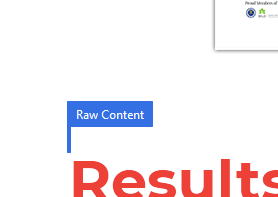
Raw Content collapses to an invisible box when editing in Pro

Just updated to Pro 4.0. The raw content element no longer displays when editing in Cornerstone if it contains a shortcode. Previously the raw content would display a large box indicating it’s position irrespective of the content.

I’ve attached 2 screenshots

Default View

image

Editing
image

Hello @fireflight,

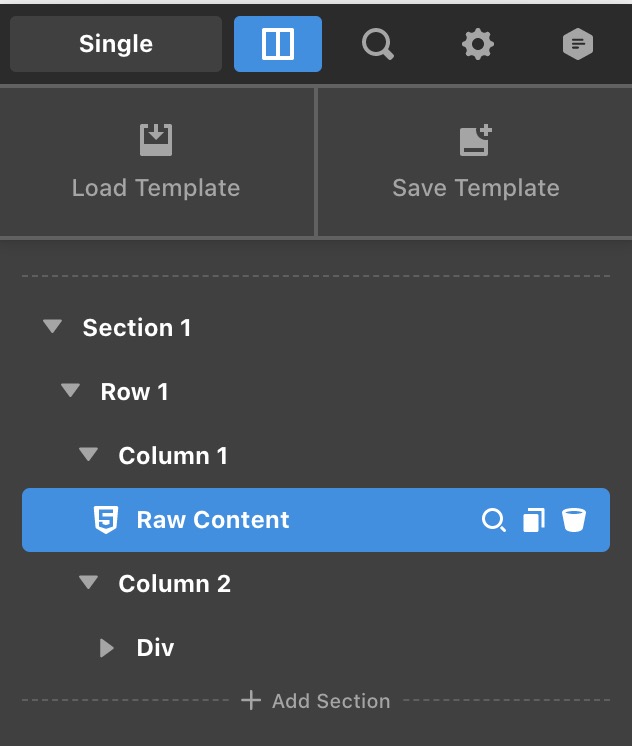
Thanks for writing in! Are you using the Pro 4.0.7 version already? When editing in the builder with a Raw Content element, you will only have this:

Make sure that your Raw Content will display something. Otherwise, it will just be an empty space. If you want to inspect it, you can simply use the Skeleton structure or the Layouts tab in the Workspace navigation panel instead.

Hope this helps.

This topic was automatically closed 10 days after the last reply. New replies are no longer allowed.