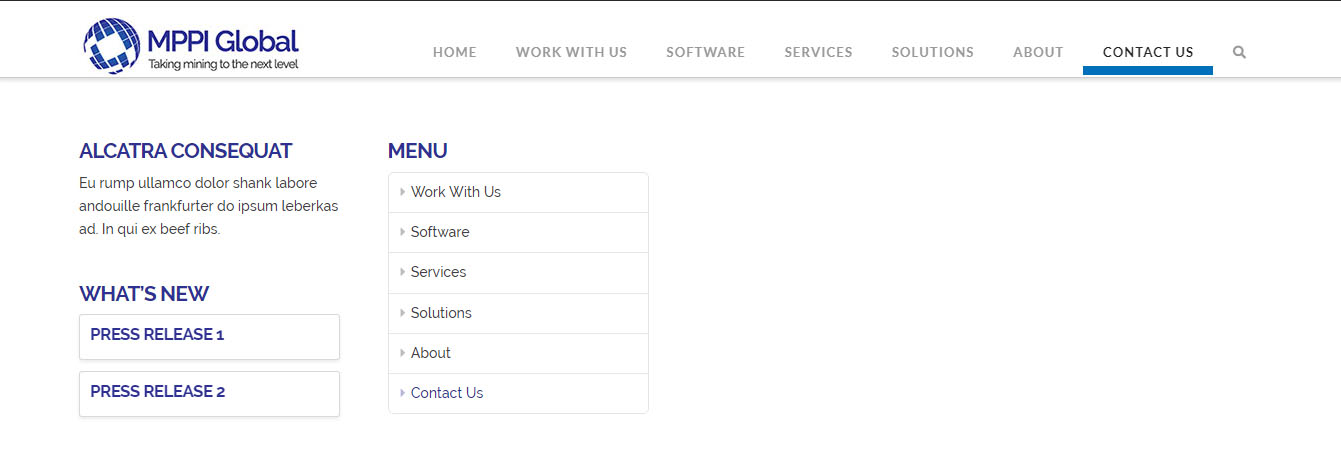
Raising Menu highlight

Hey there

I’ve moved the highlight on the menu from the top to bottom without a problem, but I want to move it up a little so it’s still on the header and not the area just underneath it. Can you guys help me out?
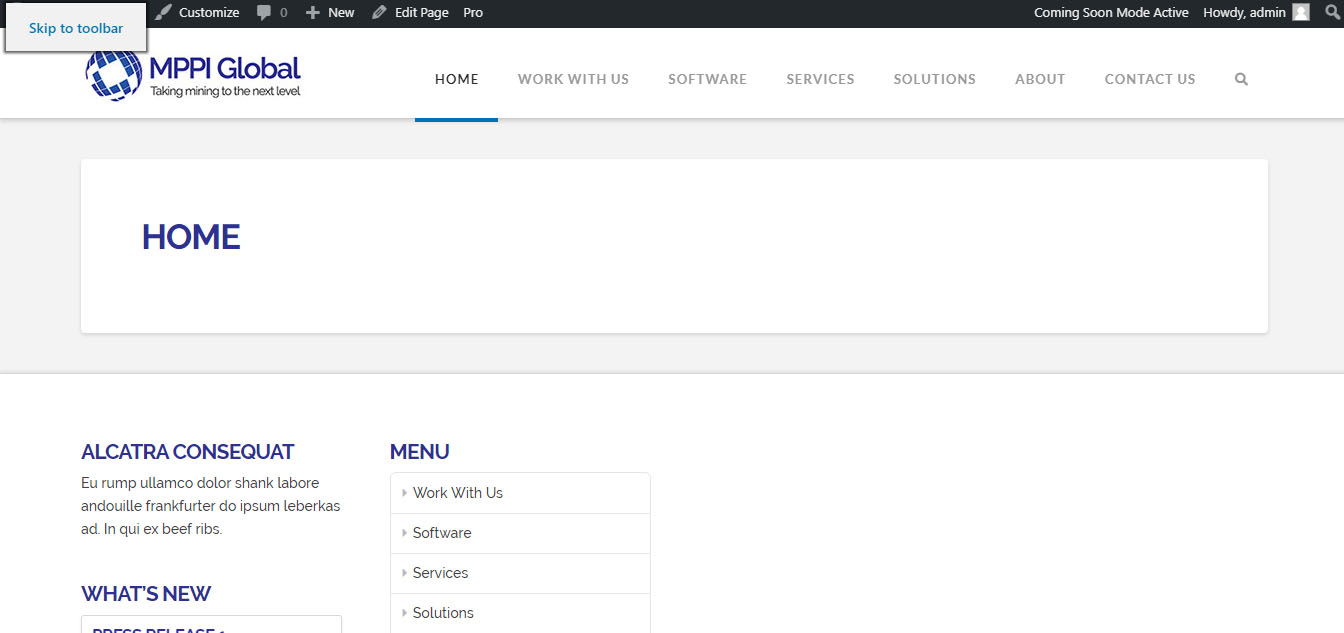
Here’s the site link: http://new.mppiglobal.com?bypass=friday
Hi there,

Please try this code in the Global CSS:

.x-navbar .desktop .x-nav > li > a:hover, 
.x-navbar .desktop .x-nav > .x-active > a, 
.x-navbar .desktop .x-nav > .current-menu-item > a {
    border-bottom: 5px solid #0070ba;
    box-shadow: none;
}

Hope this helps.

Hey

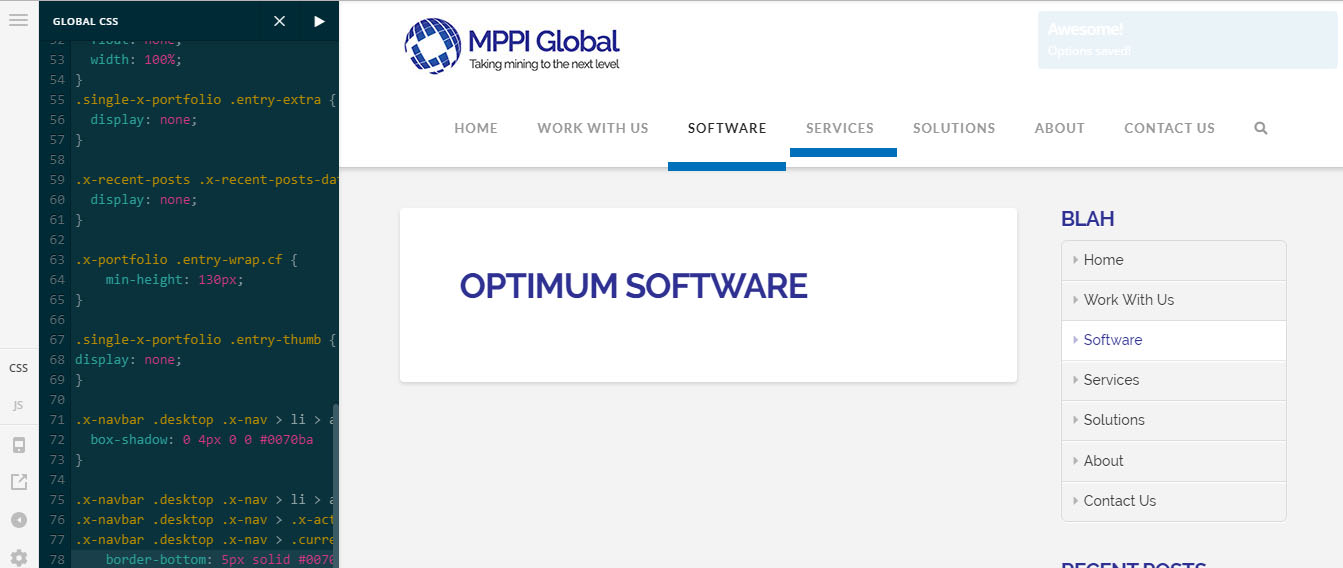
That didn’t work for me. See below. The highlight under software is where it is now, the highlight i added under services is where I’d like it to be.

Thanks.

Hi again,

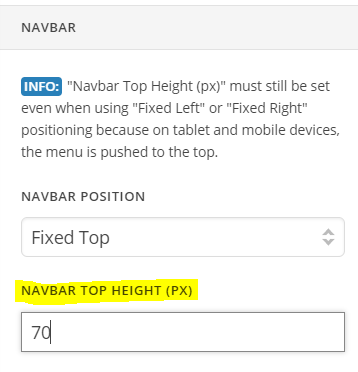
Try this, navigate to Theme Options > Header > Navbar and in Navbar Top Height field change the height to 70

Let us know how this goes!

Hey

So that worked but it caused another issue. See below. Now the header/nav bar doesn’t have enough space on the bottom for the look i want. The logo is almost cut off.

Hi @mppiglobal

You can just add this CSS code to (Theme Options > CSS) to achieve that:

.x-navbar {
    padding-bottom: 10px;
}

Thanks.

Great thanks!

You’re welcome.

This topic was automatically closed 10 days after the last reply. New replies are no longer allowed.