Question regarding this topic: https://theme.co/apex/forum/t/put-classic-image-at-the-exact-same-line-as-section-bottom/37087.
Still do not understand.
Cannot make it happen with this page. See secured note.

Question regarding this topic: https://theme.co/apex/forum/t/put-classic-image-at-the-exact-same-line-as-section-bottom/37087.
Still do not understand.
Cannot make it happen with this page. See secured note.
Hi,
To achieve that, add this in the style field of your classic image element.
margin-bottom: 0; position: absolute; bottom: 0;
Hope that helps
Thank you for fast reply.
That works for desktop. But when shown on mobile it does not look good. See image below…
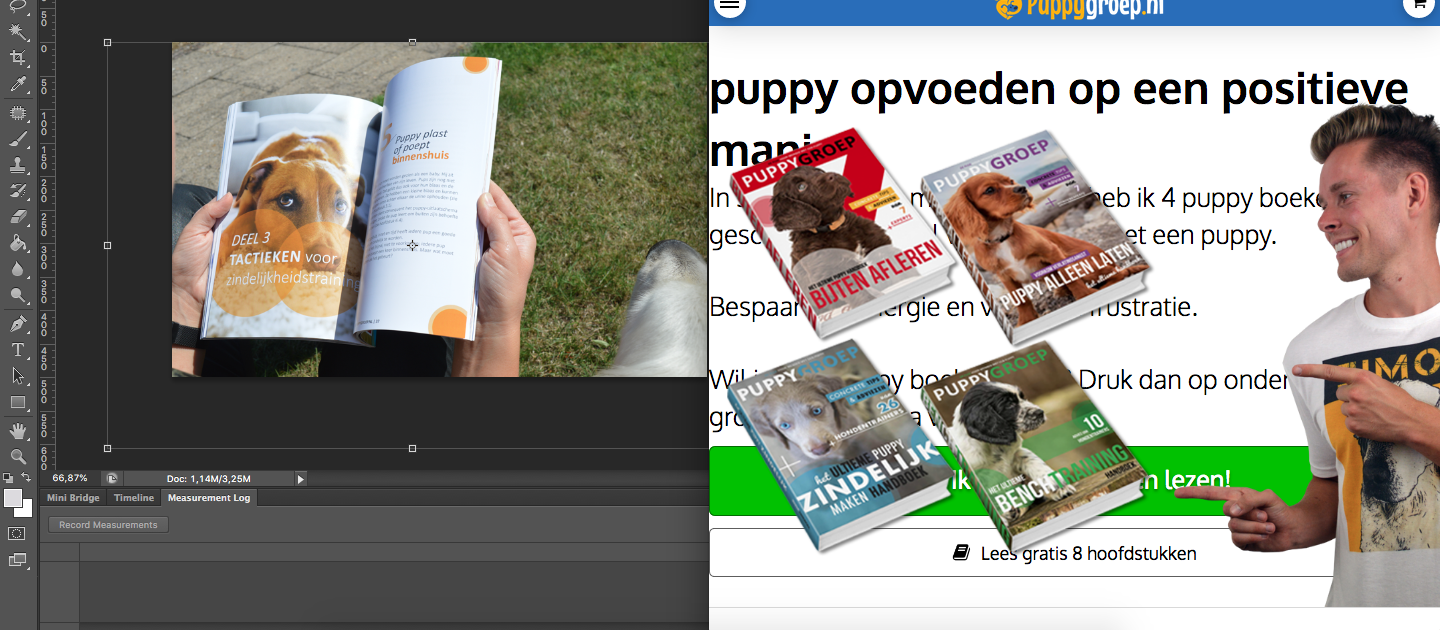
Hi There,
Thanks for writing again!
Please add this CSS to your Theme Option -> Global CSS and let us know how this goes.
@media (max-width:767px){
.e10008-10 img {
  position: relative !important;
}
}
Hope this helps!
That works but how can I make that work on another page?
Hi djinnie,
You can do another way which you can apply for other sections. Go to th section in question and click on the Customize tab and add relative to the class name:
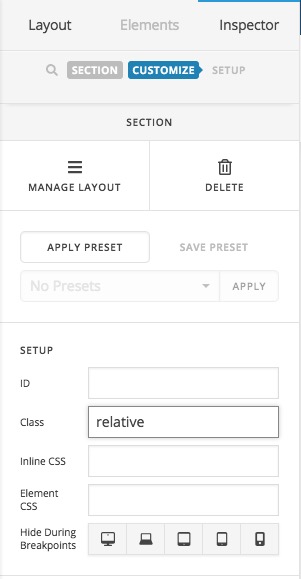
Then, go to Pro > Theme Options > CSS and add the code below:
@media (max-width:767px){
	.relative img {
		position: relative !important;
	}
}
From now on you can add the
relativeclass to whatever section you want and the change will be applied there.
Thank you.
This topic was automatically closed 10 days after the last reply. New replies are no longer allowed.