Products element appearing on live site, but not in layout

Hoping you can help with this. All of a sudden, the Woo Products element is appearing in the middle of my main Shop page (between two sections). But that element isn’t on the Layout I created for that page. If this is a clue, that block of code in the published page begins…

<div data-block-name="woocommerce/all-products" data-columns="3" data-rows="3" data-align-buttons="false" data-content-visibility="{&quot;orderBy&quot;:true}" data-orderby="popularity" ...

Ideas?

Hello @mgiraud,

Thanks for writing in!

We cannot log in. The given credentials do not work for us. We cannot replicate the issue as well when we visit your shop page.

  • See the screenshots in the secure note below.

Best Regards.

updated secure note…

Hi @mgiraud,

I have checked your shop page and the layout assigned to it but didn’t find the problem you described here. Can you please provide any screenshots marked with the issue or any video that helps us to recognize the problem?

Thanks

Two shots, from the live shop, and the layout in Cornerstone. You can see that somehow an additional Product element (or something like it - see pink outline) is being inserted.

Hi @mgiraud,

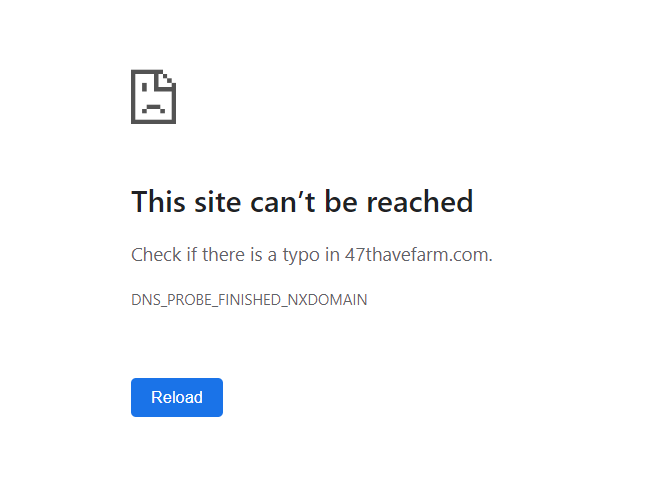
I have tried to access the WordPress login URL and found that it is not accessible and shows the error mentioned in the given screenshot.

I would suggest you check and reshare the details once again.

Thanks

Update: never mind, I found the issue and solved it. thanks.

Hello @mgiraud,

Glad to know that things are well with you.

Thanks

This topic was automatically closed 10 days after the last reply. New replies are no longer allowed.