Hi,
I don’t know what I am doing wrong. I set-up several demos but when I try to change the logo at the top of the page it winds up taking most of the page. Is there a way I can go back to the first page when I downloaded X?
Hi,
I don’t know what I am doing wrong. I set-up several demos but when I try to change the logo at the top of the page it winds up taking most of the page. Is there a way I can go back to the first page when I downloaded X?
Hi @ontravelmode,
Thanks for writing in! Regretfully, at this time I am not entirely certain what it is you would like to accomplish based on the information given in your email. If you wouldn’t mind providing us with a little more clarification on what it is you’re wanting to do (perhaps some screenshots), we’ll be happy to provide you with a response once we have a better understanding of the situation.
Thanks.
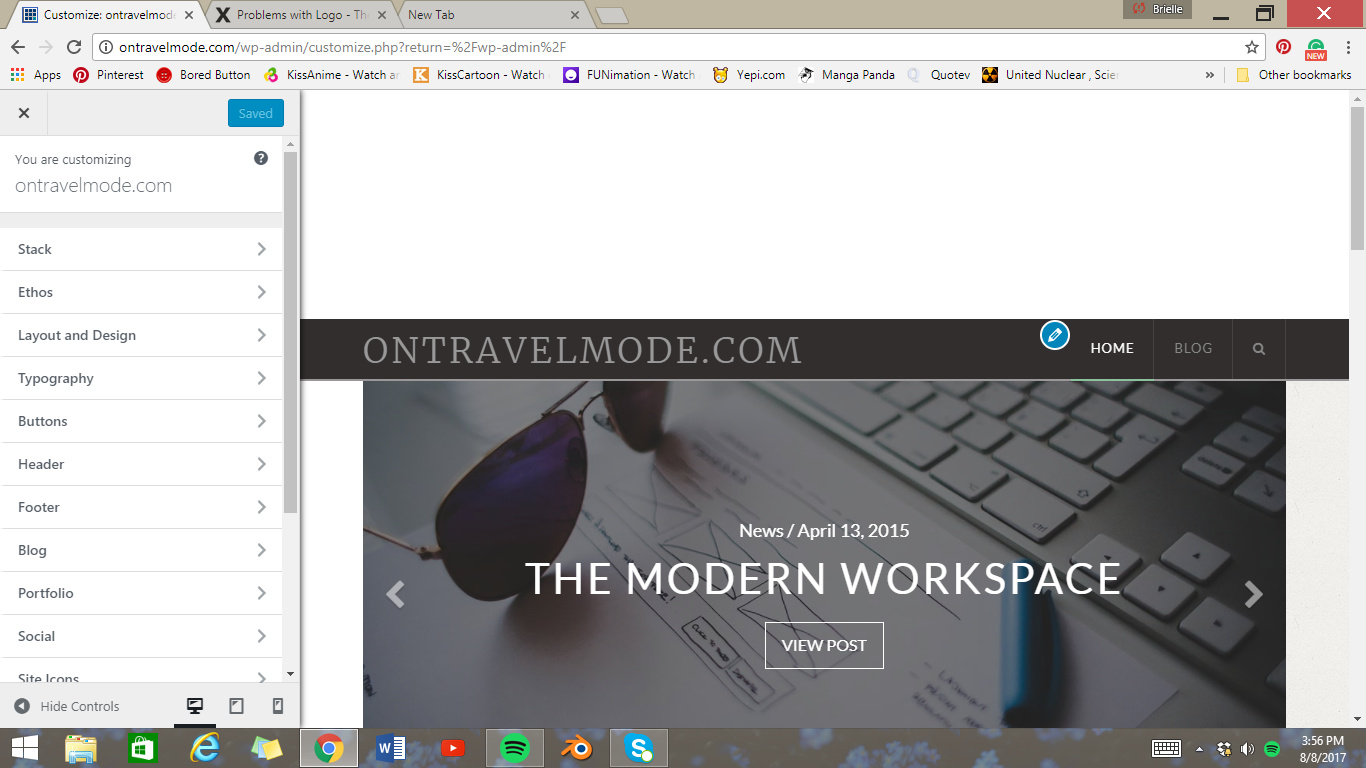
Here’s a shot of before
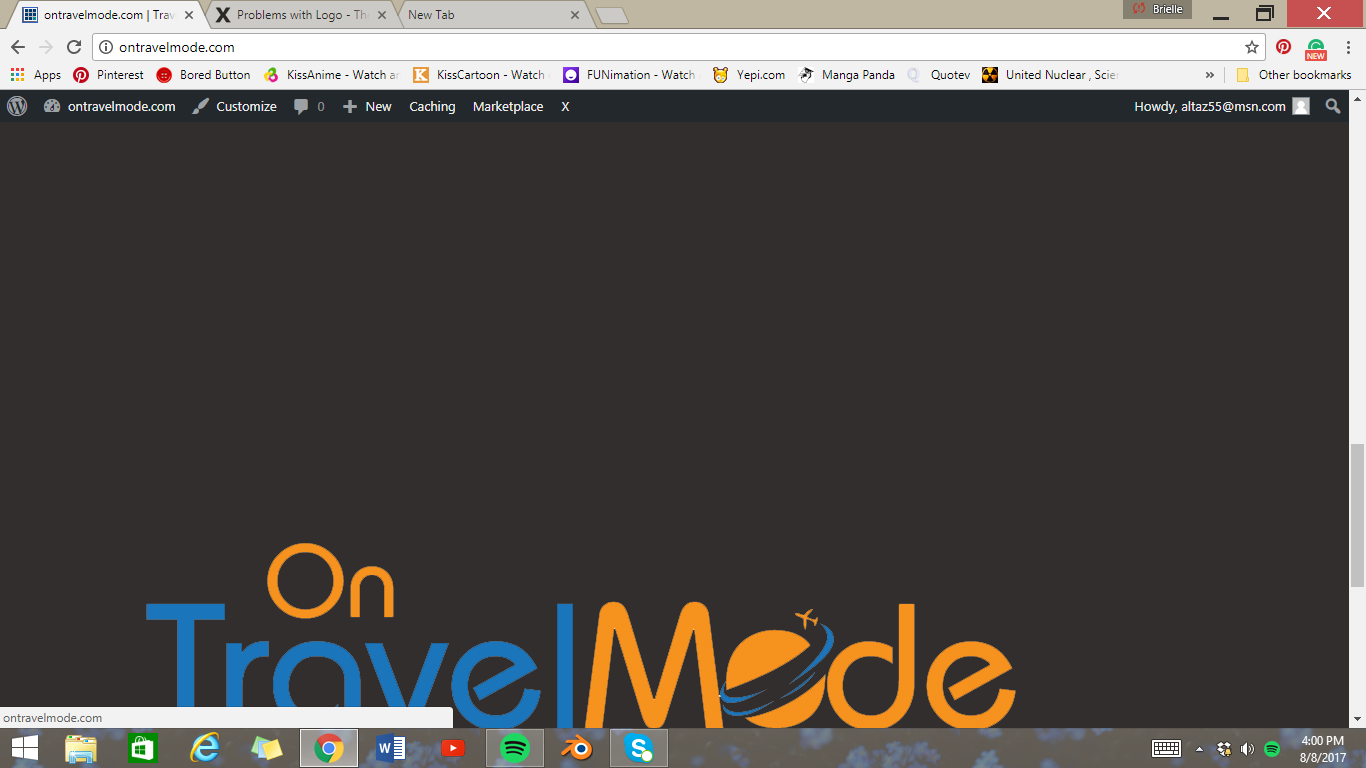
This a shot of what happens when adding my logo
Hey @ontravelmode,
Looks like the image size you have used for logo is too big, Just remove logo image from Header section in theme options and add a logo with width of 180px.
Let me know how it goes.
Regards
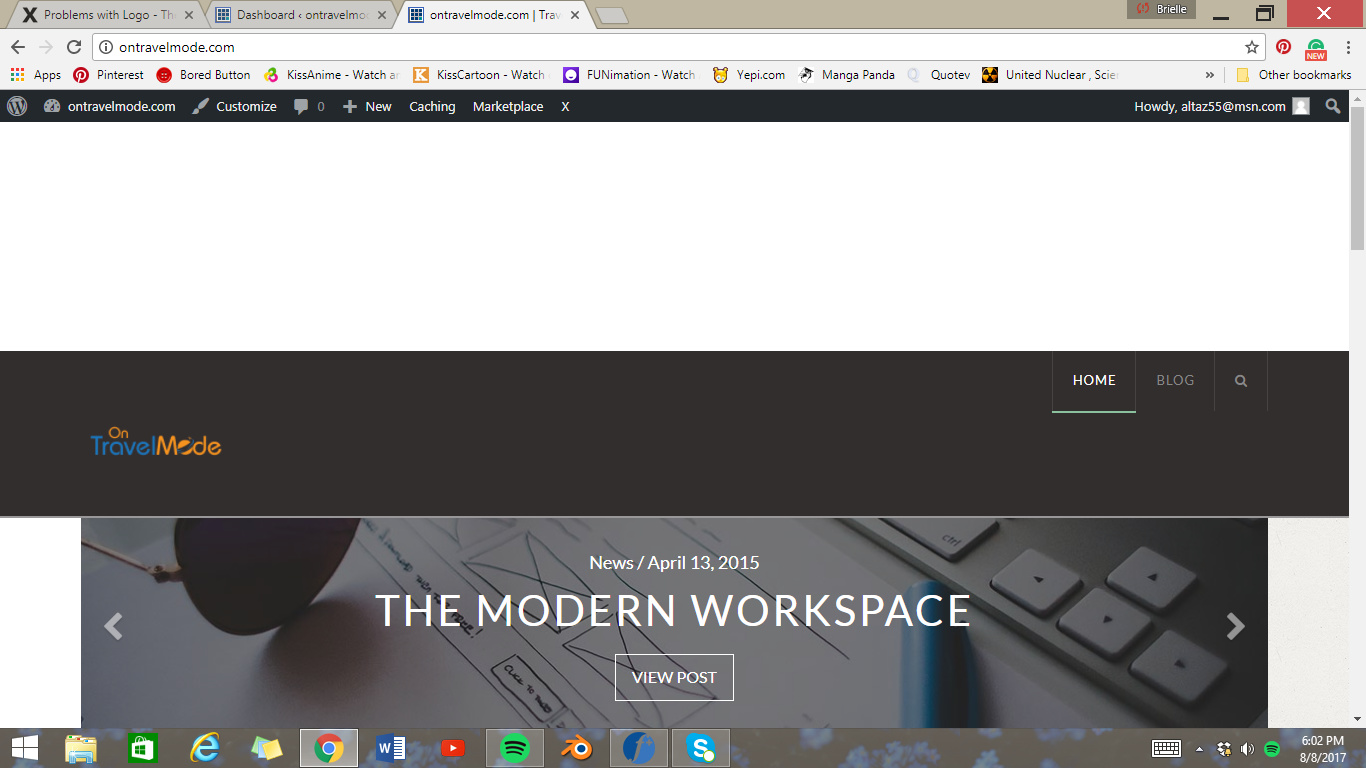
ok I made the logo 200 px and it made it smaller but now theres a huge white space between top of page and logo. How do I fix this? How do I change the color of background where logo is? thanks. I appreciate your help.
Hi There,
Would you mind providing us with login credentials(by clicking on the Secure Note button at the bottom) so we can take a closer look? To do this, you can make a post with the following info:
Thanks.