Pro posts navigation buttons

Hi there,
I’m using the Integrity stack, this is my site with posts: http://www.mediana.com/news/
time ago your colleague gave me this code to integrate in my theme in order to have the “Previous” and “Next” buttons on each post:
function add_entry_navigation(){
if( is_single() || x_is_portfolio_item() ) {
the_post_navigation( array(
‘next_text’ => ‘’ . ‘Prossimo’ . ’ ’ .
‘’ . ‘Next post:’ . ’ ’ .
‘%title’,
‘prev_text’ => ‘’ . ‘Precedente’ . ’ ’ .
‘’ . ‘Previous post:’ . ’ ’ .
‘%title’,
) );
}
}
add_action(‘x_before_view_integrity__content-post-header’, ‘add_entry_navigation’ );

It is functioning but I would like it to have only the “<<” and “>>” buttons without the title excerpt and I would like it to have the styling of the theme buttons and to be at the upper left corner of the post: see the mockup (do I need to integrate it with the shortcode and if yes where do I need to place it inside the code?):
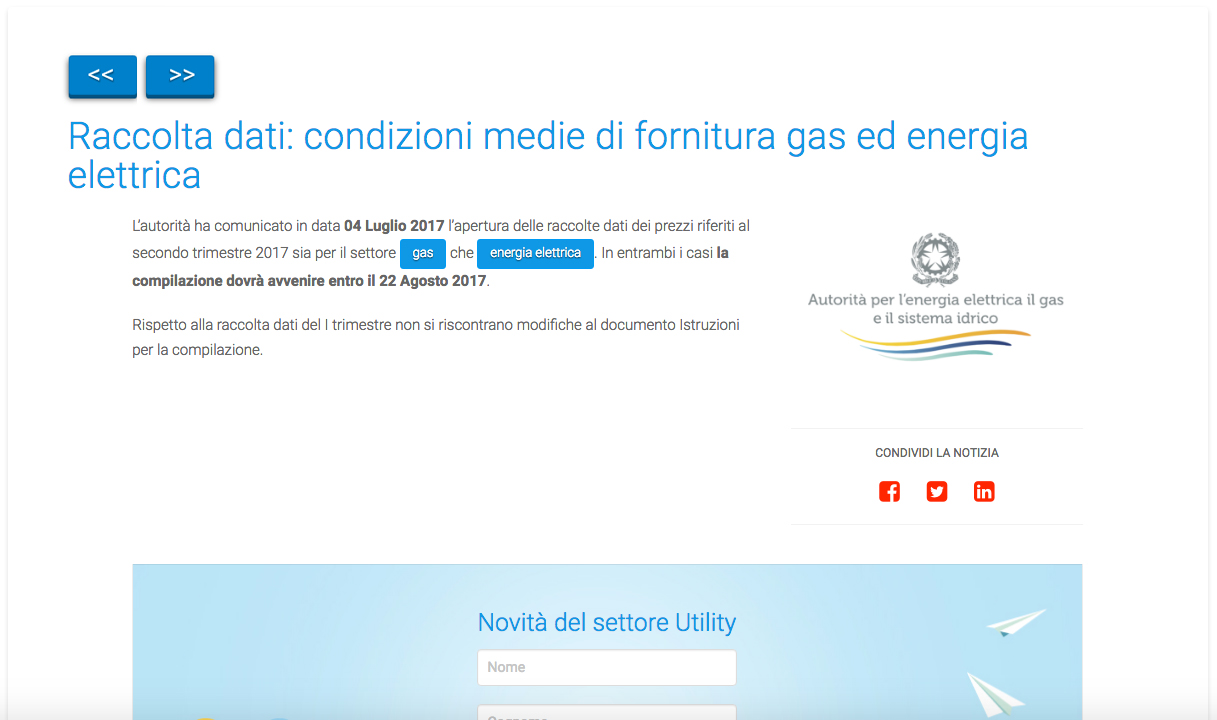
I would appreciate very much your help.
Maybe for future developments you can integrate this option in this stack.

Thanks/ Regards,
Anita

Hi there,
I’ve managed to do some styling to add the desired looks to the buttons:
functions php file:
function add_entry_navigation(){
if( is_single() || x_is_portfolio_item() ) {
the_post_navigation( array(
‘next_text’ => ‘’ . ‘>>’ . ’ ',
‘prev_text’ => ‘’ . ‘<<’ . ’ ',
) );
}
}
add_action(‘x_before_view_integrity__content-post-header’, ‘add_entry_navigation’ );

style.css file:
.nav-links {
vertical-align: top;
margin-bottom: 30px;
}

.nav-previous{
vertical-align: top;
display: inline-block;
padding-right: 1em;
}

.nav-next {
vertical-align: top;
display: inline-block;
/float: right;/
}

Now I have two issues to resolve:
1.) I would like the buttons to be a bit smaller
2.) The buttons are not displaying well on mobile devices (smartphone and tablet). I would like the to be displayed inline and not one under the other and to have a space in between, just like on desktop view.

Thanks in advance.

Regards,
Anita

Sorry, the text seams to be cropped where the code is. How can I pass you the entire code without being cropped?

Hi There,

Regretfully, those custom function wont work on X5 or Pro. It could be possible with custom development, but this would be outside the scope of support we can offer.

In Pro those content that we see on header landmarks (title, description, breadcrumbs, next-prev navigation) will be added as elements on the future so we can place it anywhere on the header with the builder. Regretfully we can not provide an ETA, but definitely it is on the road map.

Thank you for your patience.