How do you hide a Pro Header on Desktop so it only appears on mobile ? I want to create a left header for mobile and a top header for desktop.
Hi there,
You can make use of the Hide During Breakpoints feature that you can find in the bar’s customize setting.
So what you can do is to hide the bars on the top area on mobile then the opposite for the left bars.
Please see the screencast below for reference.

Hope this helps.
Awesome! I found it
Thanks!
You’re most welcome. 
Hey,
How do you hide the default xtheme menu so only the Pro menu is displayed?
Hi There,
Are you referring to an actual menu? or the entire Header?
For the header, Make your Pro header Global so all of your pages (except those ones that has specific header assign on them) will use your Pro Header.

As for the actual menu, please inspect your navigation element, and change the default assigned menu.

Cheers!
Hey thanks,
It’s the header I meant to say. Yea the Pro header is global but I’m still seeing the regular xtheme header and footer in between the Pro header and footer.
Hi there,
If you have the header and footer builder active, the default header and footer should not be displayed anymore.
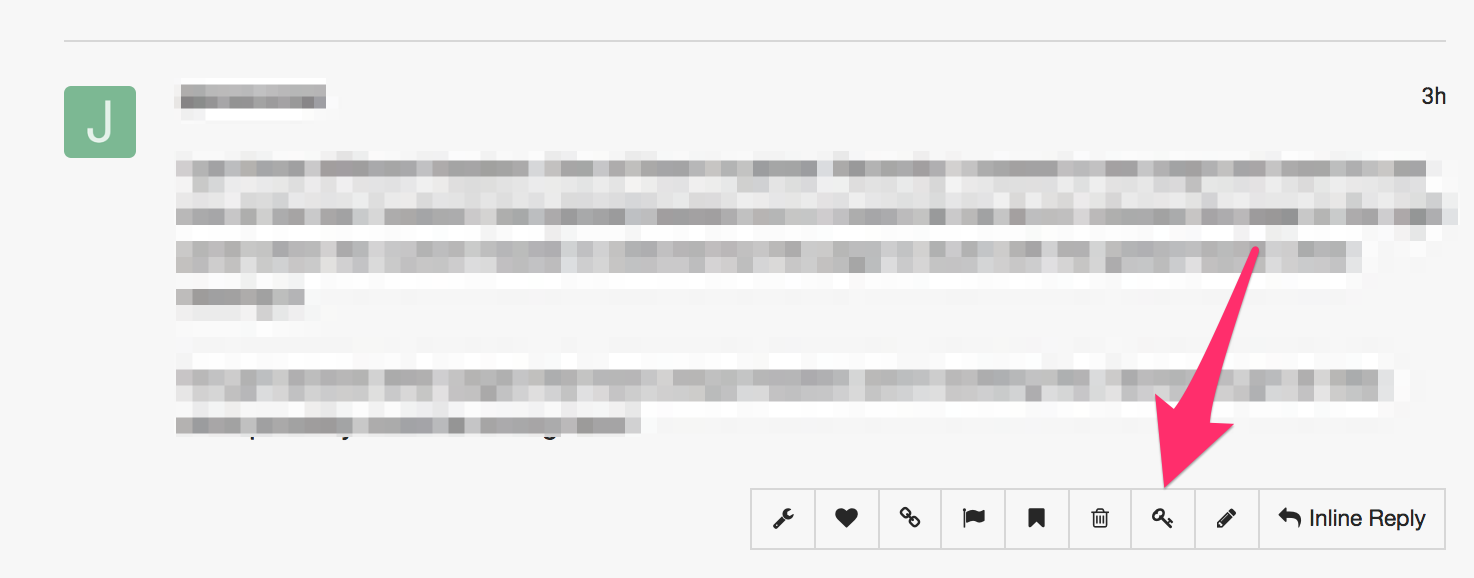
Please provide us with the admin access to your site in a Secure Note (key icon under the replies you post/posted):
Hey thanks, I found the issue, I confused the pro header bottom section with the pro footers.
Hello @pacificsolutionstt,
We are just glad that you have figured it out a way to correct the said issue.
Thanks for letting us know!
Best Regards.
This topic was automatically closed 10 days after the last reply. New replies are no longer allowed.