Pro Header Submenu Spacing

Hi,

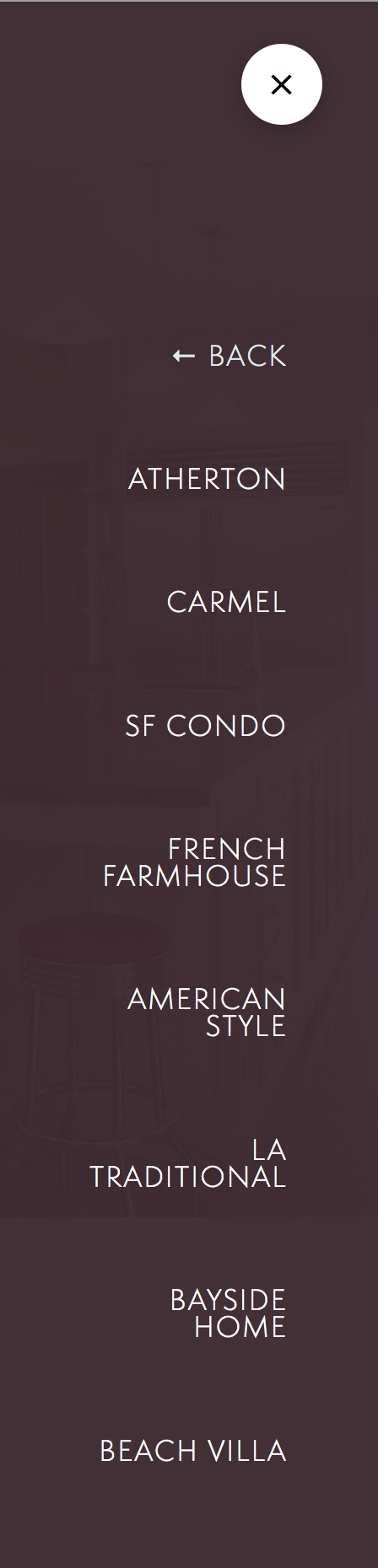
I’m trying to get the spacing correct on my submenu on a side toggle navigation. It seems to have extra space at the top compared to the main menu.

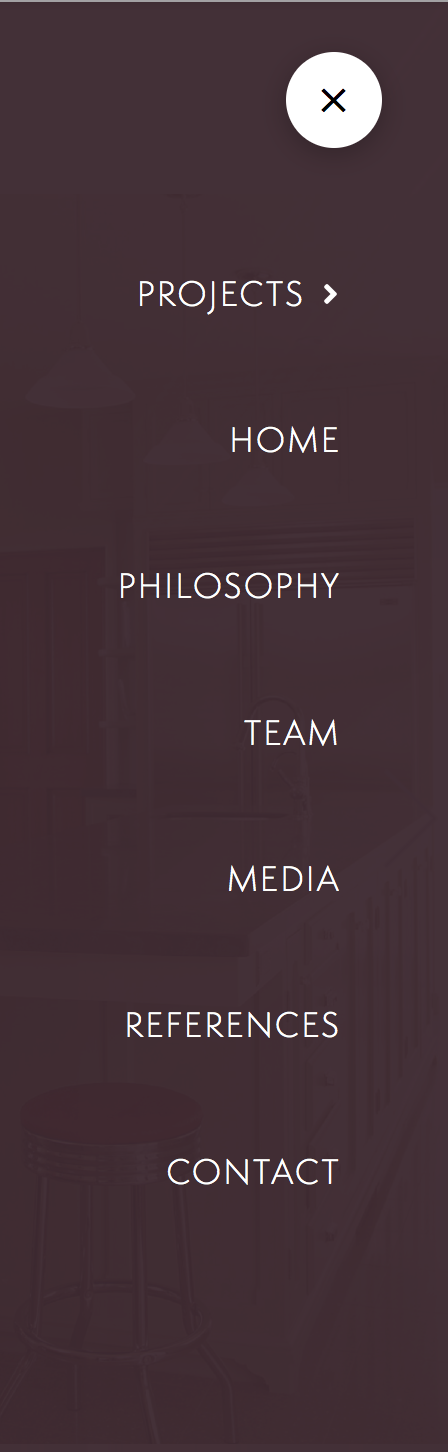
The first screen is the main menu with correct spacing. The second is the submenu with the extra space on top.

Thanks!
Jen
Hi Jen,

I have tried that element in my test site but I can’t replicate the issue on my end.

Maybe you have some custom css that is interfering with the spacing.

Can you provide us your site url where we can see the issue,

I’ll list below some CSS/HTML resources that should help you to carry on these modifications on your own in the future:

Hope that helps

I’ve added the login info to the secure note. My problem isn’t the CSS really, it’s finding the right class to target. It looks to me when I look at it with the web inspector that there is an extra element above “back” that is invisible but taking up space.

Thanks!

Hi Jennifer,

The following is the custom CSS rule that is causing the issue.

.x-off-canvas .x-off-canvas-content ul {
  margin-top: 4em;
}

That was added to the Header CSS area.


Please remove that, and use the native margin options of the element instead.

Hope it helps,
Cheers!

I will try that. It is there for the main nav menu. Is there not a way to distinguish the submenu from the main menu?

Thanks!!

Hi,

For submenu, you can use the following class .x-menu .sub-menu

To remove top spacing in your submenu, please add this in Header > CSS

.x-menu .sub-menu {
   margin-top:0 !important;
}

Hope that helps.

That did it! Thanks!!

You’re welcome!
We’re glad Friech and Paul were able to help you out.

This topic was automatically closed 10 days after the last reply. New replies are no longer allowed.