Pro Header Initial Position

Hello,

In our Pro Header we have set the Initial Position to “Absolute” which works great for most of our pages. However, on our Blog & Contact pages, the “Relative” setting looks much better.
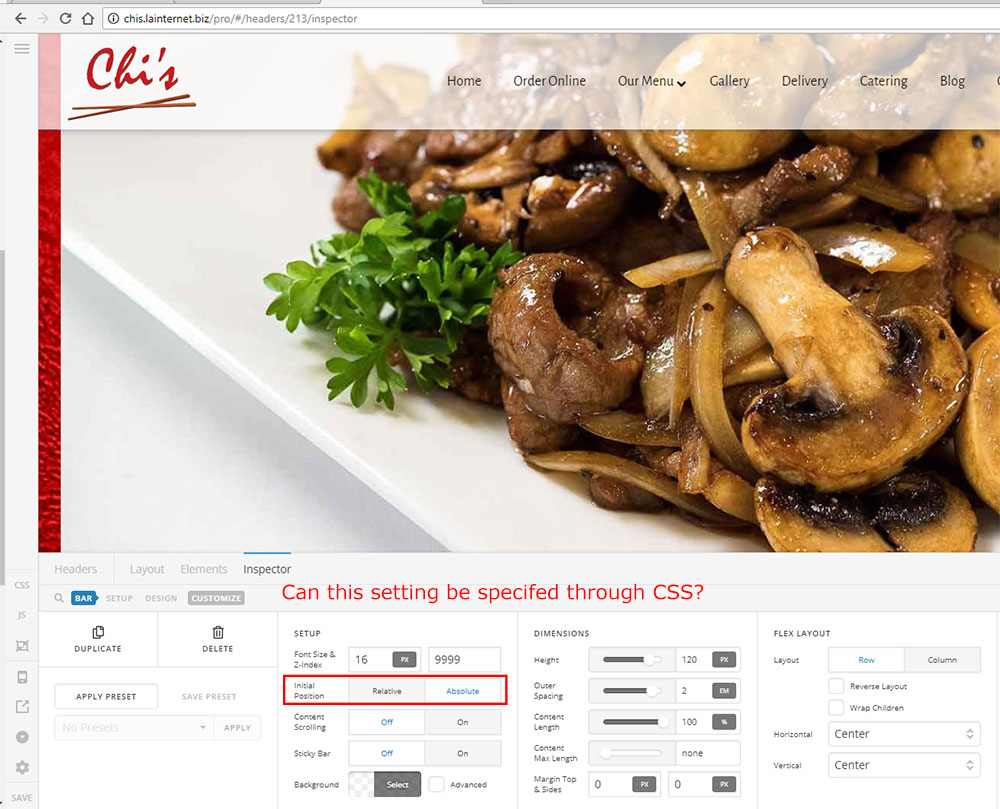
Is there a way for me to override this through CSS in the page so that I don’t have to replicate and maintain 2 headers?

Thanks,

Micah

Hi Micah,

We can use the following CSS:

.blog .x-bar-absolute,
.page-id-410 .x-bar-absolute  {
    position: relative;
}

Add this CSS on header custom CSS so it will not affect other headers. 410 is the ID of your Contact us page. It will overwrite absolute position to relative on those pages only.

Hope this helps.

This topic was automatically closed 10 days after the last reply. New replies are no longer allowed.