Pro Header- Headline Text is Huge in the Editor

Hi!

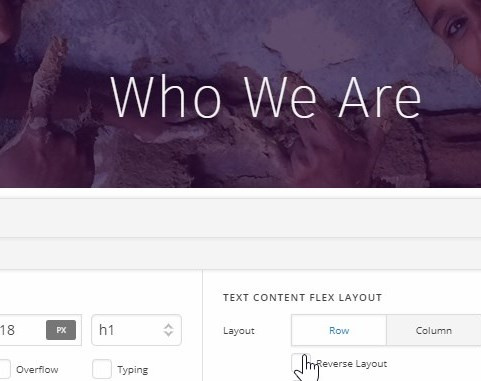
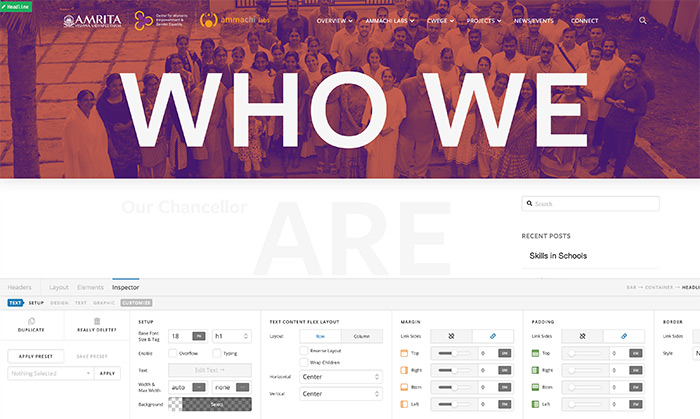
I’m using the headline element in the Pro header builder. I’m using it as an H1 - i’ve outlined the styles for my H1 in the custom CSS. In the Pro Builder - the headline looks HUGE - but in the front end (i’ve checked in 2 browsers) its rendering at the correct size. I realize that this is what is important - but its really hard to work in the header builder if the text is taking up the entire screen. And it feels buggy and scary - help!

Hey Jamie,

I checked your header and the Headline’s size is correct.

Please try clearing your browser cache and also try testing other browsers and best if you could try in other computers too so we know if there’s something in your system causing the issue.

Thanks

Hi Christian,

Thats not the correct page. Please check this page:

http://ammachilabsdemo.otelsbergdesign.com/section-page-template/

Hi @jamievilasini,

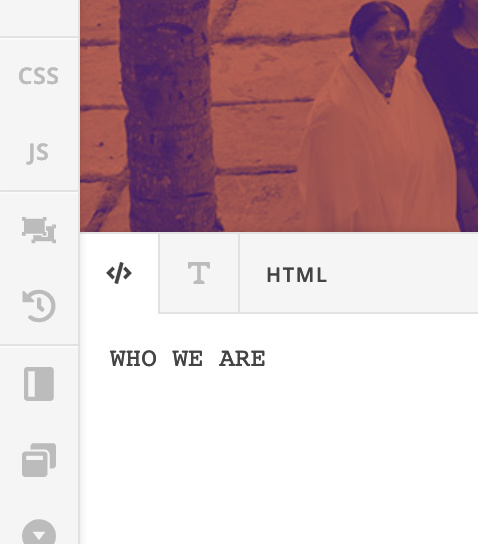
You don’t have to wrap your text with h1 tag:

<h1>WHO WE ARE</h1>

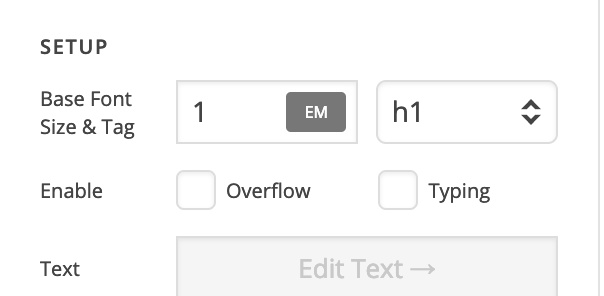
When you select the h1 from the setup, it will automatically generate the h1 tag for you:

Regards!

Hi,

But when i put nothing - it automatically puts p tags around it - and when that happens, its not getting the h1 styling. I dont know whats happening. Its getting everything correct except the font weight. Its showing as 300 in the front end but the correct weight is 600. When i change the p tag to h1 it is correct on the front end, but like i said - the text in cornerstone is massive.

Hi @jamievilasini,

If you switch to the text editor, the <p> tag will be added to your text. Please use the code editor instead:

I’ve corrected it for you. The header headline is the same on both frontend and preview.

Regards!

1 Like

Thanks Thai - so the lesson is - just type in the code editor, and dont switch it to the text editor for any reason or it will create the tags… thanks for fixing it!

That’s correct.

You’re welcome.

This topic was automatically closed 10 days after the last reply. New replies are no longer allowed.