Hey guys!
Let me start by saying that for a couple of years now X has significantly sped up my development and Wordpress implementation process a hundredfold. I can’t thank you guys enough.
With the introduction of PRO, I jumped right in and started developing new sites using it. However, recently I’ve hit a roadblock and I just need some clarification as to any suggested fix or if I just need to approach theme customizing differently from here on out or go back to using X.
From my understanding, the Header and Footer Builders in PRO rely heavily on FlexBox. While this is supported in Chrome, Firefox, and Safari…it has limited support in IE11 and almost none in anything earlier than IE11.
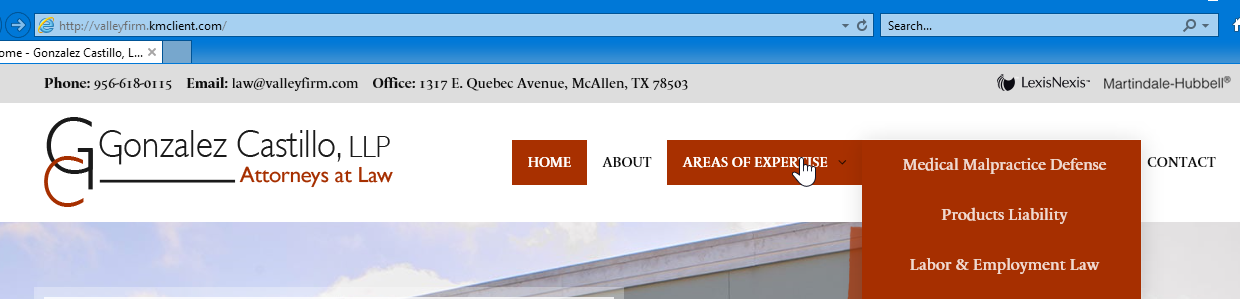
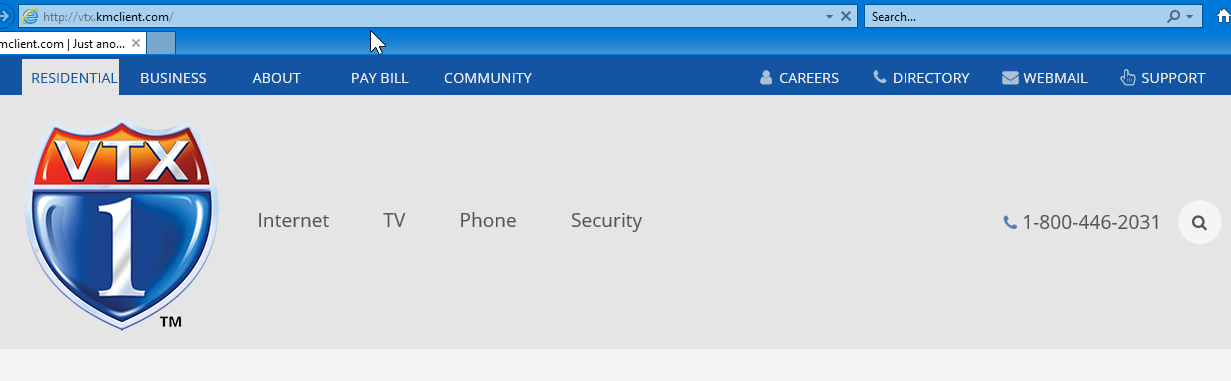
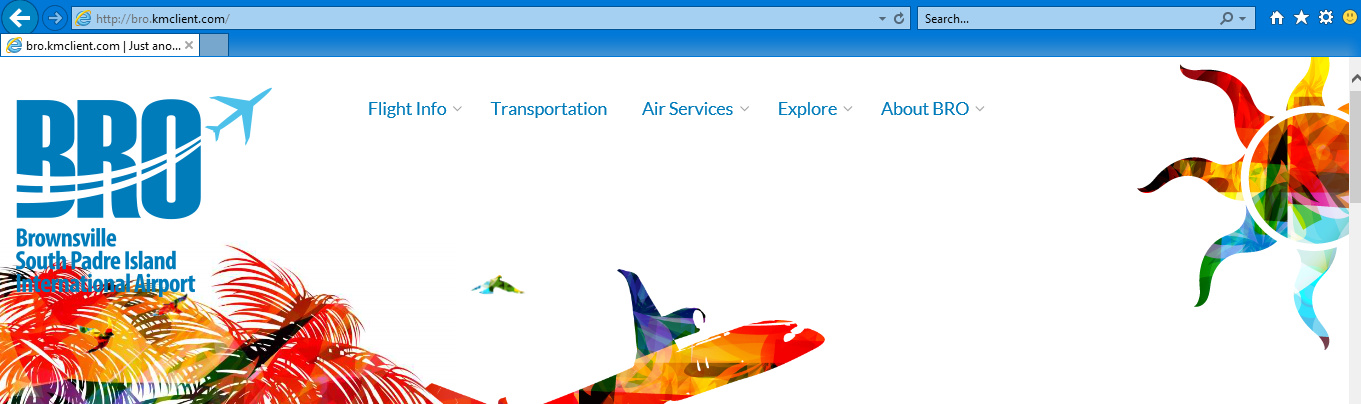
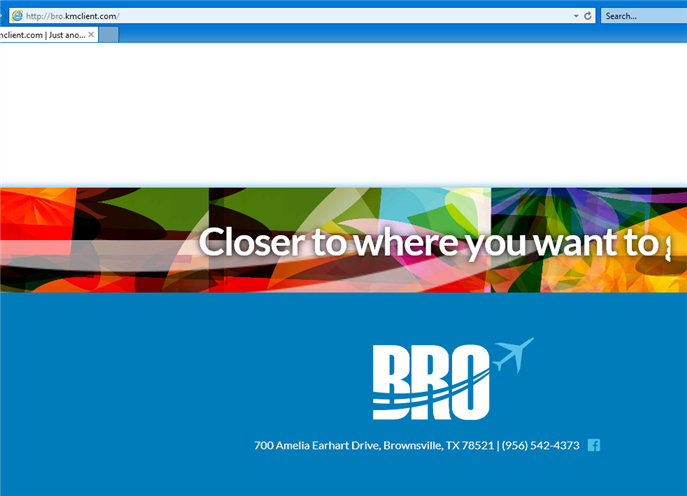
This results in Headers and Footers looking really bad in IE. I’m not a fan of IE. And I hate it that some of my clients prefer it (only because it’s on their computer by default). However, is there some kind of fallback that you suggest? Or is there a way to disable FlexBox and use styling that is compatible with IE < 11?
I’ve noticed the same problem on almost all PRO websites that are shared in the PRO Showcase in this forum.
Here are three of my sites that I’m having this problem with (please note the headers and footers). If possible, please view them in Chrome and IE11 and IE10.
Thank you so much for all your hard work and support.
Freddy