- How to put header-bottom below footer?
- How to change internal alignment objects (and container) depends resolution?
- I have tried to use css, but no success.
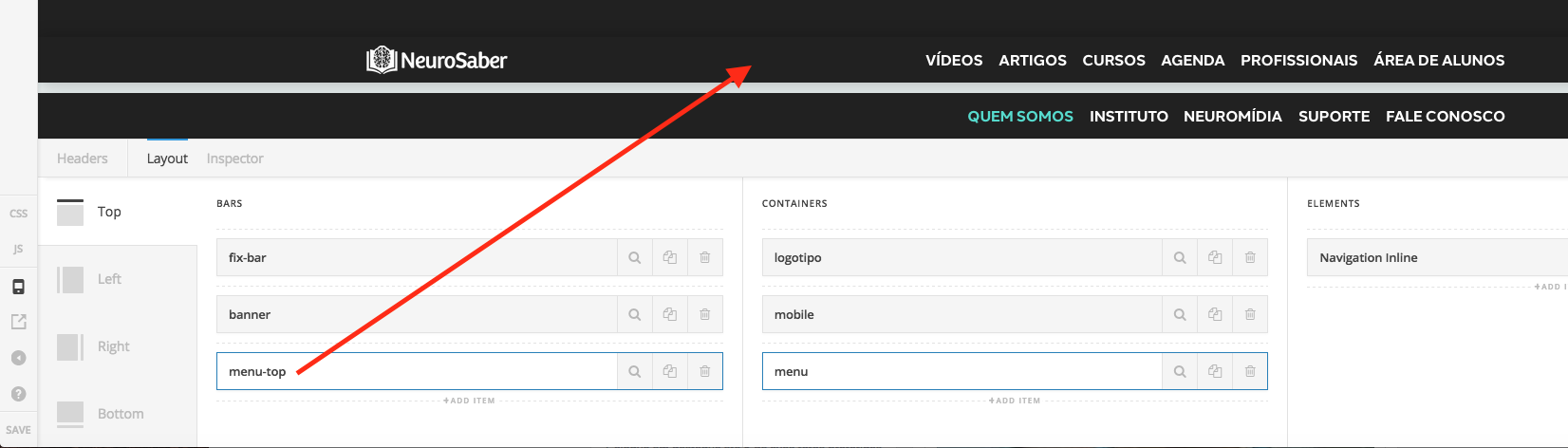
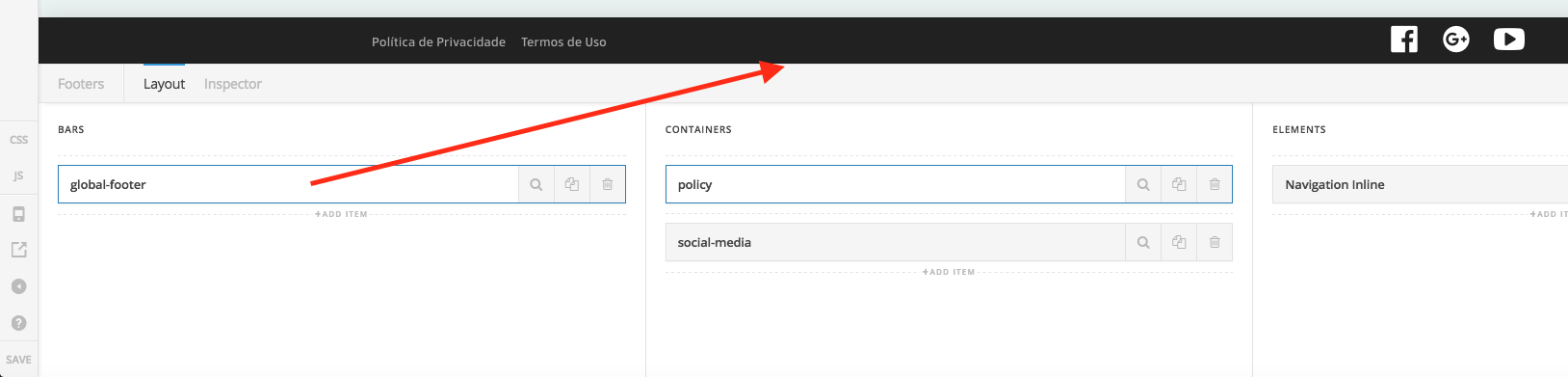
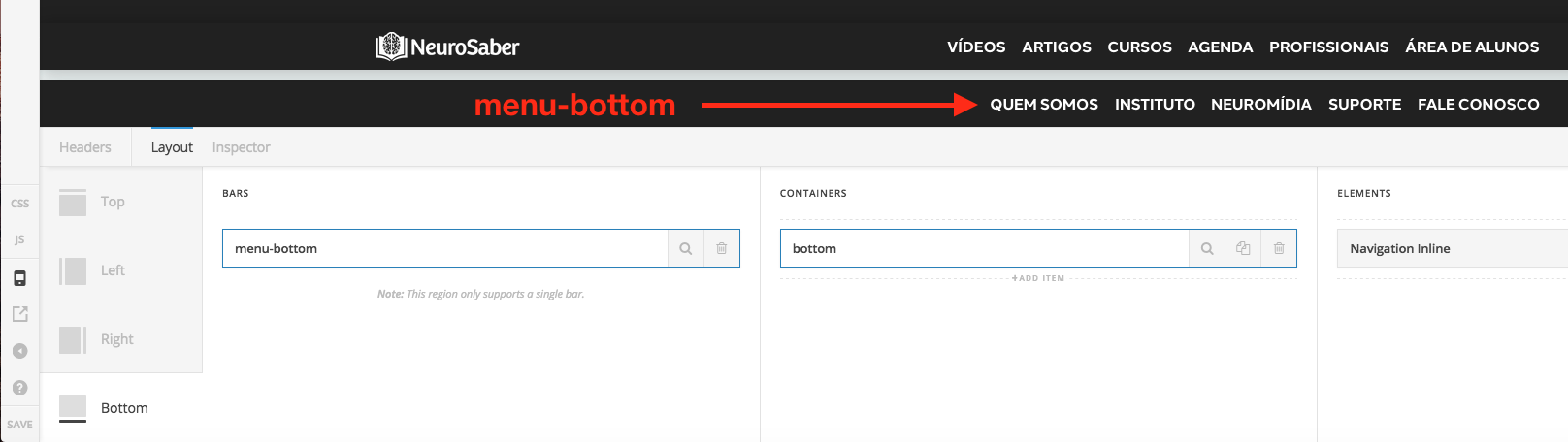
Below, the screenshots from live editor.

Hi There,
1- Seems like you already achieved that, otherwise, please clarify.
2- Hi There, it depends, there are different approachs depending on what you are trying to achieve…you could use the header builder customize tab to hide elements for example. Please provide a more detailed explanation of your goals in order that we can help.
Thanks!
Hi @Joao,
Thanks for reply.
The goal:
At end of scroll, the header-bottom above (position) of the footer.
Today, as you can see, the header-bottom is below of the footer.
For resolutions below of 480px, I’d like to align centered containers and objects (footer).
Now, I have the align objects left and right, links and social media buttons. (It’s ok for resolutions above of 480px).
Hello There,
Thanks for updating in!
1.) The custom header assign as Fixed Bottom will always stays at the bottom of the page. You cannot position it above the footer because they are independent. Even if you have positioned it at the bottom it is still a header. The position of the footer is relative and a different structure compared to the header. This is why it is impossible to have it position on top of your footer at the end of the scroll. It maybe possible with custom development. Regretfully custom development is beyond the scope of our support.
2.) You will have to create another bar exclusively for 480px because it will require a different layout. You will then have to hide/show the bars for screens over 480px and screens below 480px using the visibility option or the “Hide During
Breakpoints” option.

Hope this helps.