Pro header bars not stacking properly

Hi,

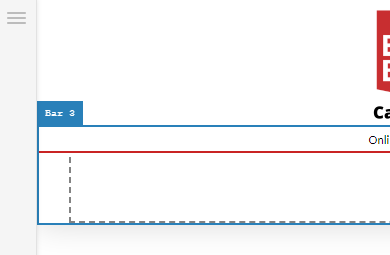
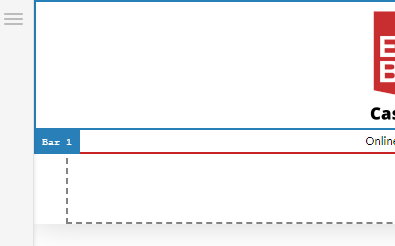
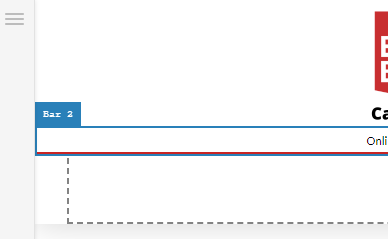
We’re having a problem with adding a third bar to our header. The third bar starts at the same place as the second bar (bottom of bar 1) which means it is hidden behind it, we need it to start at the bottom of bar #2 so they don’t overlap. I’ve tried altering the z-index but that only makes them go in the front or back of each other as far as I understand, this is more a problem of where it is placed. Sharing some screenshots that show the problem in greater detail.
image
image
image

Hopefully this makes the problem more clear. As you can see bar 2 and bar 3 start at the same place, intead of just stacking on top of each other. How can I fix this?

Thanks for the help!

Howdy, @Sandberg! Thanks for writing in…do you happen to have a live link where we can see this? Also, it might be helpful if you cold provide us with your login credentials via a Secure Note so only our staff can see it, that way we could login and see exactly what your whole setup is to give a better idea on things.

Thanks!

Hi Kory, the site is casino.ekstrabladet.dk, I managed to get it the way I want it with padding right now but the problem still persists. If you can’t find the problem on the site I can provide login details.

Thanks in advance!

Thanks @Sandberg,

I see what you mean. Can you try turning off “absolute” positioning on your second bar? When that is enabled, it will cause that bar to use the same positioning as the one above it instead of sitting below it. Sometimes this is desirable and the z index can be used to determine how they are layered. However, if you want the bars to stack you will need to disable that setting.

This topic was automatically closed 10 days after the last reply. New replies are no longer allowed.