Hey Alex,
The key to achieving a 1:1 cell or even a column is identifying the parts of the cell content. Based on your screenshot, you have 3 parts and the height of the 3 parts should be 100% to form a square (see the labels below).
To apply that in the builder, the Button element’s top margin (Top Space) must be 70% (can be adjusted) minus the button’s height. That can be done using the calc() CSS function which is allowed to be used in the number options such as the margin.
calc(70% - 40px)
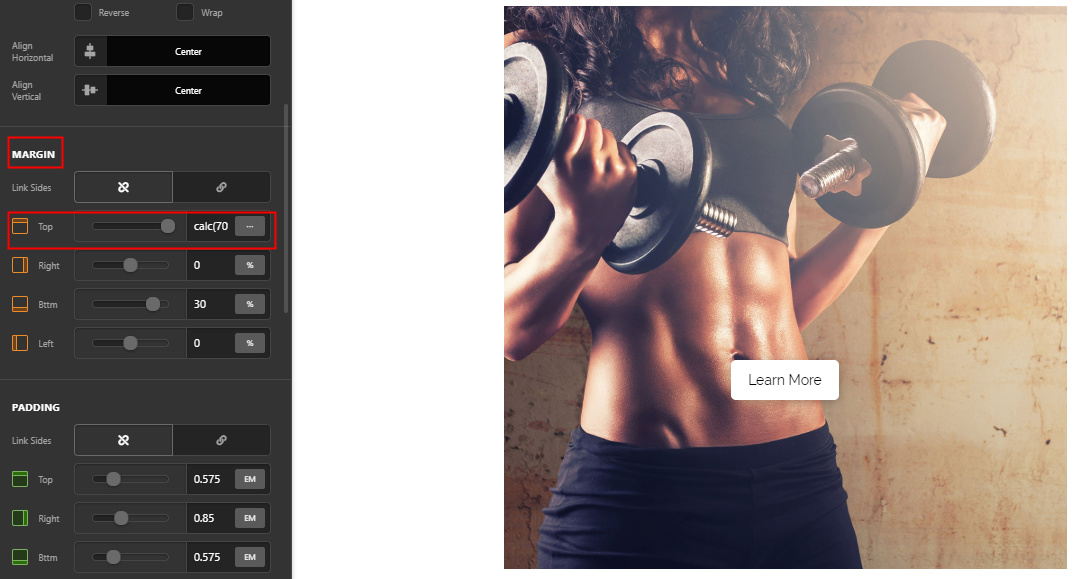
It’s minus 40px because the button’s height is manually set in order for the button to remain the same size across screen sizes.
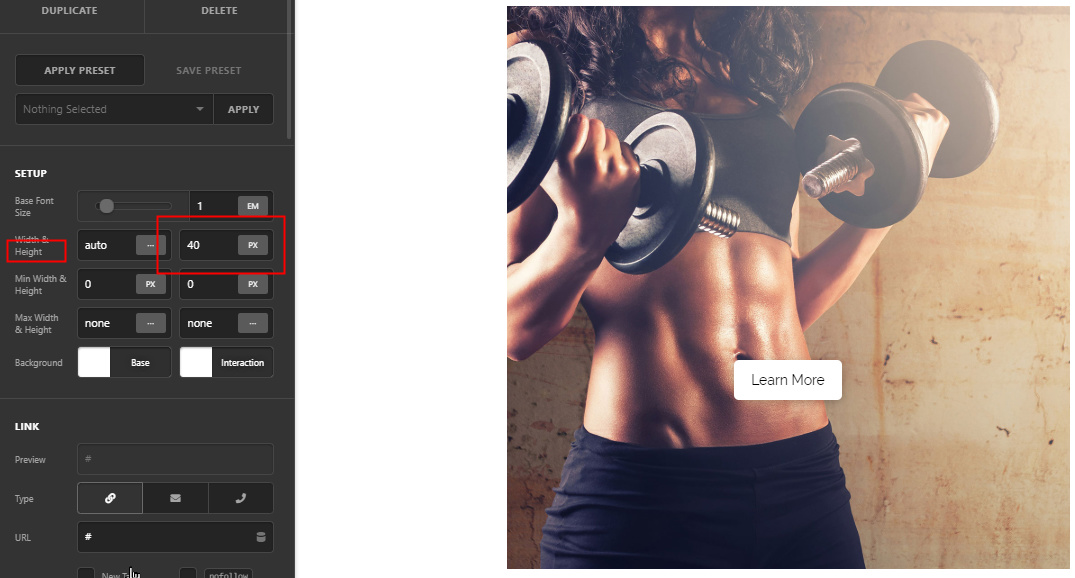
The button margin is then set to 30% (adjust based on the height of other parts). You can see all that working in the video below. Just set the play speed to slow as I did create that quickly to save time.
Hope that helps.


