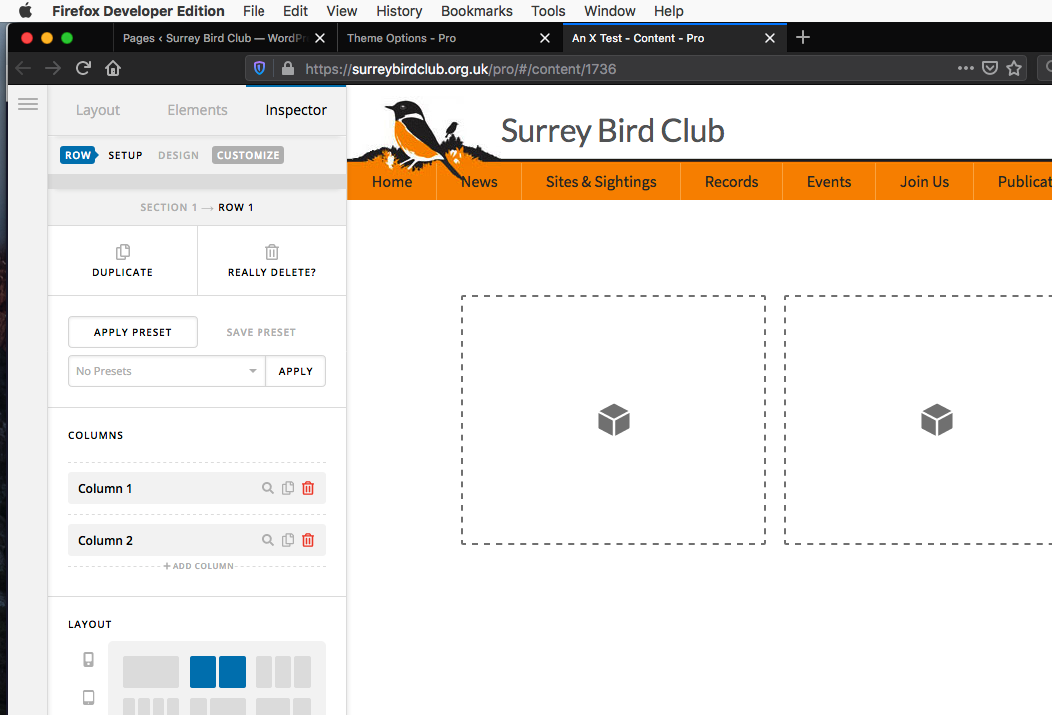
Pro editor wont load

Hi Pro Support,

My website’s pro editor wont load. I can’t get in to ‘edit with pro’ or to edit content headers footers or theme options. I have tried turning off all plugins, updating everything to the latest version and using the main pro theme and not my child theme but still the same problem happens. When I go to the wordpress edit for a page I see shortcode with [cs at the start, I don’t know if that gives a clue?

I hope you can help.

Thank you

Tamsin
Hey Tamsin,

I opened your home page in Cornerstone and also checked Theme Options and they load.

If you have cleared all caches including the browser cache, you most likely have a browser extension that is causing the issue. If you have a browser extension, please disable them temporarily to test if one of them is causing the issue.

Thanks.

You are right, I tried a different browser and it has worked. Sorry about that. I will try to work out what extension caused the issue.

Thank you for your help.

Tamsin

You’re welcome!
We really appreciate for letting us know that clearing the cache and testing in another browser has worked for you.

I tried restarting firefox developer edition, it is not running any extensions, it still wont load the pro editor. Other websites in pro will load in this browser, so that is odd. It works in normal firefox.

Hello Tamsin,

Please check if the Javascript is enabled in your Firefox Developer.
I installed Firefox Developer Edition and viewed your site. I could not replicate any issue either.

Hope this helps.

This topic was automatically closed 10 days after the last reply. New replies are no longer allowed.