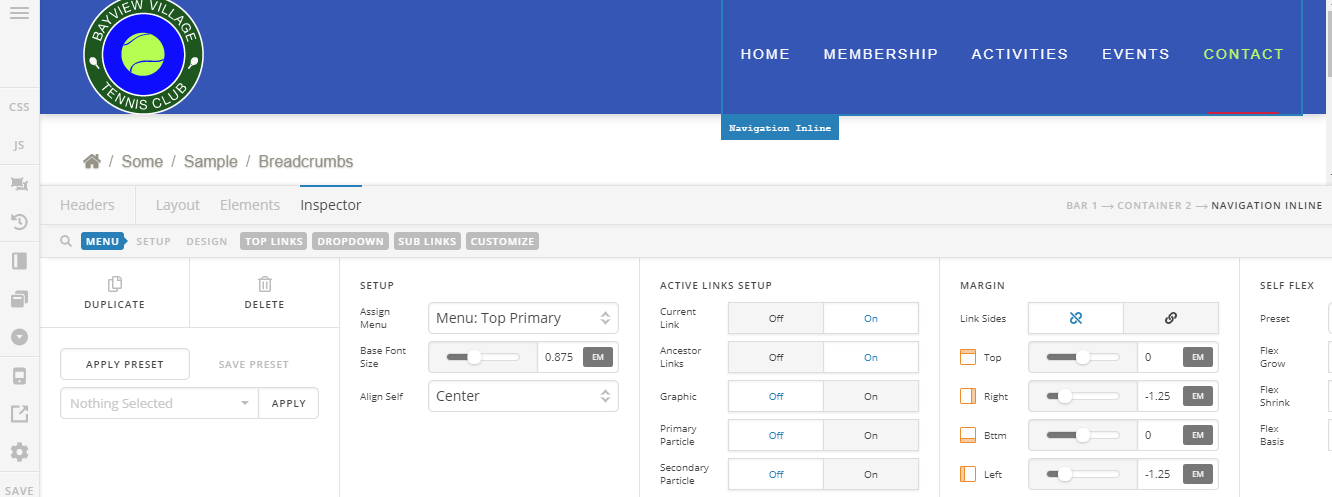
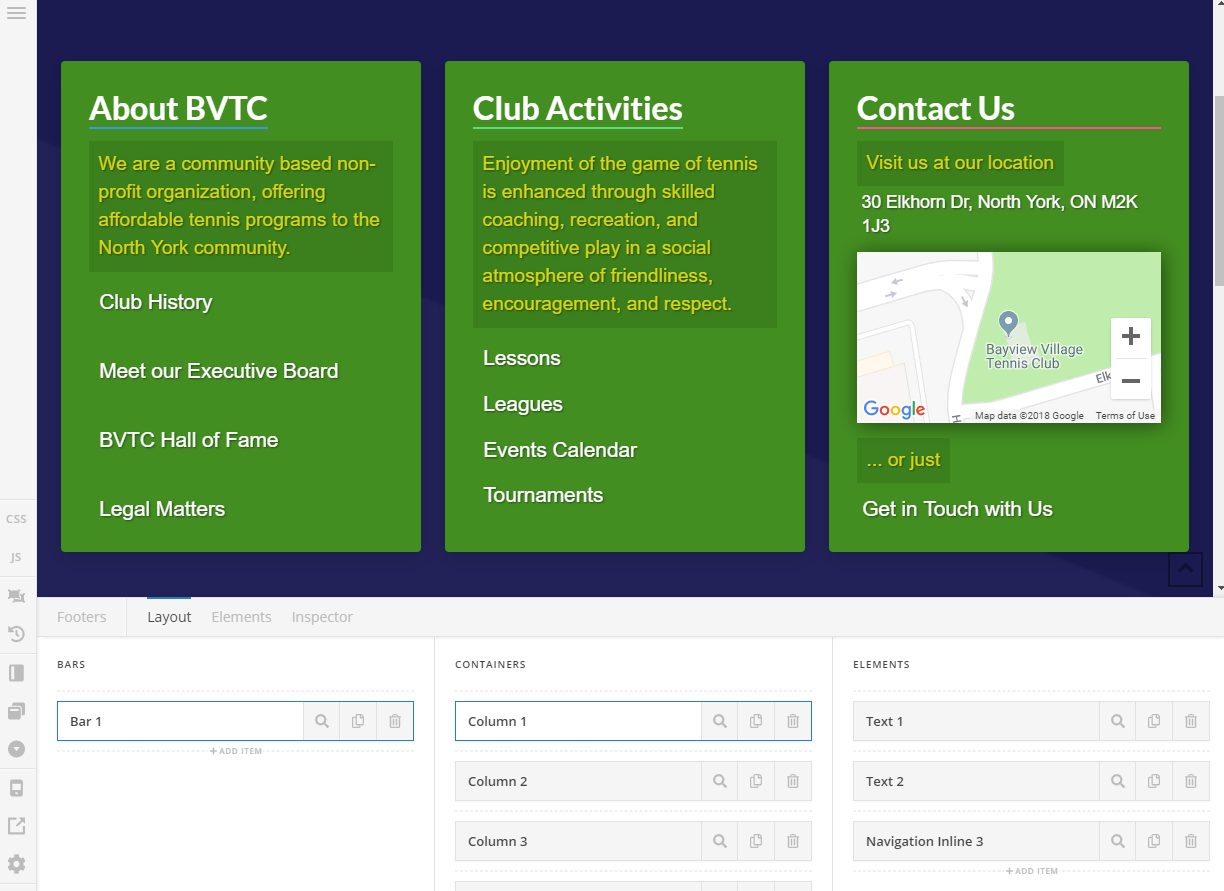
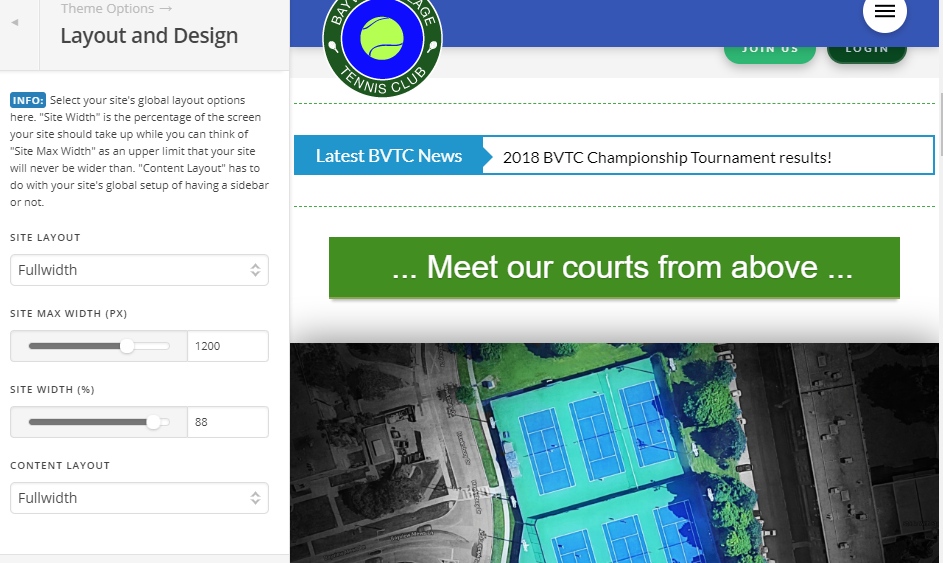
Pro editor not loading any page/header/footer

Hi guys,

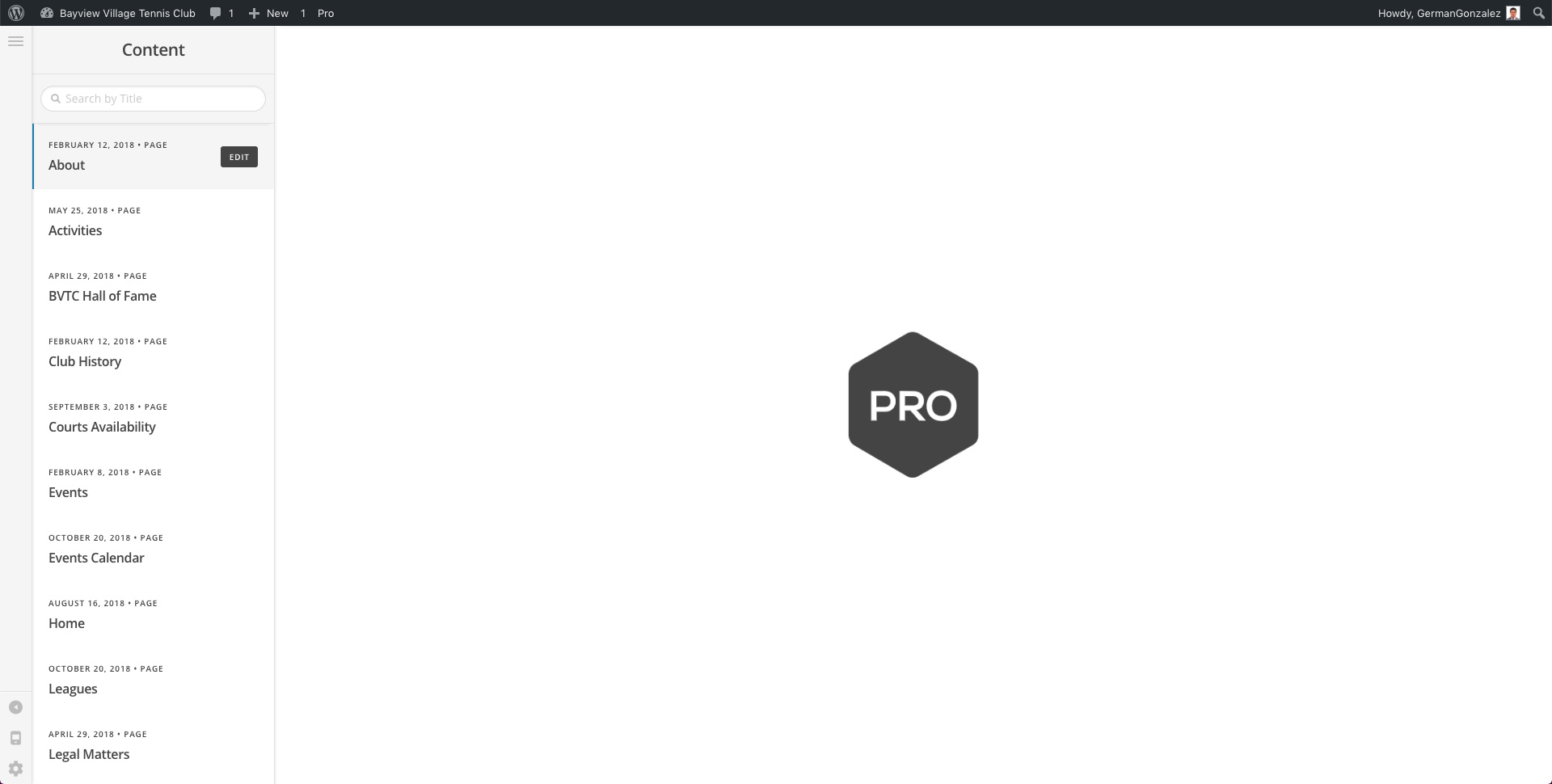
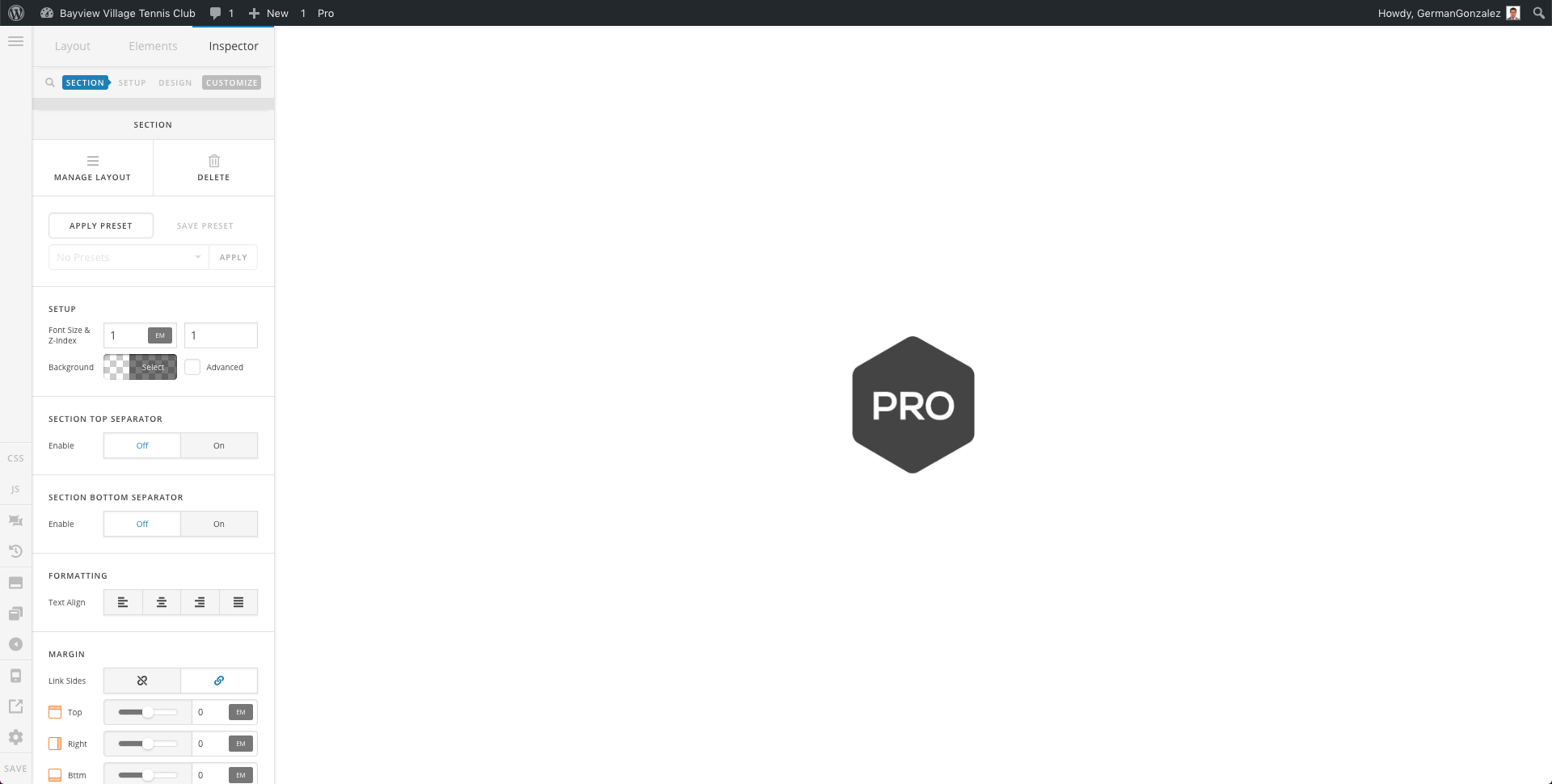
The Pro Preview/Editor stopped loading, and I haven’t changed anything. It just keeps showing the Pro hexagon heartbeat forever on all pages/headers/footer.

What I have tried:

  • Deactivated plug-ins
  • Clean browser cache
  • Tested with Firefox and Chrome (also Incognito)
  • Increased wpconfig.php memory limit to 512M (

    define( ‘WP_MEMORY_LIMIT’, ‘512M’ );
    define( ‘WP_MAX_MEMORY_LIMIT’, ‘512M’ );

    )
  • All plugins, Pro, and Wordpress are updated

Please advise.

Thank you
Hi German,

Thanks for reaching out.

The errors I’m getting is from the HTTPS, have you done some URL replacement to fix the HTTPS or you just install the HTTPS redirection plugin?

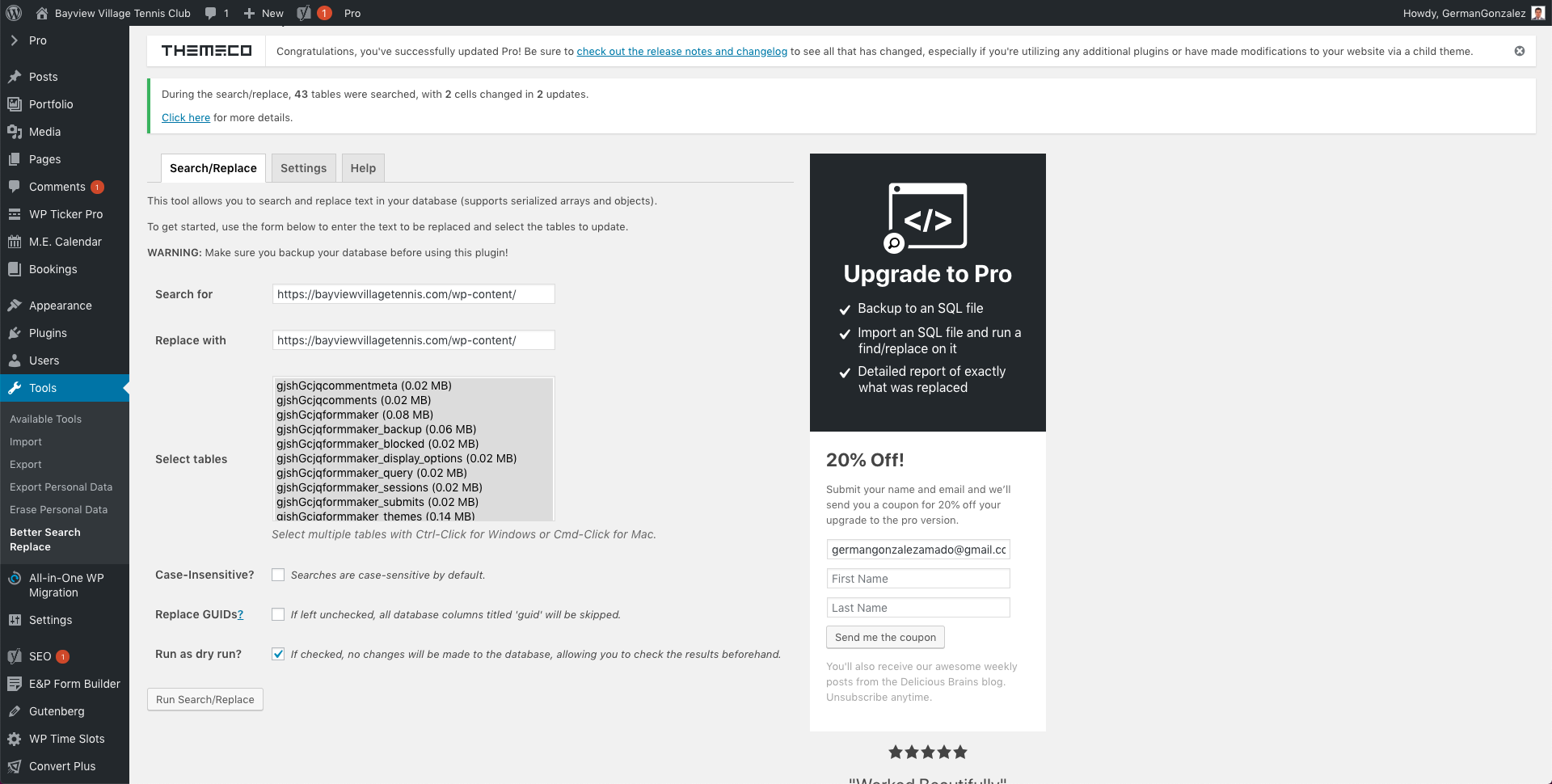
I recommend installing better search replace plugin and replace the strings in the secure note from all tables.

Then deactivate the HTTPS redirection plugin.

Thanks!

Yes, I have both done URL replacements and I installed the HTTPS redirection plugin.

Which one do you recommend?


I don’t think this has anything to do with the Pro Editor behaviour.


In regard to:

E.g.:

What do you recommend to do?

Please advise…

Hi again,

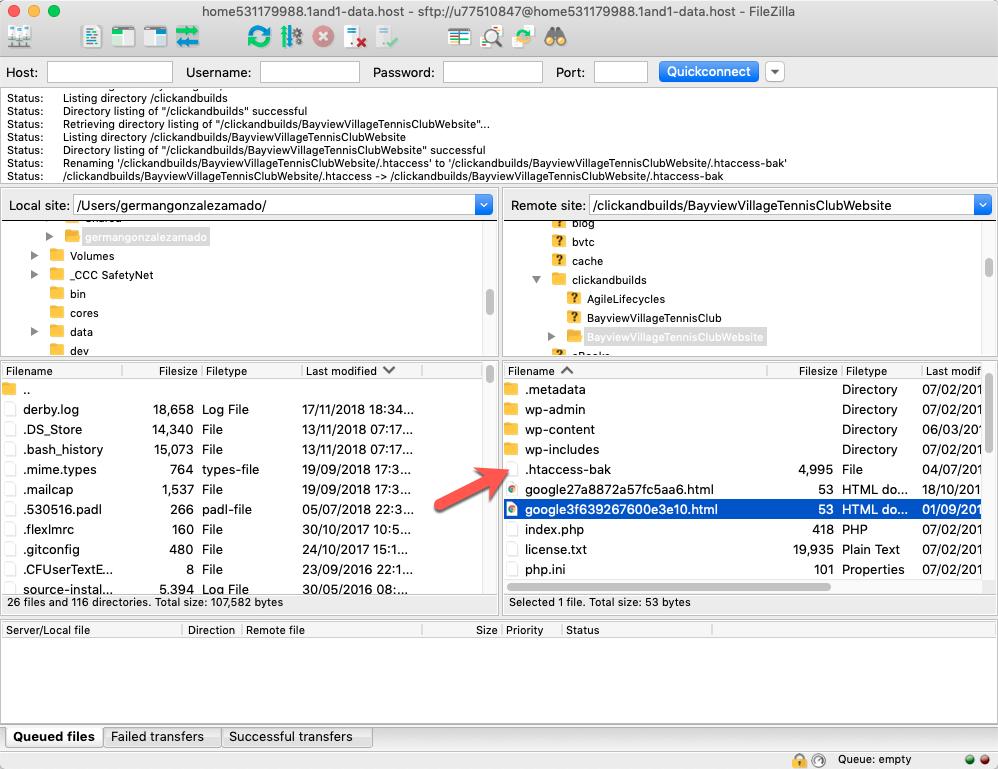
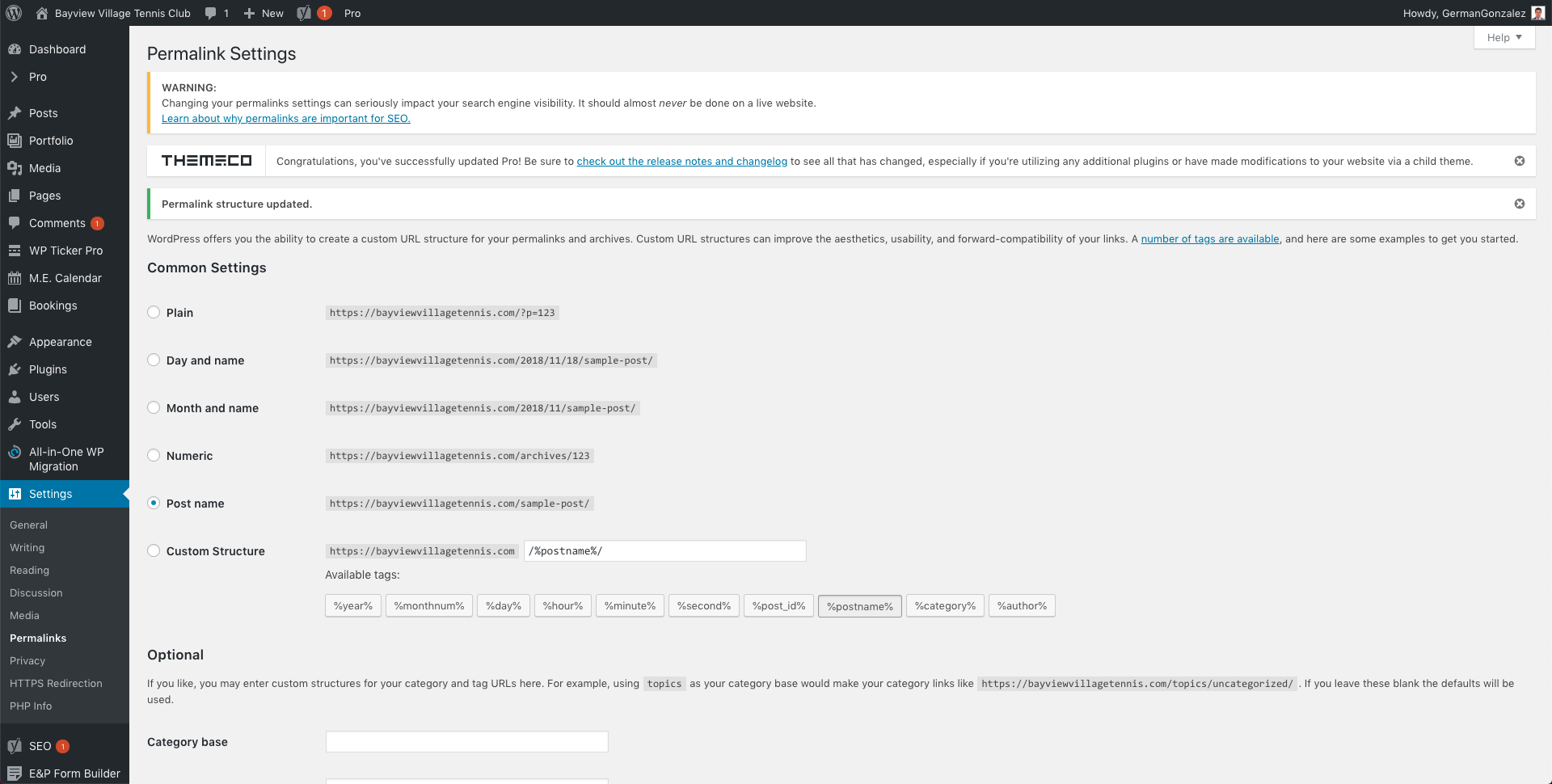
Please try this plugin https://wordpress.org/plugins/better-search-replace/ to replace the URLs. In the mean time try resetting your htaccess file by renaming it to .htaccess-bak. Then in WP Admin Menu, go to Settings > Permalinks and just click the Save Changes button.

Let us know how this goes!

DONE!

DONE!

DONE!

I cleaned my browser’s cache, tried also in Incognito mode, and no change.

Any thoughts?

Thank you

Hello German,

Please left the HTTPS Redirection plugin deactivated since I already have everything in order. You just have to log in to your CloudFlare and purge your site cache. For best results, please make use of the recommended CloudFlare settings which you can find in this article:
https://xthemetips.com/using-cloudflare-rocket-loader-with-x-pro-and-x5/928/8/
https://michaelbourne.ca/using-cloudflare-rocket-loader-with-x-pro-and-x5/

Hope this helps. Kindly let us know.

Sorry, do I have CloudFlare installed?

Where do I see that in my WP installation? Please help me locate that setting.

Thank you

Hello German,

You do not have any installed Cloudflare plugin. Your server does use Cloudflare. It is eveident when you check the whois of your domain.

Please see the secure note.

You were right. The hosting service had CloudFlare CDN enabled by default.

Two questions:

  1. If it was already enabled, and no changes have occurred on my side, why did the Pro Editor stop working all of a sudden?
  2. I just deactivated the CloudFlare CDN, why it doesn’t work yet? (I already cleaned cached, etc)

Thank you for your inputs.

German

Hello German,

I have checked your site again and there are still JS errors when you edit a page. This could be caused by a 3rd party plugin. You could try testing for a plugin conflict. You can do this by deactivating all third party plugins, and seeing if the problem remains. If it’s fixed, you’ll know a plugin caused the problem, and you can narrow down which one by reactivating them one at a time.

If the issue still exist, please re install Pro Theme. There might be some files that were corrupted. You can review our update guide and see the Manual Update section to re install Pro Theme.

Please let us know how it goes.

Disabling plugins didn’t help…

I had to reinstall the Themes (Pro and Child Pro). I don’t think this is right…

I’m very disappointed.

Hi German,

I checked your site and everything seems to be working fine now.

Header

Footer

Theme Options

See Video

I checked in chrome and firefox.

Please let us know if this is still an issue in your end.

Thanks

I know everything is working now. As I said:

Anyway, thanks

Sorry for the confusion! But when the update fails and some old files remain, the only correct way of fixing it is re-installation. Thanks!

This topic was automatically closed 10 days after the last reply. New replies are no longer allowed.