Pro Edit Header looks weird

Hello,

For sugarfreegallery.com: there is a warning that pops up that says “The preview HTML did not include a closing tag. It may fail to load or work properly.”

I’ve been working with a developer on the site so there a bunch of things that has been changed. Could you tell me where this needs to be fixed?

Thanks

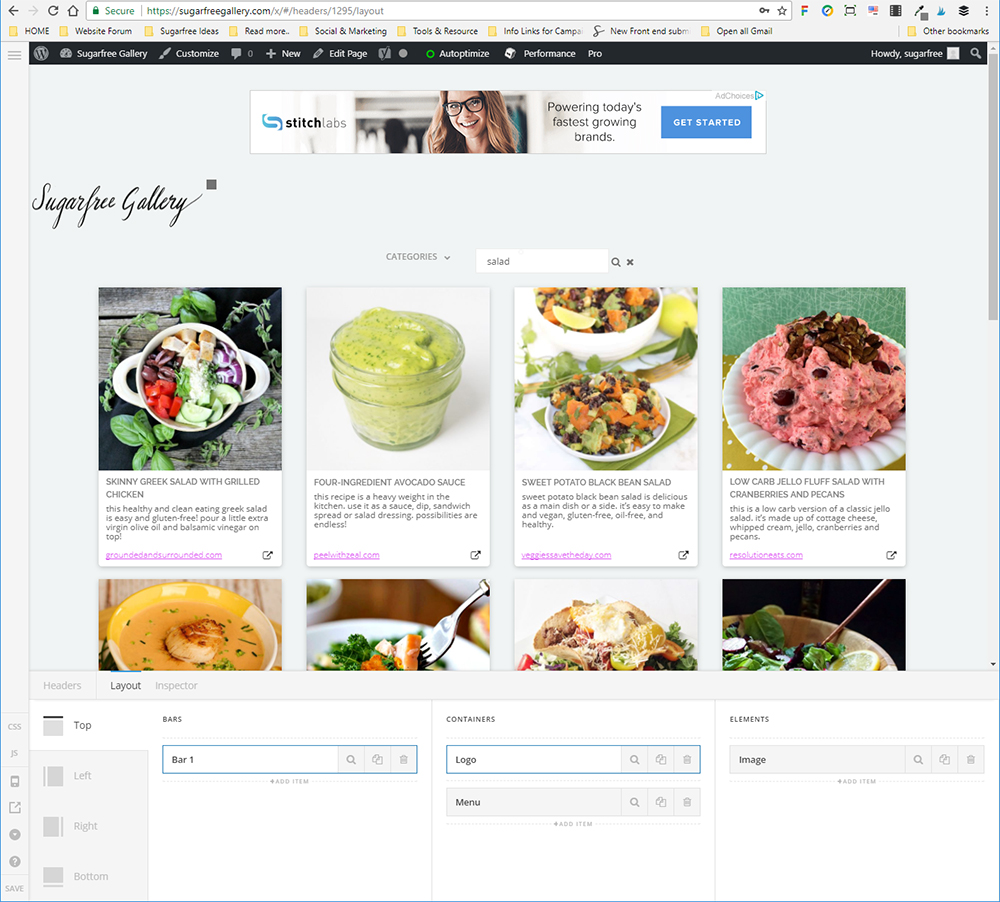
Screenshot:
Hey @gebigoma,

This usually is caused by optimization. If you’re using a caching plugin, please clear all caches then deactivate it. If you’re using Cloudflare, please disconnect your site to check if that is causing the issue. The next thing to check is your actual content if there is unclosed HTML. To test, you can duplicate your header then remove elements one by one while check if the error persists each time.

Thanks.

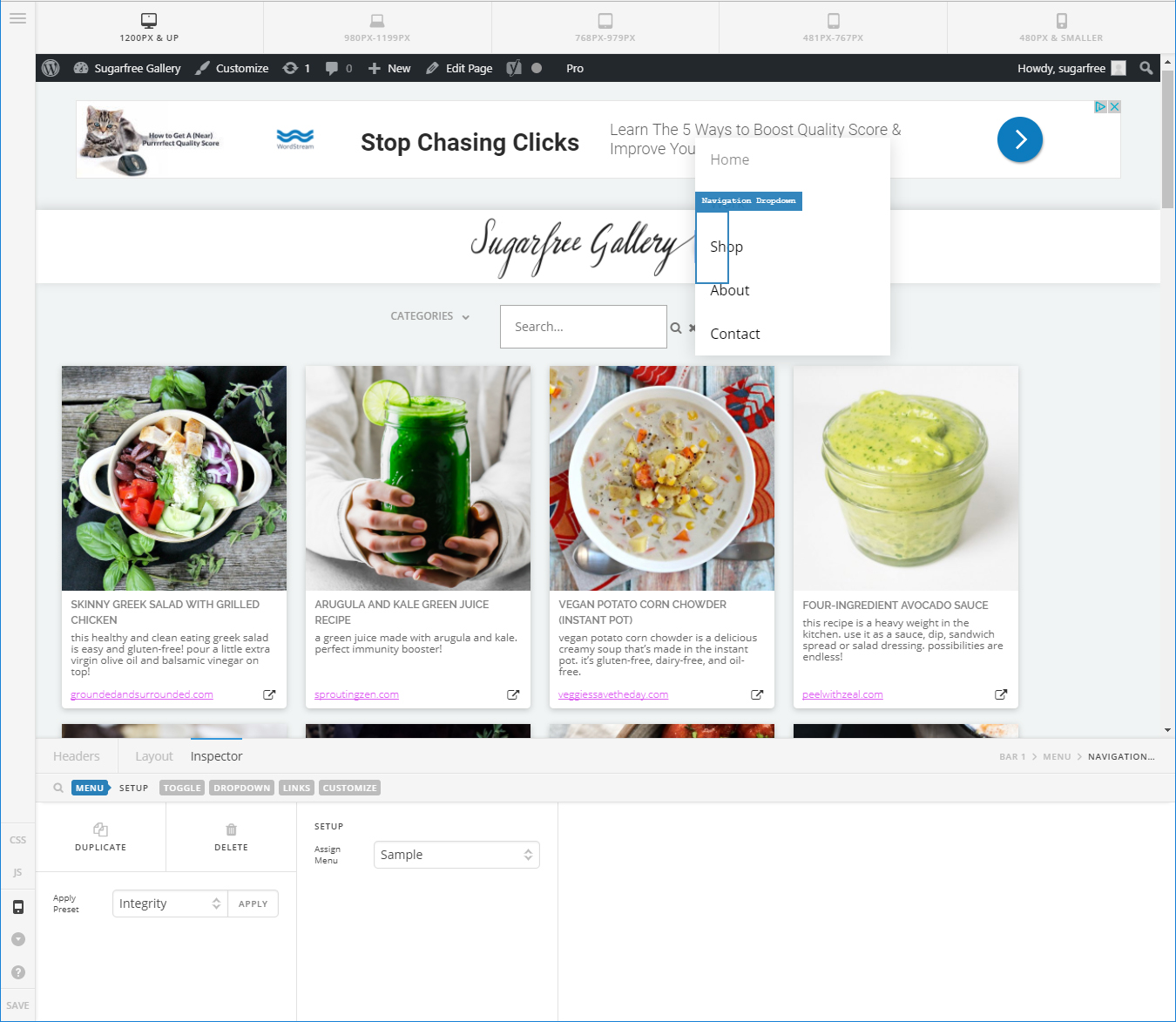
I deactivated all optimization and disconnected Cloudflare. Now I’m not getting an error but it is definitely not behaving as it used to. I deleted all the navigation elements because those were the ones that were not displaying properly and then added Navigation Dropdown and this what I get:

The Toggle for the dropdown has nothing in it and then when I click on the Toggle I get this:

The menu opens on top of header and covers the close button.

Please help! Thank you!!

It’s back to normal now! Thanks!

You’re welcome!
We’re just glad it is back to normal now.

This topic was automatically closed 10 days after the last reply. New replies are no longer allowed.