Hi!
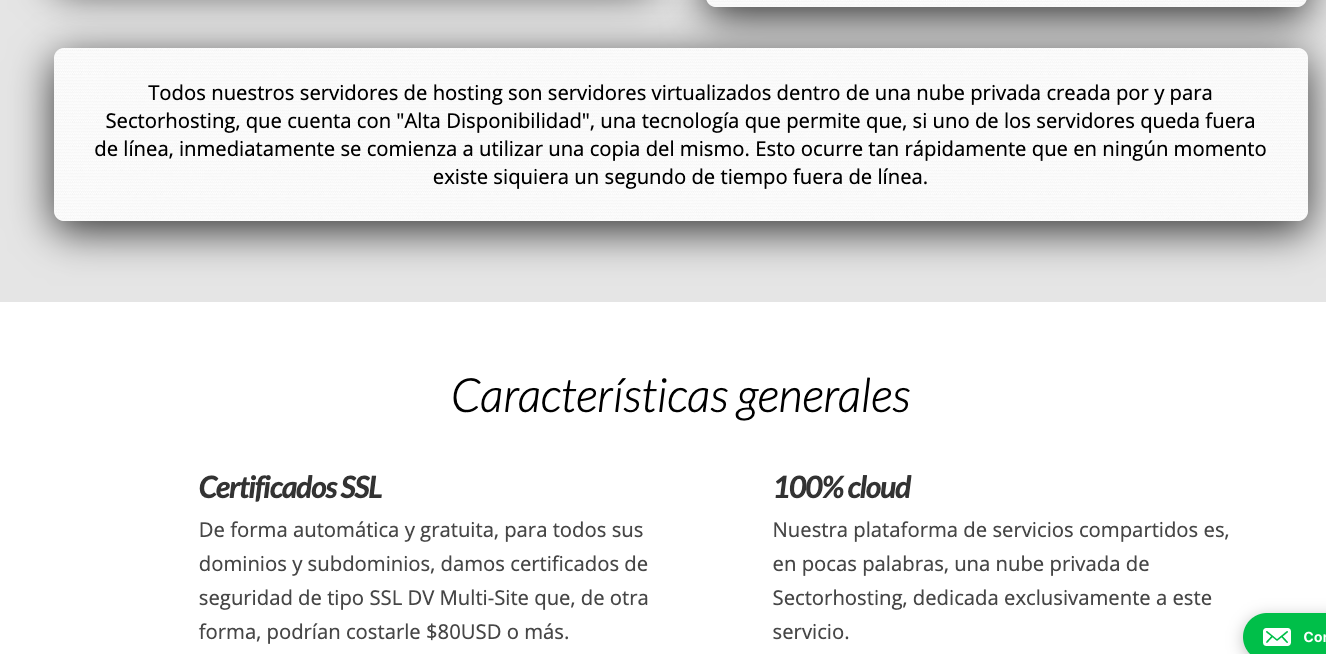
I’ve noticed that, for a long time, none of my animations have been working. When you scroll the page, the elements that are configured to appear sliding from somewhere, they just don’t show up. However, if you change the size of the window, all animations for the elements of the viewport are triggered.
My site: https://sectorhosting.com/
You’ll notice the behavior I describe, for example, at: https://sectorhosting.com/reseller-hosting/
Note that this started with the update that brought the second new block version, so these troubled elements are Classic v2 ones. I’ve noticed that the new ones don’t have an animation config option (or, at least, I haven’t found it).
I’ve already tried switching from child theme to default and I’m fully up to date with all plugins and themes.
I hope someone is able to help me.
Thank you!
Details about my installation:
Summary
Site
Site URL - https://sectorhosting.com
Home URL - https://sectorhosting.com
WordPress Environment
Version - 5.3
Debug is on - No
Language - es_AR
Is Multisite - No
Memory Limit - 128M
Web Server Configuration
Software - Apache
PHP Version - 7.2.25
MySQL Version - 5.7.28-log
PHP Configuration
Post Max Size - 64M
Time Limit - 90s
Max Upload Size - 64M
Active Theme
Name - Pro – Child Theme
Version - 3.1.2
Folder - //home/shweb/public_html/wp-content/themes/pro-child/
Parent Theme Name - Pro
Parent Theme Version - 3.1.2
Parent Theme Folder - /home/shweb/public_html/wp-content/themes/pro
Active Plugins
- WP Cost Estimation & Payment Forms Builder 9.6741
- Contact Form 7 5.1.6
- Duplicate Menu 0.2.2
- Embed Code - Insert Header & Footer code 2.0.3
- Google Analytics for WordPress by MonsterInsights 7.10.0
- Multiple Domain Mapping on single site 1.0.4
- Slider Revolution 6.1.5
- Custom 404 2.0.4
- Olark Integration 2.0.3
CDN
Click this button to check what CDN this site is using. - Check CDN