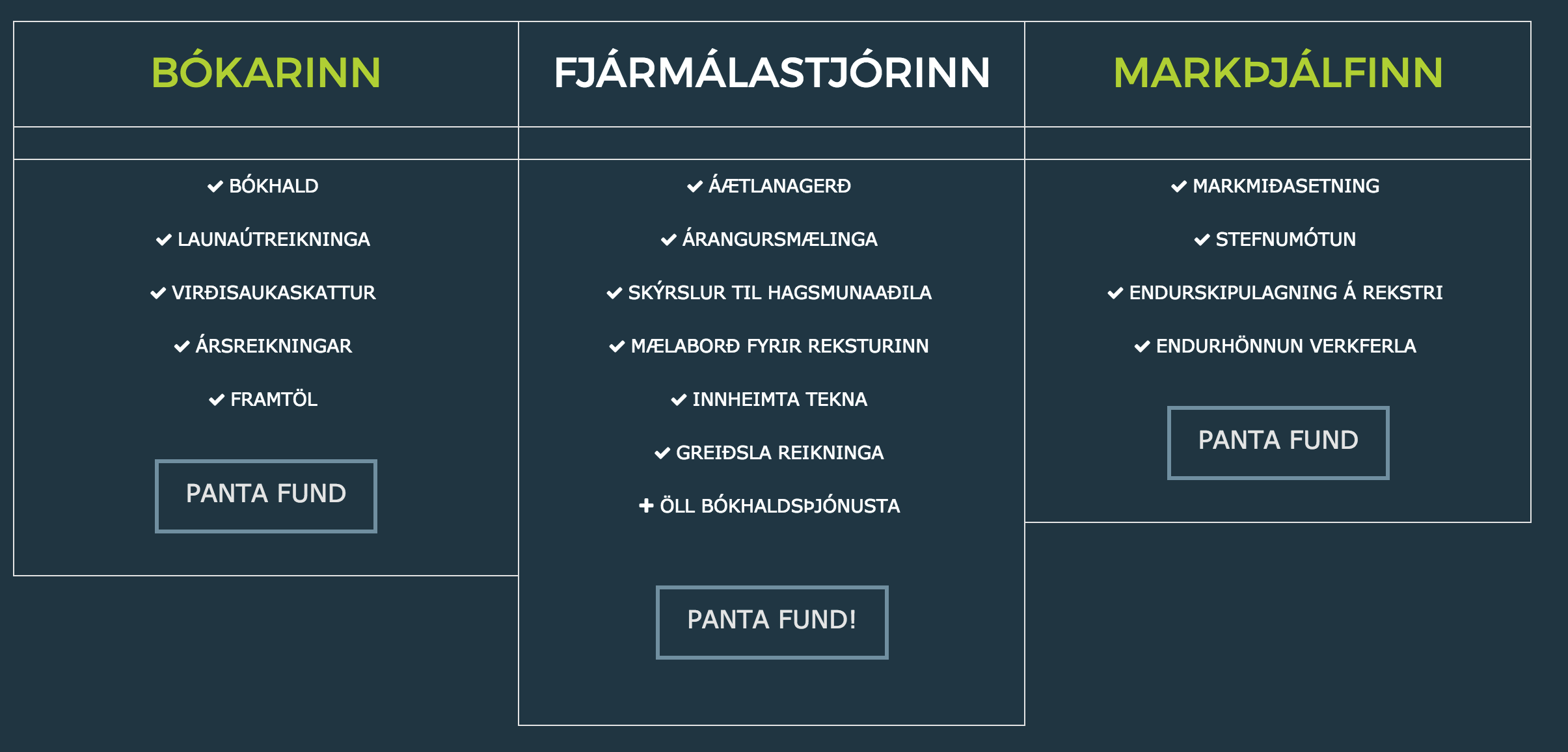
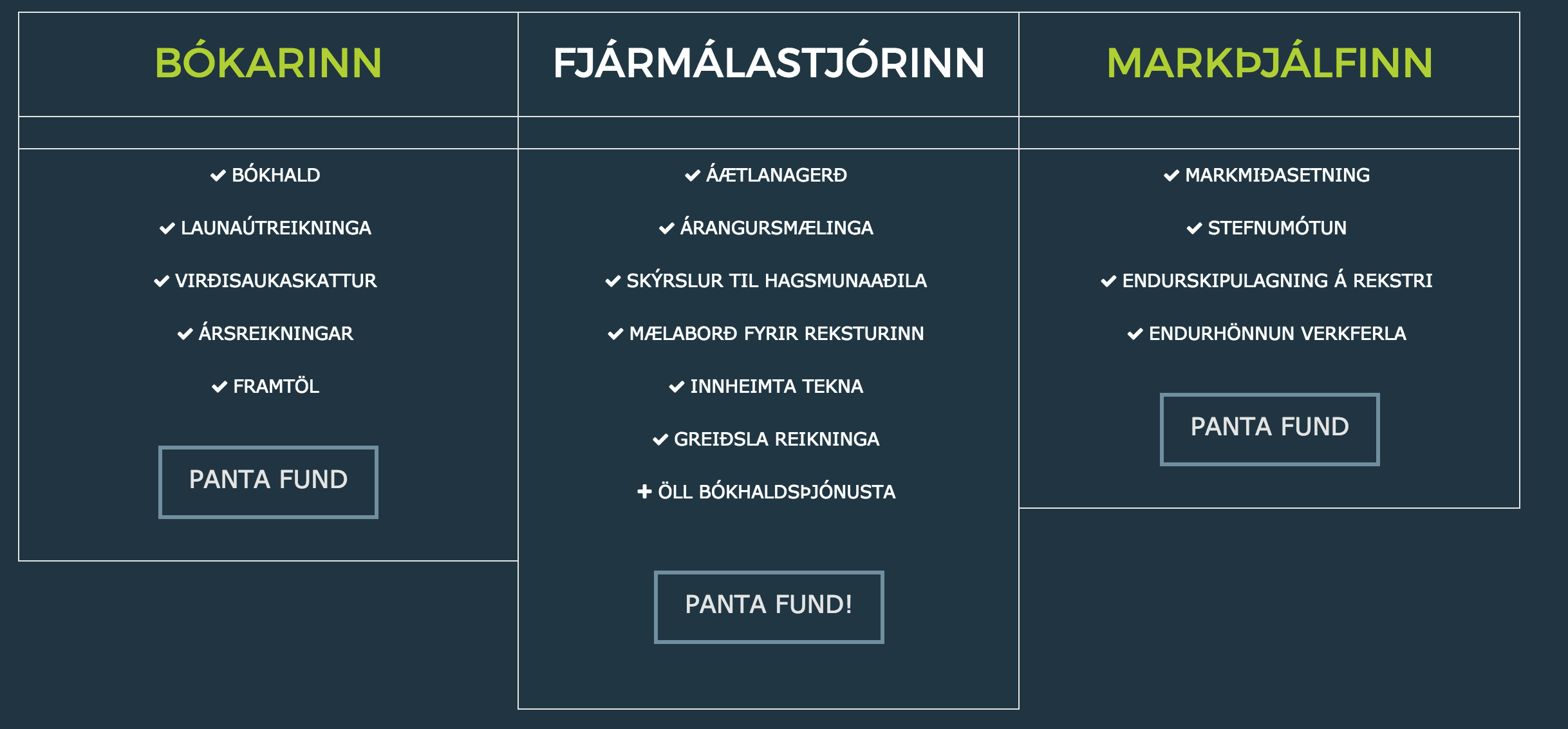
Pricing table - changing font color and table background color

Hi,

I would like to change the whole table’s background color to inherit the background color of the section where the table is. In this case, it will be the dark green color. I managed to change the background color of the featured column but not the rest. The website is www.fylgi.is

I would also like to know how to change the font color of the table, including the list font color, headings of the non-featured box and the button text and background color.

The featured column is not proportion to the whole table, how can I make it in the center of the 2 other columns? I can’t make it that the margin is more than 10px. I would also like to get rid of the border lines it has - since I don’t have a displayed price.
The last question is how can I link the button to another page?

Thank you.

Hello @mercury913,

Thanks for asking. :slight_smile:

Please add following CSS under X > Theme Options > CSS to make necessary changes in pricing table:

.x-pricing-column {
    background-color: inherit;
    color: #fff;
}

.x-pricing-column h2 {
    color: #fff;
}

.x-pricing-column-info .x-btn {
    color: #fff;
    background-color: #6ddab7;
}

.x-pricing-column.featured {
    margin-top: 0;
}

.x-pricing-column.featured h2 {
    background-color: inherit;
    border: 1px solid #e5e5e5;
    padding: 20px 20px 25px;
}
.x-pricing-column-info ul>li:last-child {
    border-bottom: 0;
}  

Thanks.

@Prasant
Thank you for your support. I managed to inherit the background color. But the borders on the table still shows. And the font color of the feature column can’t be changed. Another thing, how can I increase the gap in between the list items? And change the font size of the list items.

Can I insert icon on top of the header in each column?

The last question is how can I link the button to another page?

Hello @mercury913,

Thanks for updating the thread. :slight_smile:

Looks like you have already made the necessary changes on pricing table. Please see screenshot. https://cl.ly/263T3x0m0v2I

Can you please confirm?

Thanks.

Hi @Prasant ,

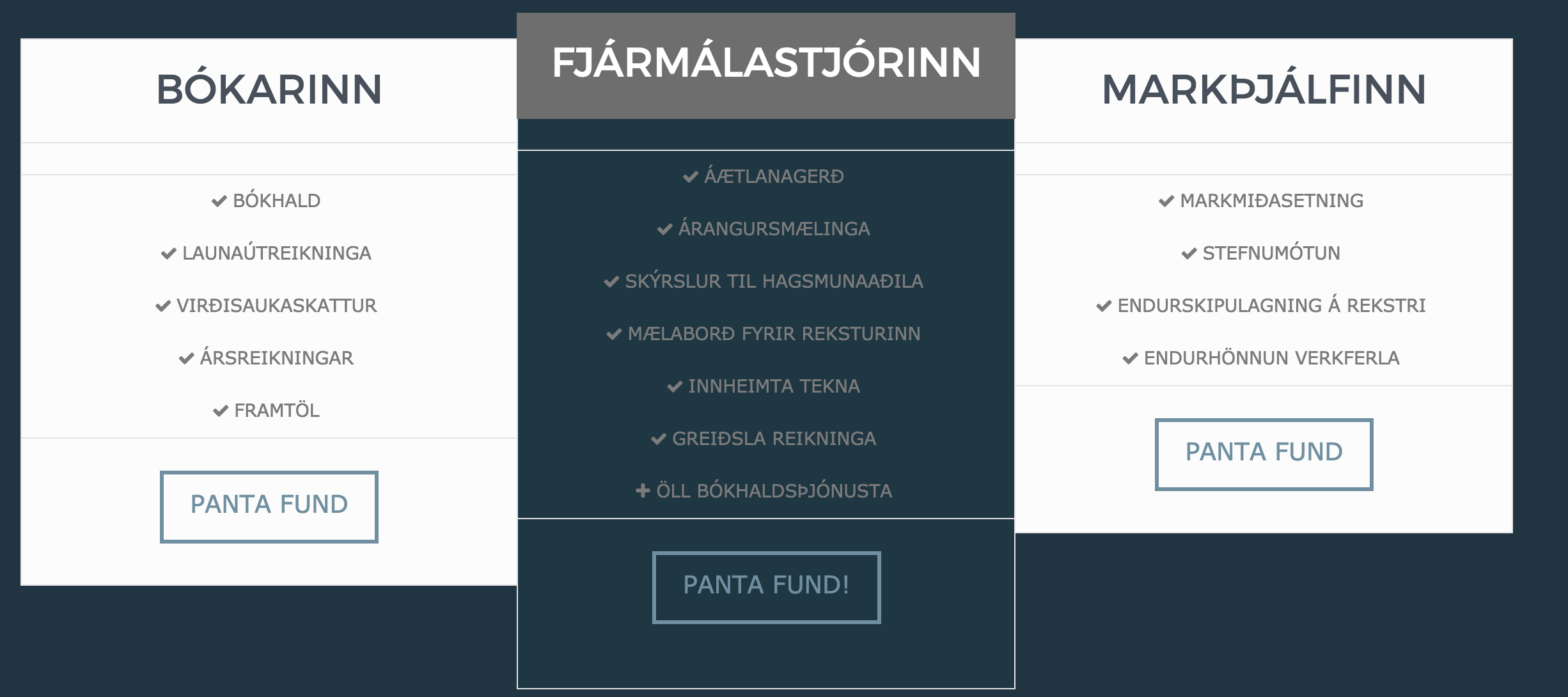
No, I just couldn’t get the pricing table to work, so the screenshot you see is using Feature List instead. I would really like the table to be resolved so I can use it. It still looks like this:

You see the row borders right under the header? The row is meant for the Price - but I don’t have price displayed.

Thank you for answering.

Hi,

Please create a test page then add your pricing table and the css that my colleague have provided.

Then provide us a link to that page so we can check and provide you with additional css code.

Thanks

Hi, here it is
http://www.fylgi.is/home-with-pricing-table/

Hello @mercury913,

Thanks for sharing the test page URL.

Please add following CSS under X > Theme Options > CSS to remove border and change color of featured column headline:


/* use following CSS if you would like to remove border completely */

.x-pricing-column h2 {
    border: none;
}

.x-pricing-column-info {
    border: 0;
}

.x-pricing-column-info ul>li:first-child {
    border: 0;
}

/* this will change featured headline color */
.x-pricing-column.featured h2 {
    color: #a4d23c;
    border: none;
}

/* this will increase the gap between list items */
.x-pricing-column-info ul>li {
    padding: 14px 40px 14px;
}

Let us know how it goes.

Thanks.

Thank you. It works now. May I know where to get these shortcodes with their family for this table specifically? As in what is h2, what is first-child, ul, li etc.

Hello @mercury913,

Thanks for updating the thread. :slight_smile:

I believe you are asking for the CSS selectors. We use Google Chrome Dev tools to find out the class name and to make other changes. Regarding child element I am sharing few resources that you can refer to get started along with Chrome dev tools.

https://www.w3schools.com/cssref/sel_firstchild.asp

https://www.w3schools.com/cssref/sel_nth-child.asp

Thanks.

Thank you very much for all your help and support :slight_smile:

You’re most welcome!

This topic was automatically closed 10 days after the last reply. New replies are no longer allowed.