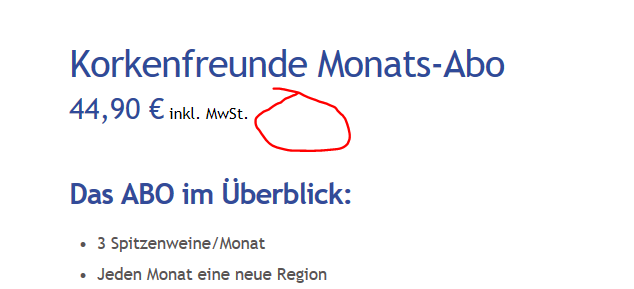
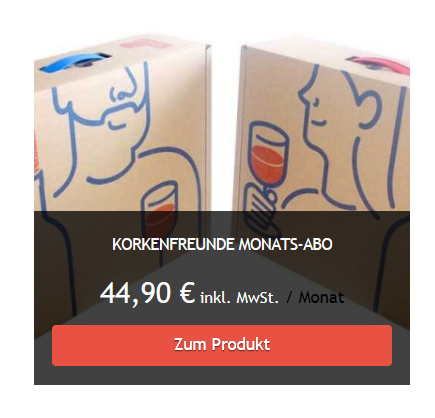
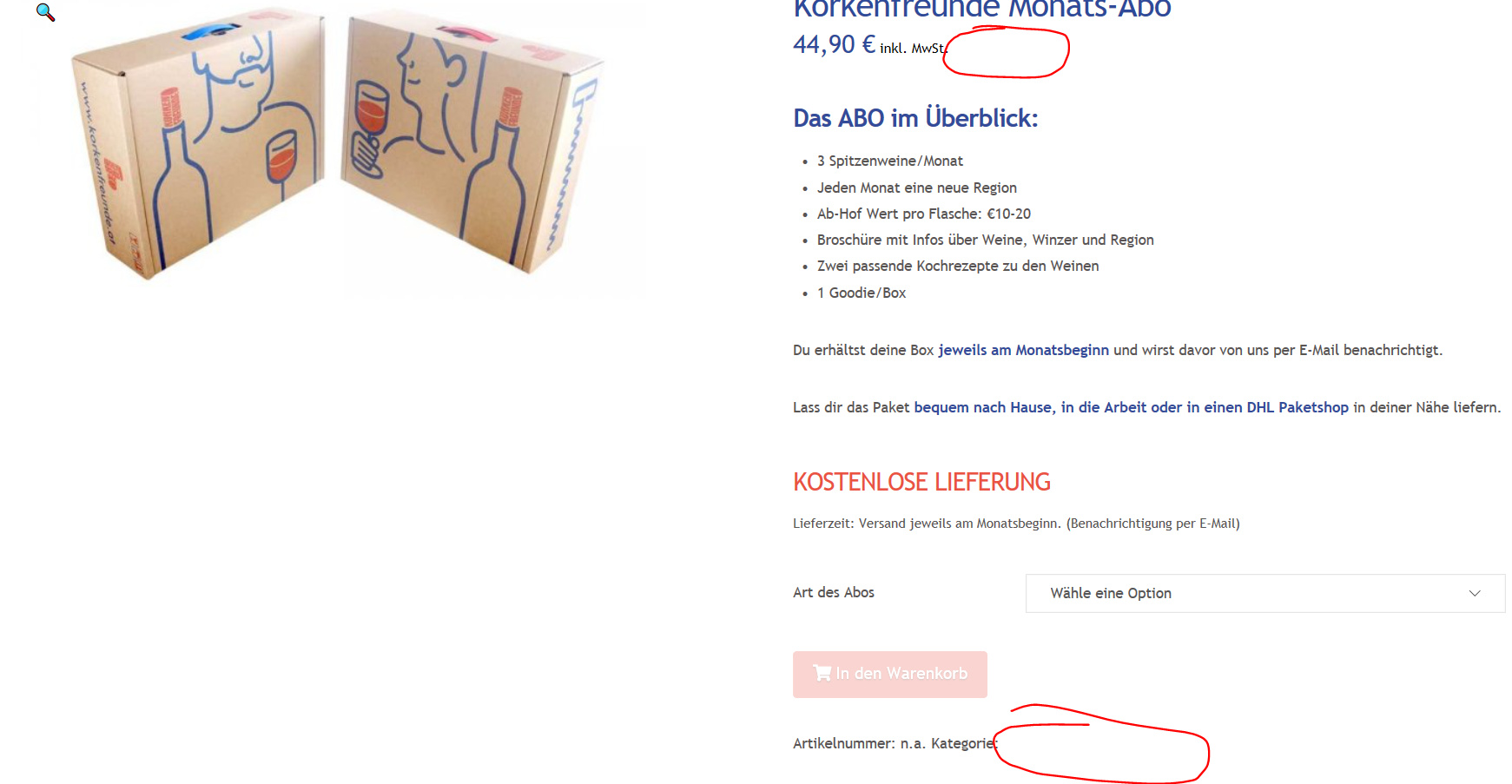
Hey, the colour of my price info (/month) and also the colour of my product category is white for some reason.
Maybe because I changed it to white on my shop site.
www.korkenfreunde.at/shop
Here is my CSS:
input.wpcf7-form-control.wpcf7-submit {background-color: #e95242 !important; box-shadow: 0 0em 0 0 rgb(175, 175, 171), 0 4px 9px rgba(142, 141, 141, 0.75) !important; color: #fff !important;}
.tco-subscribe-form input[type=“submit”] {
box-shadow: none;
}
@media(max-width: 767px) {
.x-container .x-column:not(:last-child) {
margin-bottom: 2.4em !important;
}
}
.woocommerce .woocommerce-price-suffix {
color: #ffffff !important;
}
.single .woocommerce-price-suffix {
color: #000 !important;
}
.subscription-details {
color: white;
}
.woocommerce-error .button {
color:#fff;
}
body.woocommerce-account .entry-content a {
color: #3d4c95;
}
@media(min-width:767px){
.u-columns, #customer_login {
display: flex;
justify-content: space-around;
}
}
div#customer_details {
margin-right: 4%;
}
div#customer_details, #order_review {
width: 48%;
float: left;
}
h3#order_review_heading {
margin-top: 0; /* To align header*/
}
.woocommerce-checkout form input[type=“checkbox”] {
margin-left: 0px;
}
@media only screen and (max-width: 800px) {
.woocommerce-checkout div#customer_details {
width:100%;
float:none;
margin: 0;
}
.woocommerce-checkout div#order_review {clear:both;width:100%; float:none;}
.woocommerce-checkout .woocommerce-checkout form h3#order_review_heading {
margin-top: 0;
}
.woocommerce .select2-container {
width: 100% !important;
}
}
.woocommerce li.product .onsale {
font-size: 9px;
}
.woocommerce-account .woocommerce .button {
color: #fff;
}
any ideas?