Prevent topbar wrap

Hi

Would really appreciate help on https://traininaday.com/

Achieved adding search box to topbar. Can’t find a way of preventing wrap onto two lines.

Would like text aligned left, search aligned right, and on one line only.

Tried an attempt in CSS but not a programmer.

Anyone able to cast an eye over CSS and see what I need to do?

Would really appreciate it.
Hi carlduncker,

Please add this CSS code snippet to (X > Theme Options > CSS):

@media screen and (min-width: 980px){
    .x-topbar .p-info {
        margin-top: 15px;
        margin-left: 220px;
        position: absolute;
    }

    #search-2 form {
        margin-bottom: 10px;
    }
}

Thanks.

That’s cool.

But can I fix the search box right justified to the text? Its more intuitive that way.

What do you think?

Hi there,

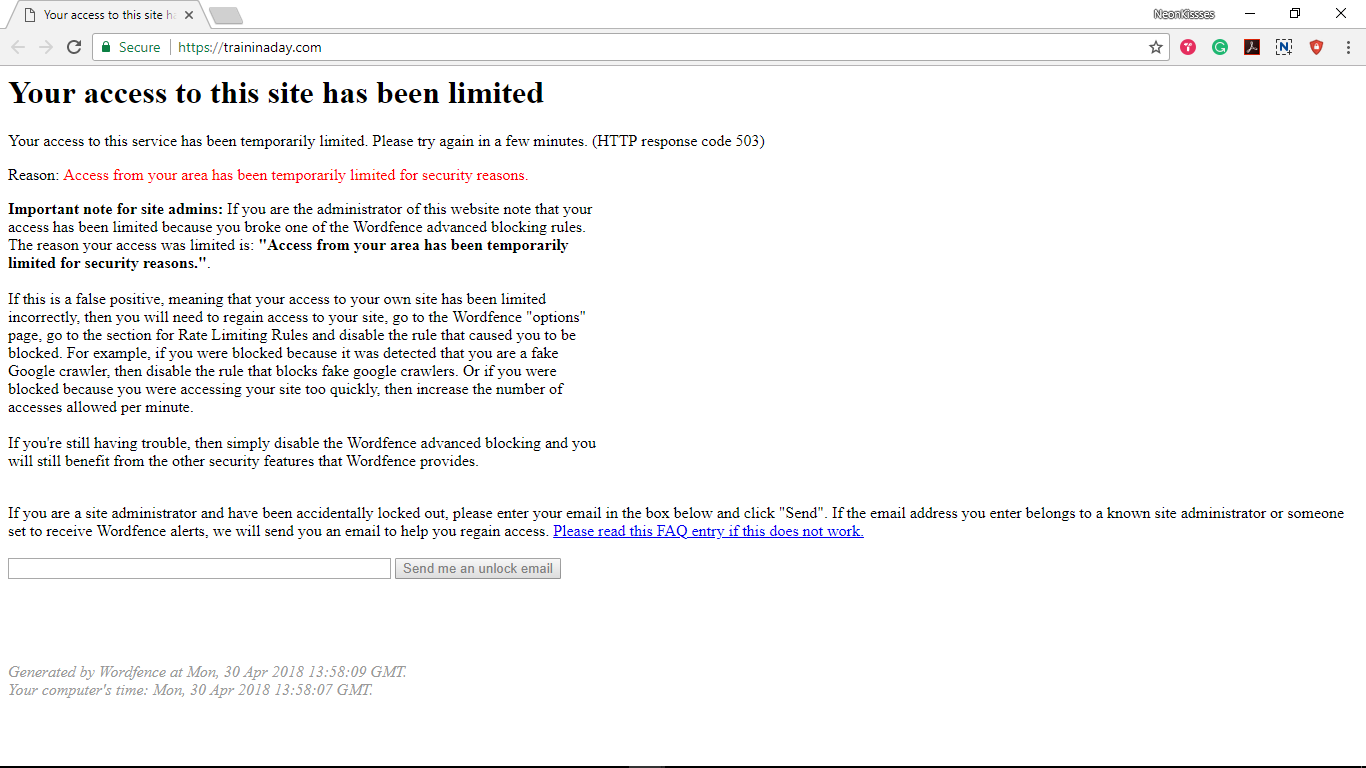
I tried to check your site but it seems to block me from accessing it.

Kindly temporarily disable you IP restriction so that we can check your site and provide you some suggestions.

Thank you.

Hi

Could you try again please?

Thank you

Hi there,

Please try this code instead:

@media (min-width: 950px) {
    .x-topbar #search-2 {
        float: right;
    }

    .x-topbar .p-info {
        float: left;
        width: auto;
    }
}

@media (max-width: 949px) {
    .x-topbar .p-info {
        text-align: center;
    }

    .x-topbar #search-2 {
        width: 100% !important;
        float: left;
        padding: 7px 0;
    }

    .x-topbar .form-search {
        float: none;
        max-width: 190px;
        margin: 0 auto;
        top: 0;
        left: 0;
    }
}

You can find more info on how to check for CSS selectors here.
Then information about writing your custom CSS here.

Hope this helps.

Great. Thank you

You are most welcome. :slight_smile:

This topic was automatically closed 10 days after the last reply. New replies are no longer allowed.