Post content do not display

Hi support team. I work on this site http://lekamouraska.com/accueil/ and recently my client noticed that the blog post content does not display anymore. It was not the case a few days ago.

The post content is visible in a recent posts slider in the homepage http://lekamouraska.com/accueil/

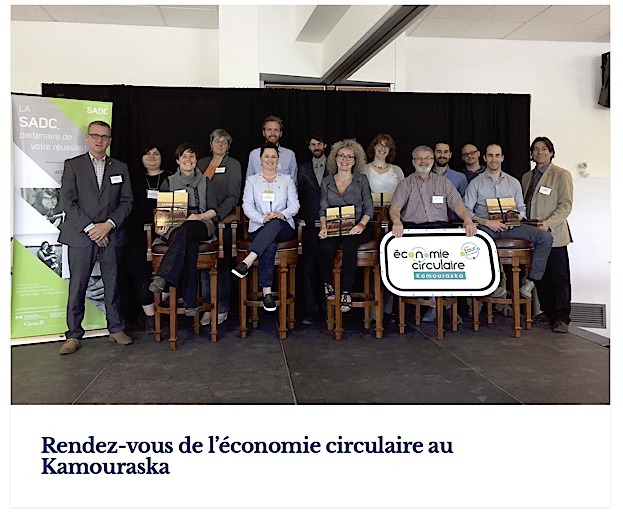
But the page of the same post is displaying without the content http://lekamouraska.com/rendez-vous-de-leconomie-circulaire-au-kamouraska/
Also, the Blog page http://lekamouraska.com/nouvelles/ display the loading dot animation infinitely

Hey,

Please, can you try to disable all the plugins and check if it solves the problem?

Same thing with all the plugins deactivated.

Hi There,

I am getting the following error when I check:

Uncaught TypeError: $(...).xsmartresize is not a function
    at HTMLDocument.<anonymous> ((index):1118)
    at i (jquery.js?ver=1.12.4:2)
    at Object.fireWith [as resolveWith] (jquery.js?ver=1.12.4:2)
    at Function.ready (jquery.js?ver=1.12.4:2)
    at HTMLDocument.K (jquery.js?ver=1.12.4:2)
(index):1103 Uncaught TypeError: $container.xIsotope is not a function
    at (index):1103
    at dispatch (jquery.js?ver=1.12.4:3)
    at r.handle (jquery.js?ver=1.12.4:3)

There’s something that is preventing masonry from loading properly. If this is not coming plugin, let’s check first if it is coming from your child theme. Try switching from child theme to main X theme and then check again.

Also note than an update is also available. This fixed some issue. See this: https://theme.co/changelog/. Always save a backup before updating.

Hi Lely. It seems that problem is is coming from the child theme. It was the Themeco child theme.

What can I do now?

Hello There,

I noticed that you have updated to the latest Pro version. Did it resolve the issue?
Right now you blog index is displaying the post items.

Please let us know how it goes.

Hi RueNel. Actualy the Pro child theme is deactivated. That is the reason the post are displaying. I would like to activate the Child theme without this problem. What can I do now?

Hi There,

First save a backup of your current child theme. Then, download a fresh pro child theme from your dashboard. Install this fresh child theme. From your previous child theme backup, add each customize template on your new child theme folder. Check after adding each template. With this steps, we will find out which file cause the issue. If the issue is coming from functions.php file, please add each custom function one by one so we can check which specific function is conflicting with blog display.

Hope this helps.

This topic was automatically closed 10 days after the last reply. New replies are no longer allowed.