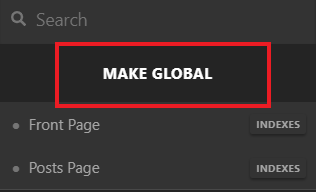
I’ve changed the header for my site to use my own logo and nav menu. However, when I open a portfolio item, instead of my site-wide header, I’m been served the demo content header. The nav menu style also looks different from what I’m using across the rest of the site, so I’m not sure how that is changing either. I cannot find anywhere to change the logo that’s been displayed - there’s no headers in the headers section other than my own.
Incidentally, the “NEWS” section of the them also uses the demo header, including silvertooth logo and the slightly different styling of the nav menu. However, I don’t have a “News” item under “Content” to edit. There is an editable page in the default wordpress dashboard, but I can’t figure out how to change that page so it shows the correct header, nor can I find where to edit things on it like the “View Post” slides at the top etc.
Here’s my site: https://new.gamestah.com/
Here’s a portfolio item showing the incorrect header: https://new.gamestah.com/portfolio-item/coming-soon-in-2020/
And here’s the “News” page: https://new.gamestah.com/news/