Portfolio item page fullwidth

Hi,

Below is my portfolio items

I want my portfolio items page like this

Top section full width), I have off the globle container but still there is left -right space. and want to remove space and shadow before footer (see screenshot. This is issue is only in portfolio items page. Normal pages are fine.
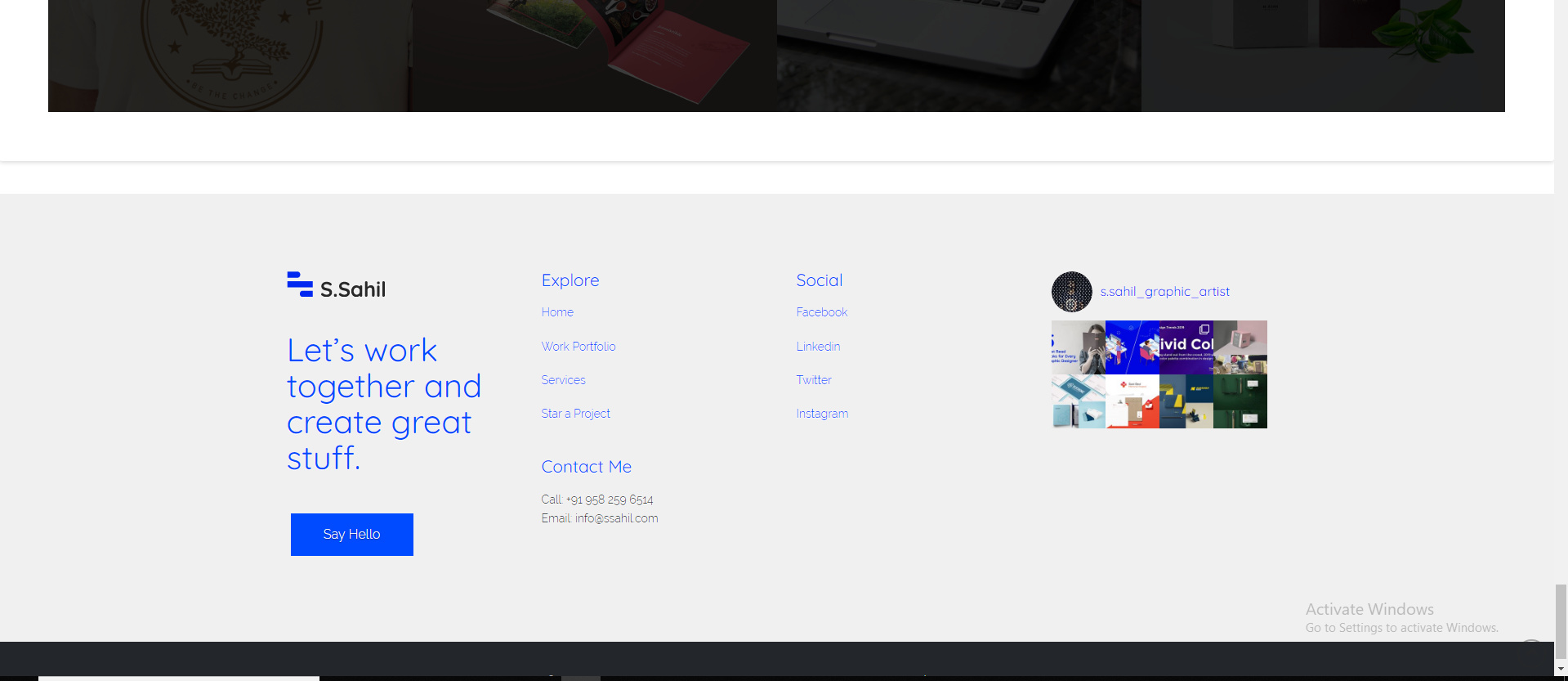
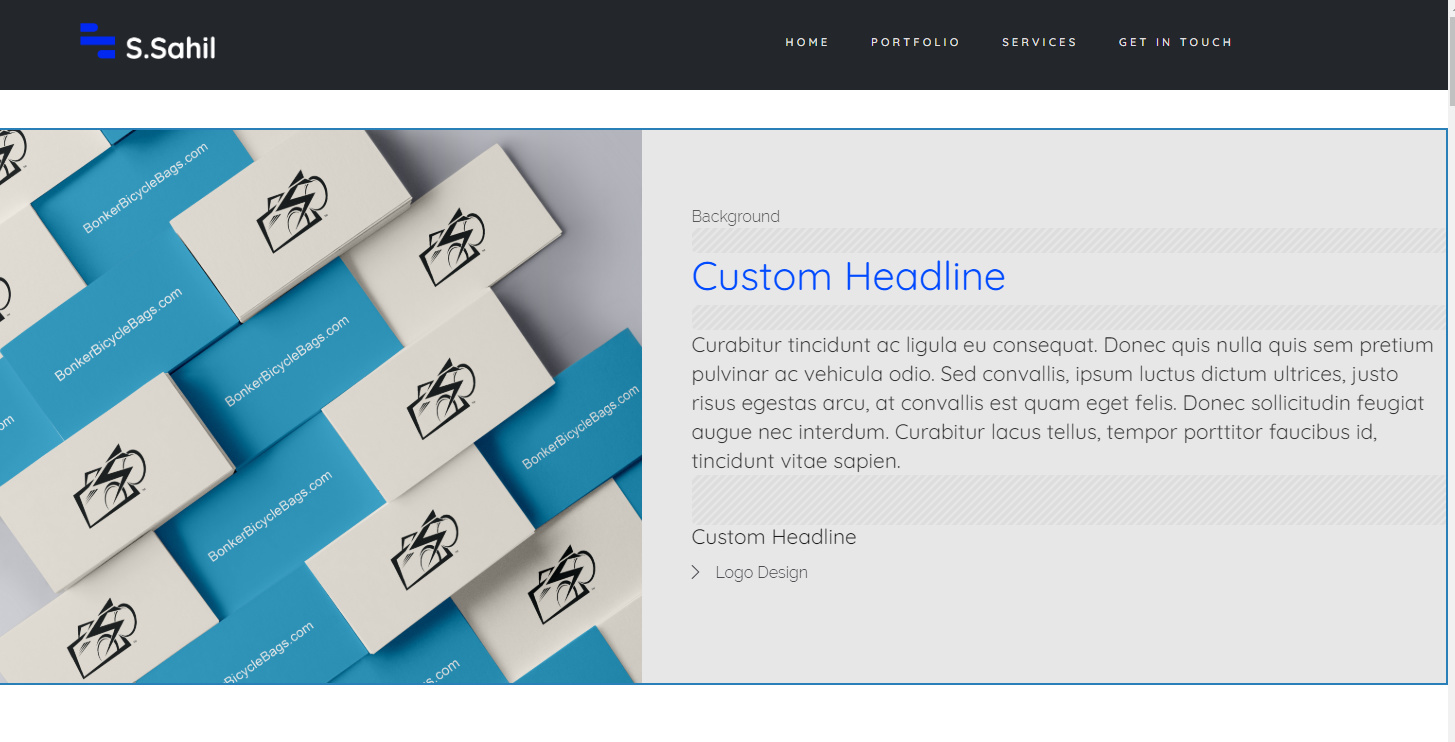
I have already add below code for multiple customization

.single-x-portfolio .x-entry-share {
display: none;

}

.single-x-portfolio .entry-header {
display: none;
}

.single-x-portfolio .entry-extra,
.single-x-portfolio .entry-featured {
display: none;

}

.single-x-portfolio .entry-info,
.single-x-portfolio .entry-extra {
float: none;
width: 100%;
}

.single-x-portfolio .entry-content {
margin-top: 0;
margin-bottom: 0;

}

.x-container.offset {
margin-bottom: none;
margin-top: none;
margin-left: none;
margin-right: none;

}

Hi @Sumansahilverma,

Thank you for reaching out to us.To make the sections fullwidth for portfolio items, you can add the following code in the Theme Options > CSS:

.single-x-portfolio .entry-wrap {
    padding: 0;
}

Here are some related links for further reading, this could help you in finding and implementing some CSS fixes:

Don’t forget to clear all caches including your browser’s cache after adding the code. Let us know how this goes!

its working. but there is still gap between top header and section like this

Hey @Sumansahilverma,

To remove the extra margin below the header, add the following code as well:

.single-x-portfolio.fullwidth .x-container.offset {
    margin-top: 0;
}

Don’t forget to clear all caches including your browser’s cache after adding the code. Let us know how this goes!

Thanks, Its working

Glad to hear it’s sorted, @Sumansahilverma. :slight_smile:

This topic was automatically closed 10 days after the last reply. New replies are no longer allowed.