Good Morning,
I am using essential grid to display the categories and subcategories of the portfolio in my landpage.
My problem is how to create the portfolio page so that it shows the essential grid and not the default theme?
Thank you
Good Morning,
I am using essential grid to display the categories and subcategories of the portfolio in my landpage.
My problem is how to create the portfolio page so that it shows the essential grid and not the default theme?
Thank you
Hi,
To achieve that, create a new page then select Blank -No Container | Header,Footer Template

Then on that page, add your essential grid using the essential grid element.

Hope that helps
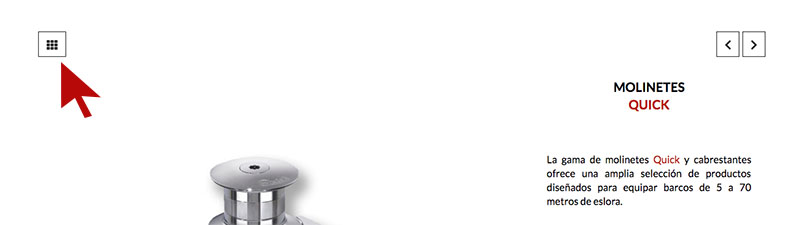
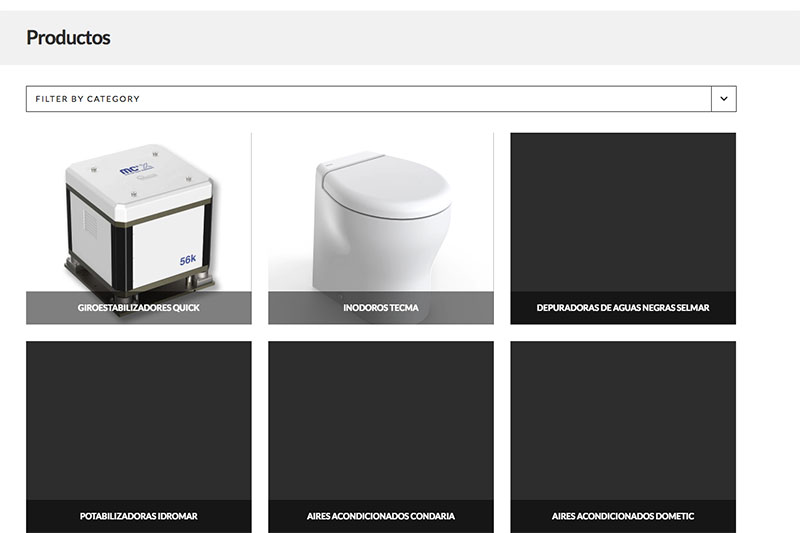
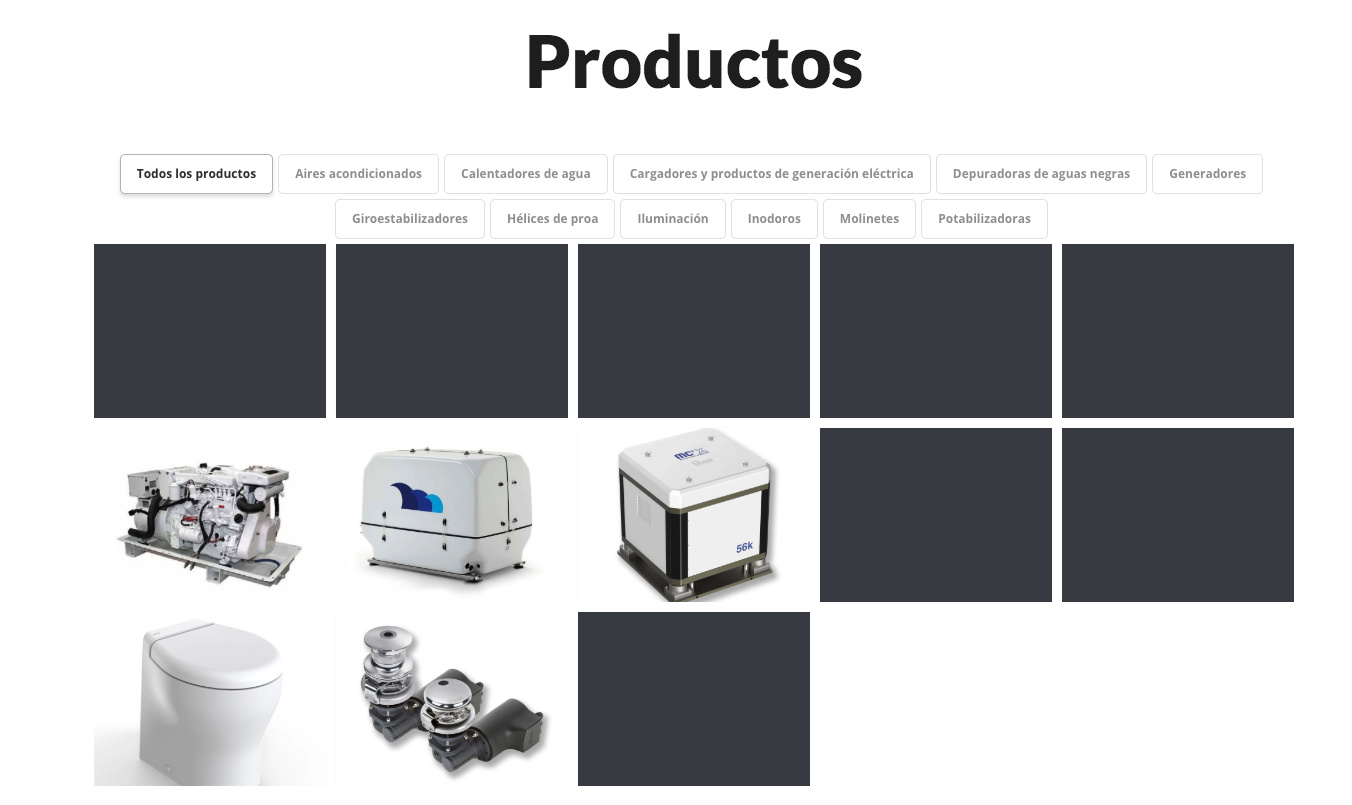
I think I have not explained myself well, the problem is when I’m in an item in the portfolio and click to return to all the items … I want to go to a page with the essential grids or default to the home page, but I leads to the default page of the Ethos Theme portfolio…
if click here…
Take me to the standard portfolio page
But I want you to go to a page where it shows the essential grid portfolio
thank you!
Hi Mauro,
I see, In that case, please add this to your child theme’s functions.php
function x_ethos_entry_top_navigation() {
if ( x_is_portfolio_item() ) {
$link = 'http://example.com/portfolio-essential-grid';
} elseif ( x_is_product() ) {
$link = x_get_shop_link();
}
$title = esc_attr( __( 'See All Posts', '__x__' ) );
?>
<div class="entry-top-navigation">
<a href="<?php echo $link; ?>" class="entry-parent" title="<?php $title; ?>"><i class="x-icon-th" data-x-icon-s=""></i></a>
<?php x_entry_navigation(); ?>
</div>
<?php
}
But just change the URL http://example.com/portfolio-essential-grid to your preferred one.
Thanks!
If you have WPML installed, the url should be modified depending on the language … no?
Would this code work?
Hey Mauro,
Yes, you should modify the URL. Just note that you can only point to 1 page whether it’s English or another language. If you wish for it to be dynamic or will take into account the language, you need to ask a WPML developer integrate WPML functions to that code.
That code was provided only as an example or a starting point.
Thanks.
Thanks for the info!
I attached the solution that we used in case someone needs it!
function x_ethos_entry_top_navigation() {
if ( x_is_portfolio_item() ) {
$langDefault = apply_filters( 'wpml_default_language', $null );
if ( ICL_LANGUAGE_CODE == $langDefault) {
$link = 'https://www.domain.com/#products';
}else {
$link = 'https://www.domain.com/'.ICL_LANGUAGE_CODE.'/#products';
}
} elseif ( x_is_product() ) {
$link = x_get_shop_link();
}
$title = esc_attr( __( 'See All Posts', '__x__' ) );
?>
<div class="entry-top-navigation">
<a href="<?php echo $link; ?>" class="entry-parent" title="<?php $title; ?>"><i class="x-icon-th" data-x-icon-s=""></i></a>
<?php x_entry_navigation(); ?>
</div>
<?php
}
Glad you’ve sorted it out and thanks for sharing.
This topic was automatically closed 10 days after the last reply. New replies are no longer allowed.