Hi guys,
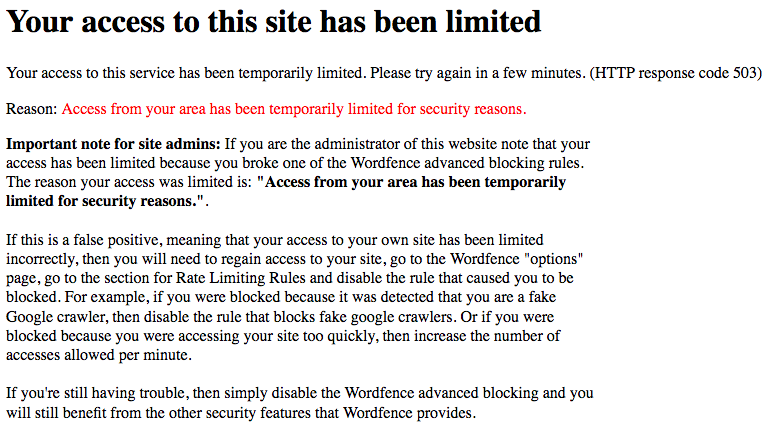
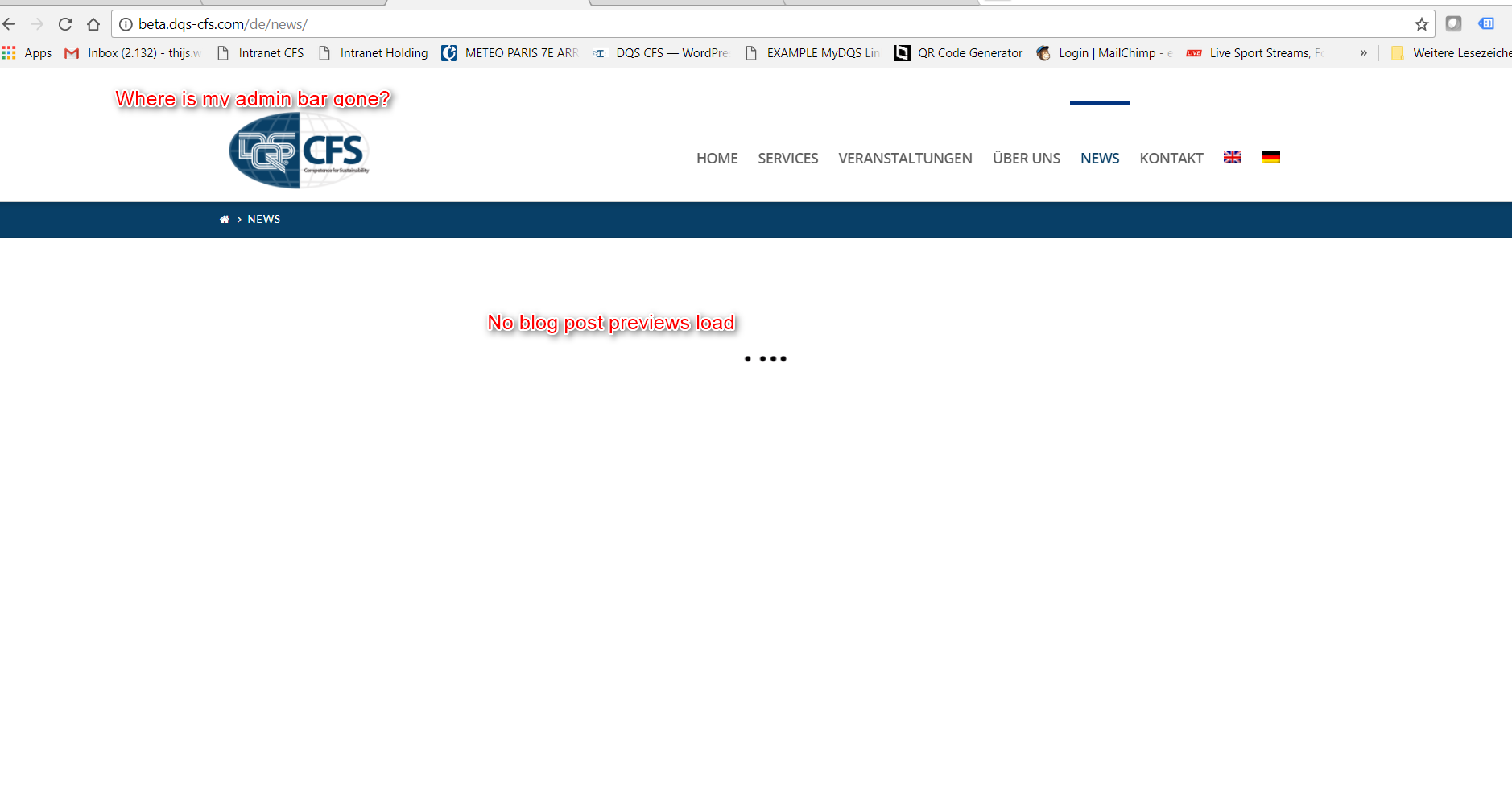
I am currently developing the site http://beta.dqs-cfs.com/ and have been encountering a problem that keeps returning. You’ll see that it is a bilingual site. On the pages in English, everything works fine. However, when I am logged into WordPress and want to access one of the pages in German, the admin bar at the top of the screen disappears, the footer does not load properly and the blog roll pretends to be loading, but nothing ever shows. This is what the page http://beta.dqs-cfs.com/de/news/ looks like when everything works:

Now here comes a screenshot of the current problem:
Following your advice, I tried disabling plugins to see if a plugin conflict is creating this. By disabling certain plugins, I can fix the problem. However:
- Those plugins are essential to the website
- the results are not consistent
A couple of observations:
- if I disable the plugin Cornerstone, the issue is gone. Obviously then all pages made with Cornerstone are broken, so this is not an option
- if I disable the plugins “Wordfence Security” and “The Grid” at the same time, the problem is gone.
- If I then reactivate The Grid and leave Wordfence Security off, the problem persists
- If I reactive Wordfence Security and leave The Gridd off, the problem persists
So you might think somehow the trio Cornerstone - Wordfence Security - The Grid is incompatible, but here comes the funny part: those three have been working together just fine for a couple of weeks. The problem only came up when I added another plugin today, called WP Google Maps - Pro Addon. Deactivating that plugin, however, has no effect on the problem whatsoever.
This is now the third time that this issue appears after I add a new plugin. My reaction the previous time was to disable a couple of plugins that were less crucial until everything somehow worked again. Now I have run out of non-crucial plugins to disable.
At the beginning I thought specific plugins were causing the problem. Now I’m beginning to think the website can only handle up to 15 (random number, I have not counted them) plugins, and beyond that, it runs out of memory or whatever. This is my absolute layman impression.
I’ll include a secure note with my login details in case you need them.
Any thoughts?
Thanks!