
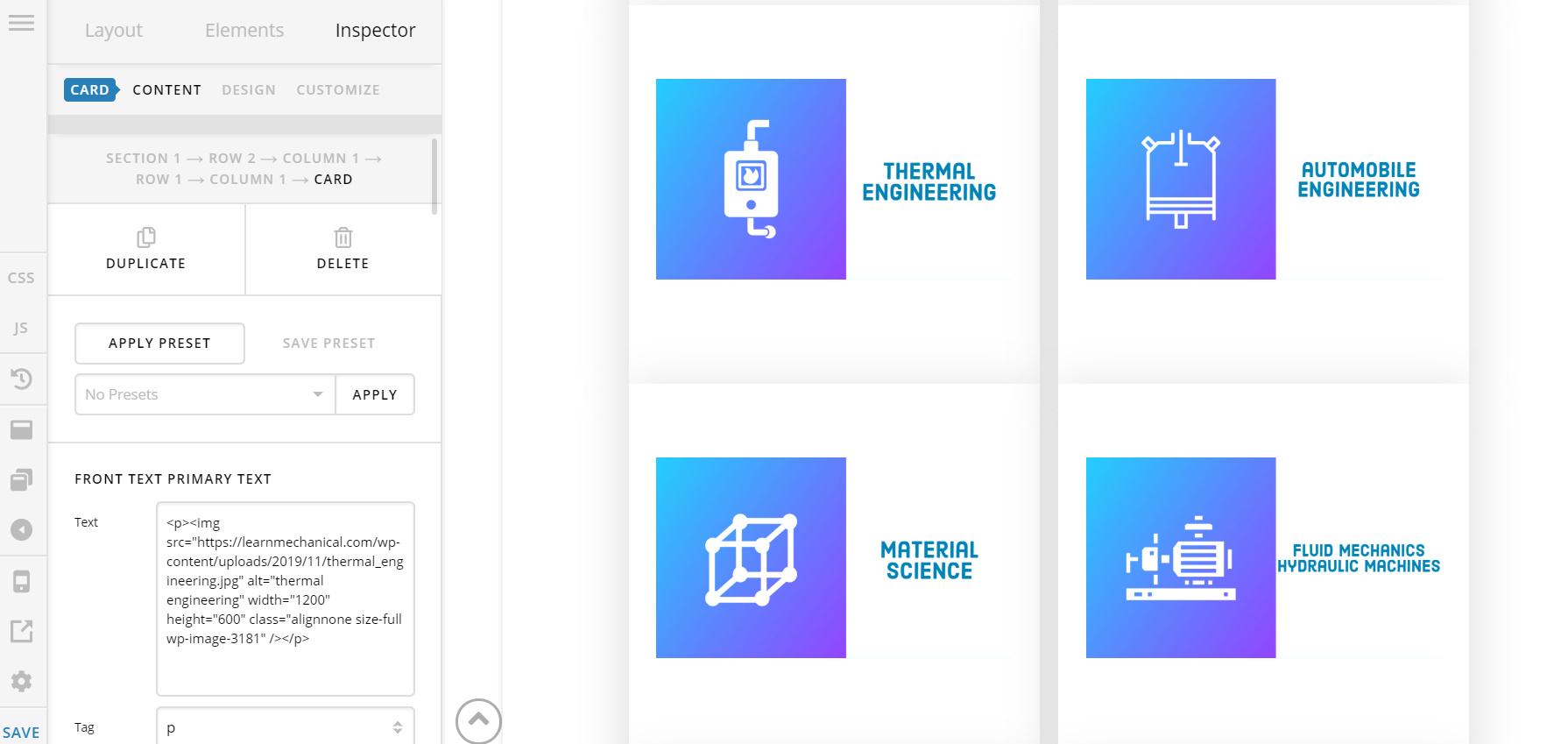
Here you can see there is an extra gap, can you tell me how can I reduce these gaps?
Here you can see there is an extra gap, can you tell me how can I reduce these gaps?
Hey Saswata,
Are you referring to the space inside the card? Please refer to the screenshot below.
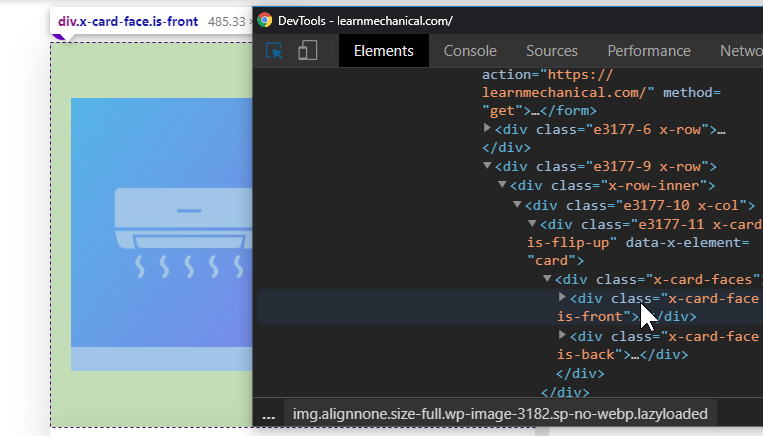
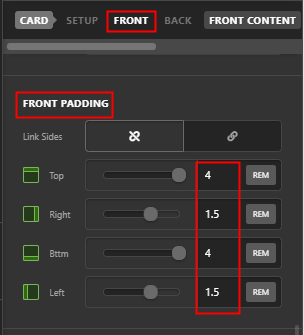
That’s the Front Padding. Click on Front in the Card element’s navigation and scroll to Front Padding and modify the side padding values.
Hope that helps.
Hello @christian_y by the I don’t see that padding element.
Hey Saswata,
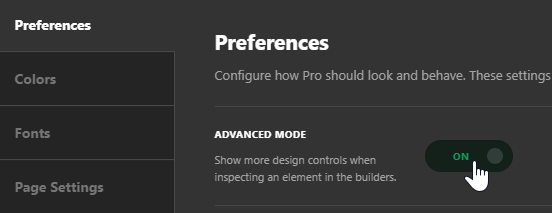
Please enable Advanced Mode under Preferences. Click on the gear icon above the save button to access Preferences. The option I showed you should be available after Advanced Mode is enabled.

Hope that helps.
This topic was automatically closed 10 days after the last reply. New replies are no longer allowed.