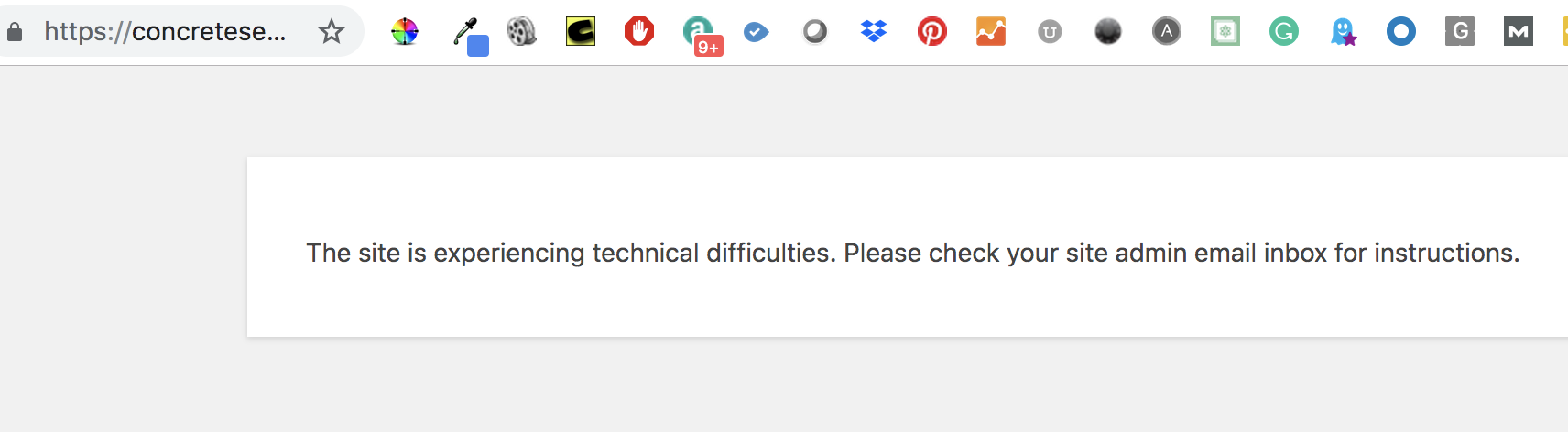
HI I’m gettting a fatal error and I can only edit my site via cornerstone not via traditional wp edit page.
PHP Fatal error: Uncaught Error: Call to undefined function x_add_meta_box() in /nas/content/live/concretesensor/wp-content/themes/x-child/functions.php:80\nStack trace:\n#0 [internal function]: add_is_featured_post(‘page’)\n#1 /nas/content/live/concretesensor/wp-includes/class-wp-hook.php(288): call_user_func_array(‘add_is_featured…’, Array)\n#2 /nas/content/live/concretesensor/wp-includes/class-wp-hook.php(310): WP_Hook->apply_filters(NULL, Array)\n#3 /nas/content/live/concretesensor/wp-includes/plugin.php(465): WP_Hook->do_action(Array)\n#4 /nas/content/live/concretesensor/wp-admin/includes/meta-boxes.php(1526): do_action(‘add_meta_boxes’, ‘page’, Object(WP_Post))\n#5 /nas/content/live/concretesensor/wp-admin/edit-form-blocks.php(357): register_and_do_post_meta_boxes(Object(WP_Post))\n#6 /nas/content/live/concretesensor/wp-admin/post.php(178): include(’/nas/content/li…’)\n#7 {main}\n thrown in /nas/content/live/concretesensor/wp-content/themes/x-child/functions.php on line 80
this is what i see.
i had updated all the plugins and wp and theme no help. This is issue started before the wp update and possily with the X theme update.
any help would be greatly appreciated as this is live site, we just launched.
thanks