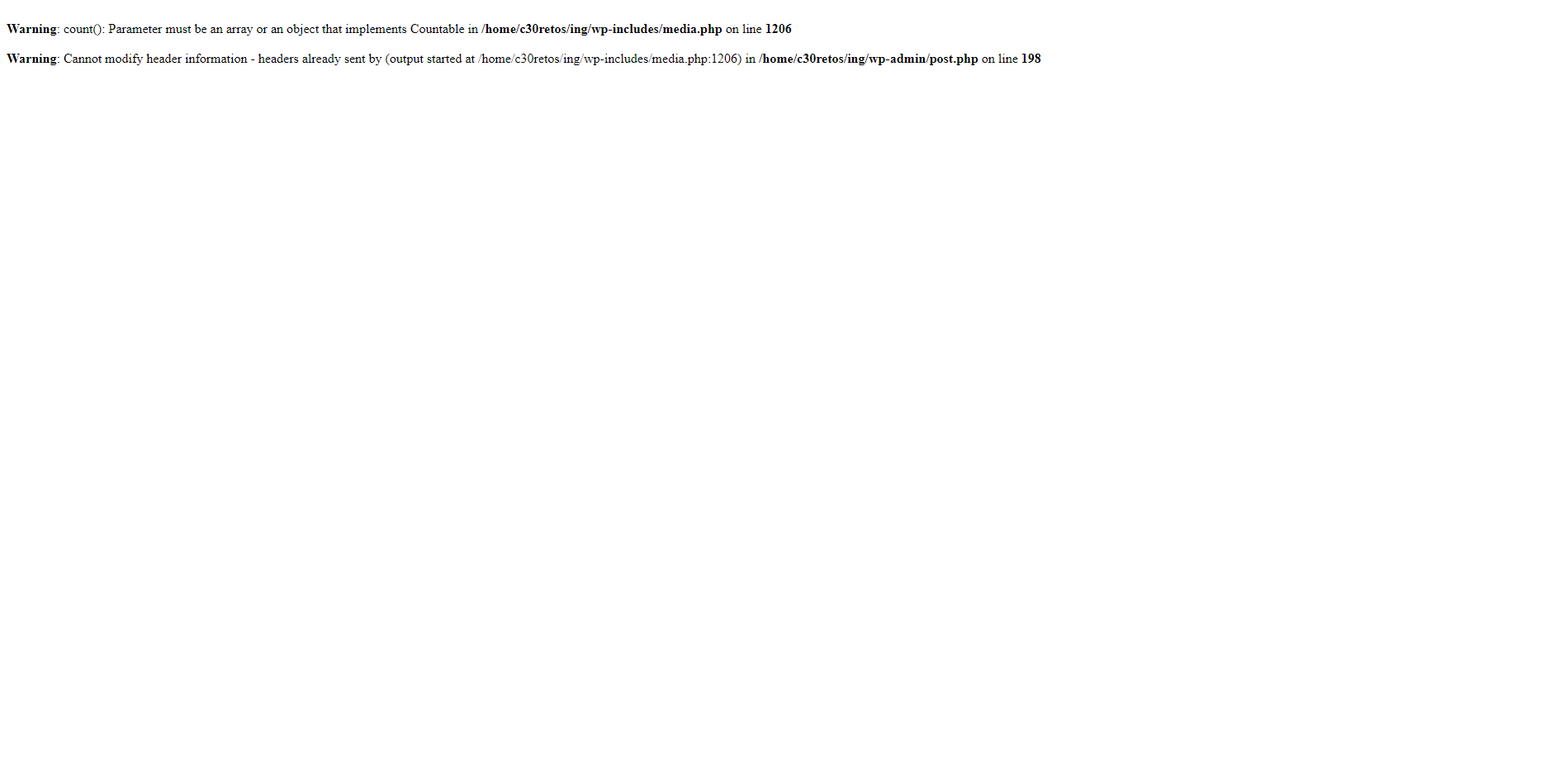
PHP 7.2.2 warning with media.php

Hi,
I just upgraded my site to PHP 7.2.2 and ever since I get this warning (see image below). Now, I know I can disable warnings by adding some code to my wp-config.php, but I don’t think disabling all warnings is a good practice at all. Warnings are there for a reason, so not getting any notification on them could end up in something way worse.

So can you please help me on fixing this issue?
Site URL: https://ing.desarrollo.site/blog/
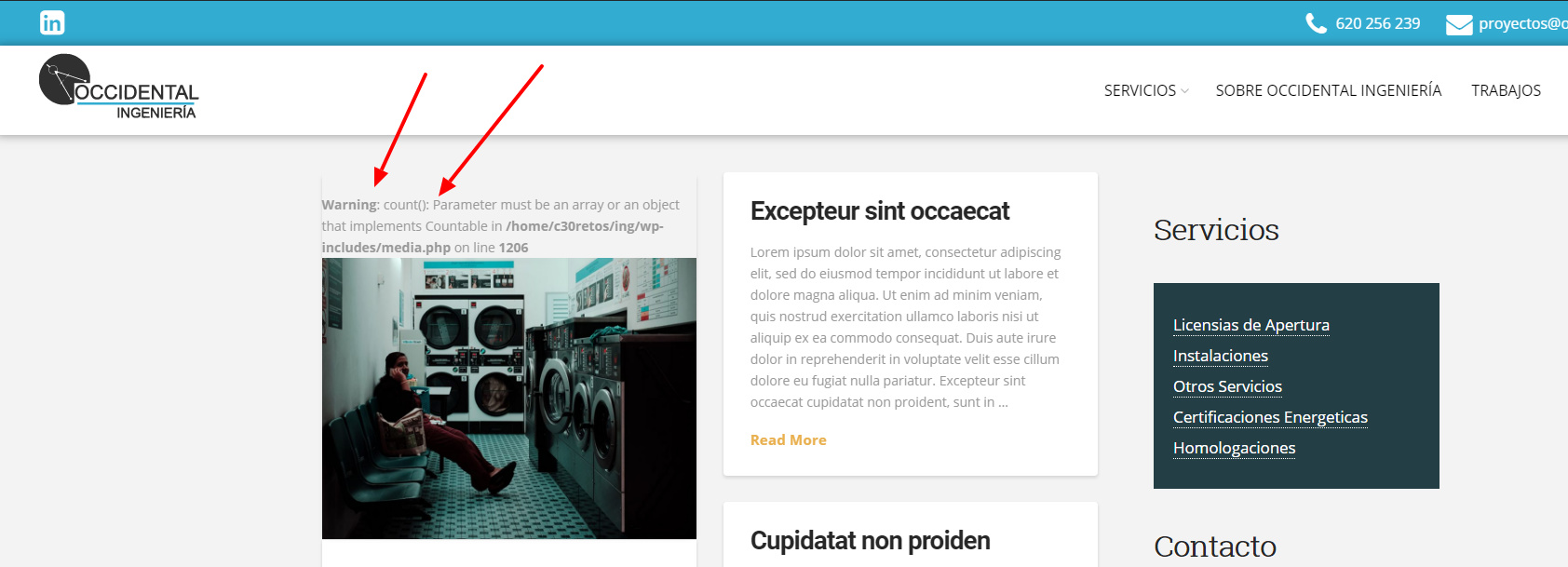
Ok, I just found out that the situation is way worse. If I try to add a featured image to one those posts that doesn’t have one and click Update I get this White Screen with these two warnings (see image below). This is unbearable.
Please do have a look at it. You can try and replicate the error this is just a development site. Thank you

Hi There,

Thanks for writing in! PHP 7.2.x released very recently so some functionalities aren’t applicable, depreciated or conflicts with X theme and there are no script updates to match that version as of yet.

We do recommend to use PHP v7.1.x or something like v5.6.x or higher version as we have tested.

Thanks for understanding.

PHP 7.2.0 was released on 30 nov 2017. Not that recently…

Hello There,

WordPress requirements states that it recommends PHP version 7.2 or greater which can be found here: https://wordpress.org/about/requirements/

You are seeing a PHP Warning message. This warning came from the core WordPress files. Usually when the variable is unset or null, it returns the warning message. Somehow, it is related to this issues:
https://core.trac.wordpress.org/ticket/42860
https://core.trac.wordpress.org/ticket/42814

According to the milestone, it will be resolved in WordPress 4.9.5

Hope this explains it briefly.

This topic was automatically closed 10 days after the last reply. New replies are no longer allowed.