Phantom picture that only appears on mobile phone

Hello,

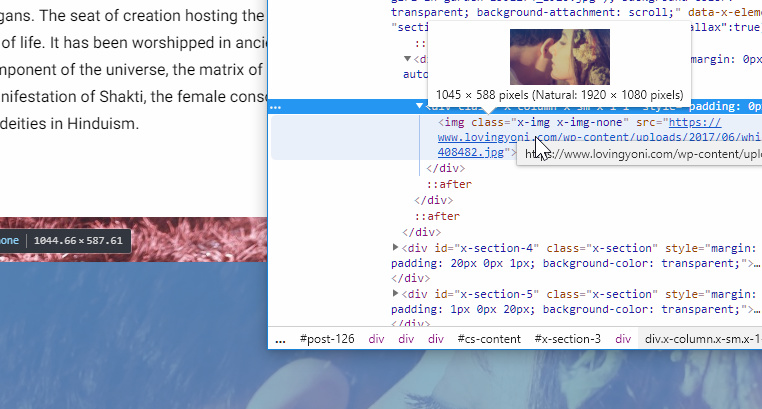
I have this strange phantom picture that overlaps a parallax image on one of my pages. It only does it on mobile but not when I shrink my desktop down to mobile, only with a mobile phone. I’ve cleared the cache on my desktop and my phone but it doesn’t seem to help. I can’t even find the code for the picture when I view source.

Here is a screen shot from the image on my mobile phone.

The woman laying in the flowers is the image I want, not the overlapping image.

Is there a way to resolve this? I feel like I’m overlooking something simple.

Thank you!

Hello There,

Thanks for writing in! The image could be coming from one of the columns inside the section with a parallax background. Please edit the [age back in Cornerstone and remove the image.

If nothing helps, please provide us access so that we can remove it for you.

Regards.

Hello,

I removed the image from the column that was being replicated and now another image appears overlapping the parallax. I also tried removing the parallax image and still some image from above is replicated and placed over where the parallax would be.

I will send you my login credentials in a private message.

Thanks!

Hey @shraderg,

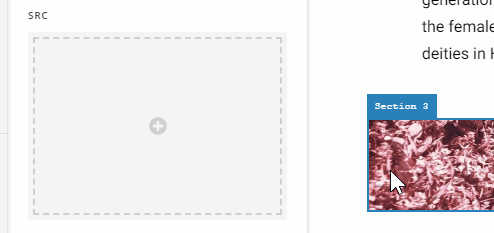
You have not set an image in that section with parallax background. Please set an image in the Image element or replace that with a Gap element to fill the space of the section.

Some browsers are filling that with the available image in the page.

Please give us the URL of the page with issue next time to save us some time finding it.

Thank you and hope that helps.

Ahhhh awesome thank you very much! And yes I will include the url next time I come across an issue I can’t figure out.

Thank you!!!

You’re welcome!
We’re glad Christian were able to help you out.

This topic was automatically closed 10 days after the last reply. New replies are no longer allowed.