-
When I am using an image as a background for a section (in my case it’s a parallax), and when inside of the section there is nothing else, on the page when viewing the image is cut. It’s not full. How can I make sure it shows the whole image?
-
Is there a way to change fonts across the board or for any specific elements?
-
Cards: It’s not clear how to change the Headline to bold, for example or change the font type.
-
Where can i find the shapes? (round for social media for instance? how do they overlap? (the social media icon and the shape)
-
And apparently there is one more issue: when Cornerstone is switched on, my “news” section slider on the top, as well as the “top articles” slider at the bottom just disappear. There is some sort of conflict, I suppose. Could you pls help?
Hi There,
1 - In order to get the parallax effect your image will be cut a bit because it is zoomed. Can you provide your URL and point the specific section so we can understand the problem in detail?
2- You will set the general font settings of your Theme On X | Theme Options
3 - Hi There, this settings could be achieve via CSS as it is not a built in functionality.
You can add the following CSS to Cornerstone CSS and adjust according to your wishes:
.x-face-title {

    font-weight: bold;
    font-family: "Times New Roman", Georgia, Serif;
}
4- Hi There, if you are referring to the circle behind the social media icons those are CSS backgrounds, please provide your URL and let us know in detail what you are trying to achieve so we can guide you.
5- Please provide your URL so we can take a closer look and if possible provide a screenshot of the the issue.
Thank you
Hi,
So regarding issue 5 - I have changed some settings of my caching plugin and it is now working fine.
Other issues:
-
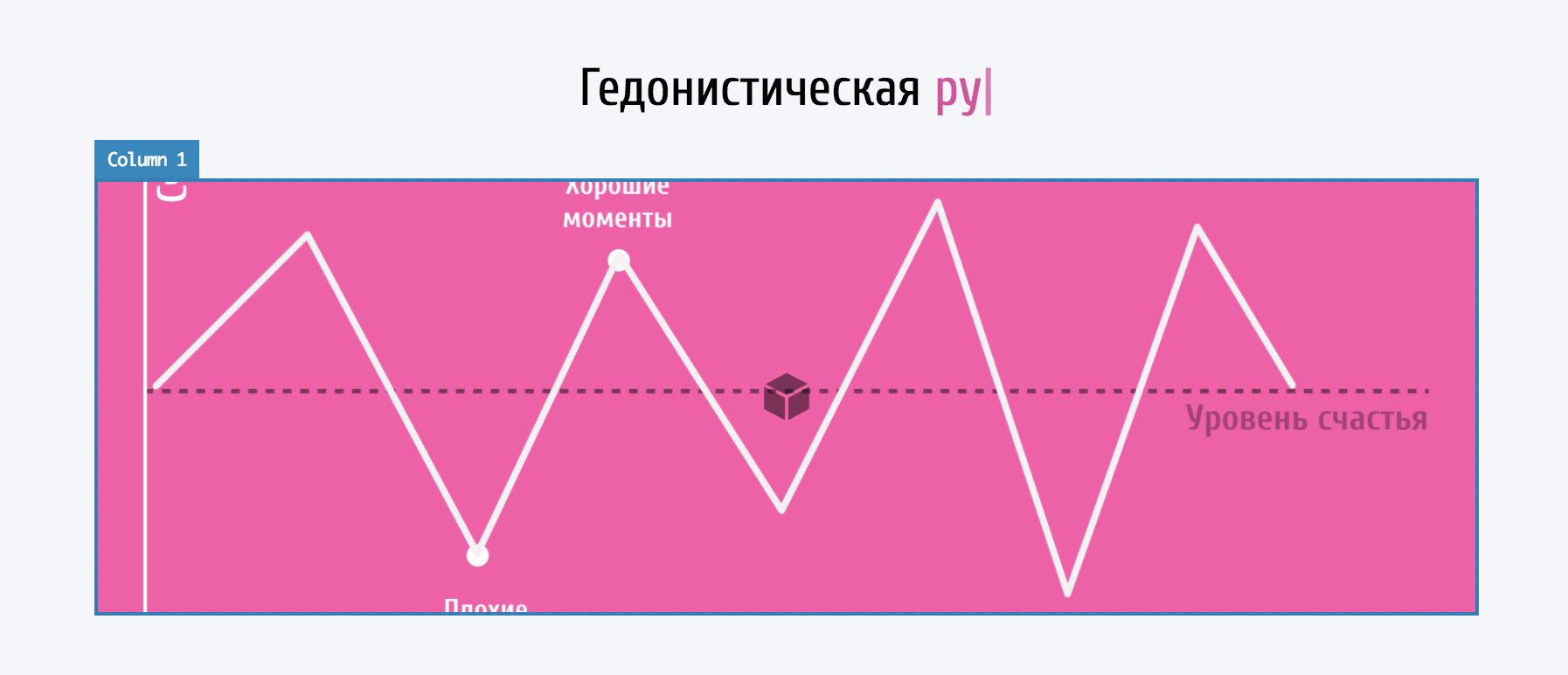
Parallax - if you can look at the screenshot pls. I created parallax in the column, added lower and upper layers, and the real image size is much wider. The question is: how to make that narrow window wider? maybe not like the picture, but close? Is that possible?
-
I am not using Theme X, just the cornerstone plugin

-
Could you provide a sample code I could use in the CSS of Cornerstone pls?
-
Couldn’t attach a screenshot of the shapes I want (from your demo) but here is the link to your demo https://theme.co/cornerstone/elements/ and I am talking about the section (in red) which says “Custom Shapes”
Hi There,
1 - As Requested please provide your URL so we can take a closer look.
2 - If you are using the classic elements, on the bottom of each element you will find the style box, you can add:
font-family: "Times New Roman", Georgia, Serif;
If you are using the V2 Elements you will find the customize tab which will have the inline CSS box, which you can add the same code above with the correct font of course.
3 - The code was provided on the previews reply, please clarify what you did not understand.
4- Those are feature boxes, they allow you to use images, so you can use images insead of icons.
Hope it helps
This topic was automatically closed 10 days after the last reply. New replies are no longer allowed.