Page not loading in Cornerstone Editor

Hi, I’m working on the site michaelpritsker.com, which is using Wordpress 4.9.9, X theme version 6.1.6, and Cornerstone version 3.4.6.

When I try to edit the home page using cornerstone, the page doesn’t load and I cannot edit anything. The only thing i see when I try to edit the page with cornerstone is this image: https://screencast.com/t/aFriUQdIoTRk

How do I fix this?

On a staging site, I’ve updated x theme and cornerstone to their latest versions, yet I’m still running into the same problem. Please advise.
Hi there,

Please remember to clear all caches when updating so that the code from the latest release is always in use. This will help you to avoid any potential errors or any unexpected display issue on the site.

If the issue persists, try testing for a plugin conflict. You can do this by deactivating all third party plugins, and seeing if the problem remains. If it’s fixed, you’ll know a plugin caused the problem, and you can narrow down which one by reactivating them one at a time.

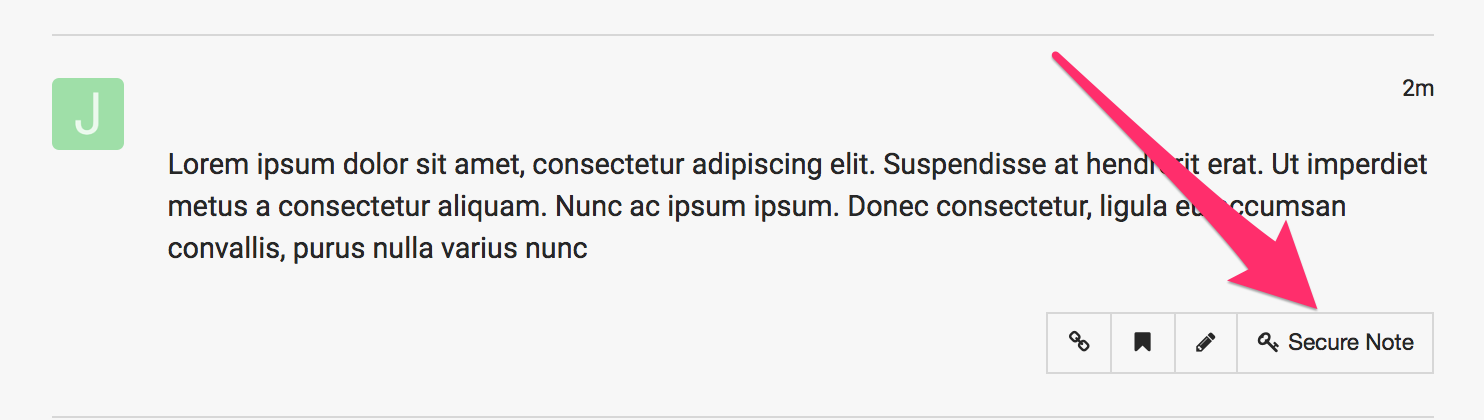
In case you are still getting the issue, please provide us with the admin access to your staging site in a Secure Note:

This topic was automatically closed 10 days after the last reply. New replies are no longer allowed.